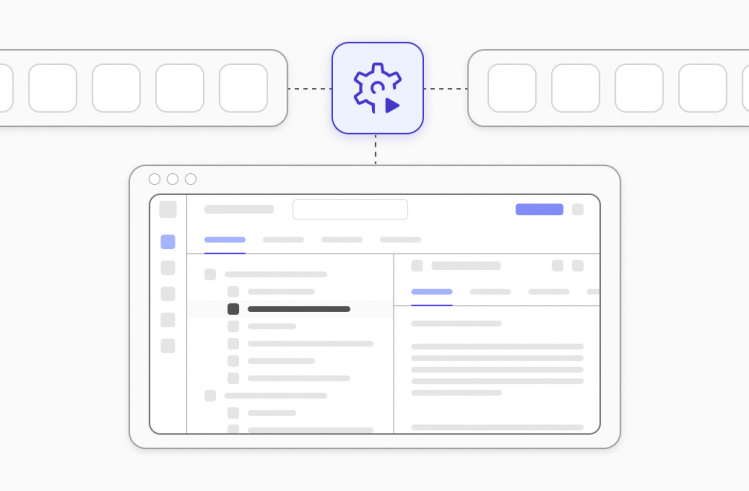




The current practice of using external data and tools for AI model testing and development brings substantial benefits, but the need for custom system connections leads to major problems with system expansion capabilities. Thanks to the Model Context Protocol (MCP), you can establish a standardized client-server framework to enable LLMs to connect with external systems through a single interface. Thus, it enables users to access AI tools across different platforms through an easy-to-use framework which operates as a single unified system and removes the need for custom-built solutions.
What is the Model Context Protocol (MCP)?
The Model Context Protocol is a protocol for AI language models, often referred to as large language models (LLMs), that standardizes how they interact with the outside world. This interaction most often involves performing actions like sending emails, writing and executing code, making API requests, browsing the web, and much more.
Why MCP matters for AI/LLM integrations
While modern LLMs are used as effective solutions because they excel at reasoning tasks and generating excellent summaries and new content, there are also some limitations in their usage:
- They don’t have direct access to your systems.
- They produce false data when they lack current information or when relevant data is absent.
- The integration process requires developers to create custom solutions which lack standardization and produce different results.
Developers used to handle this problem through the creation of specific glue code, which included custom APIs, prompt engineering methods and tool-dependent programming logic. This approach produces positive results at first, but it fails to maintain effectiveness when operations grow. As applications grow, teams face:
- Fragile integrations.
- Security risks.
- Duplicated logic.
- Difficult maintenance.
That is why MCP (Model Context Protocol) exists to solve the main problem which modern AI systems face when trying to establish trustworthy links between LLMs, their associated tools, data sources, and services. The MCP provides a stable interface between models and external capabilities through its defined standardized interface, which replaces both prompt-based instructions and custom integration methods. In simple terms, MCP can do the following:
- Present tools, data sources, and actions through a standardized format which machines can understand.
- Allow models to obtain their structured context through specific requests instead of using unstructured text, which might lead to incorrect interpretations.
- Maintain separate domains for model reasoning and system execution: the LLM to determine actions, while the system handles their execution.
So, instead of meeting the requirement to place business rules within the prompt structure, MCP reveals logic as a set of well-defined, reusable capabilities that the model can execute safely during specific operations.
Testomat.io MCP Server
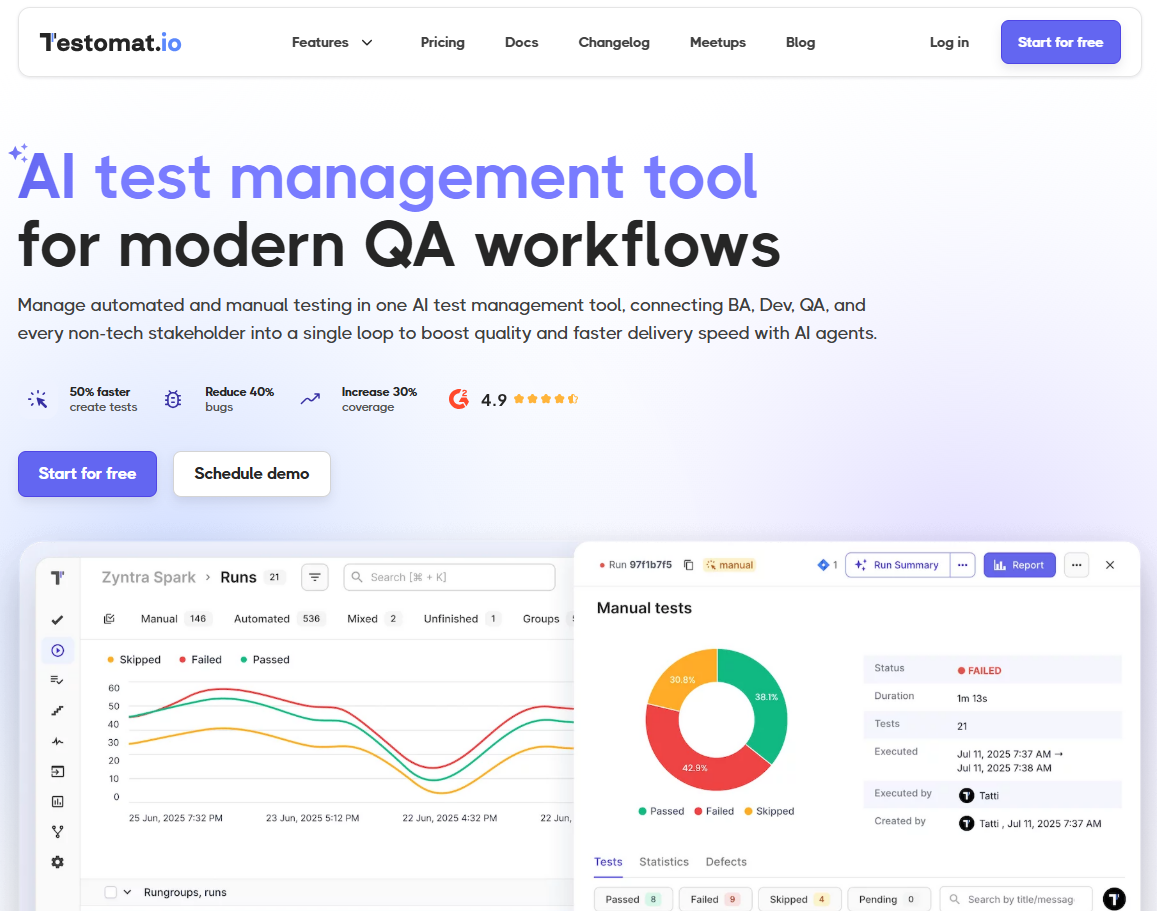
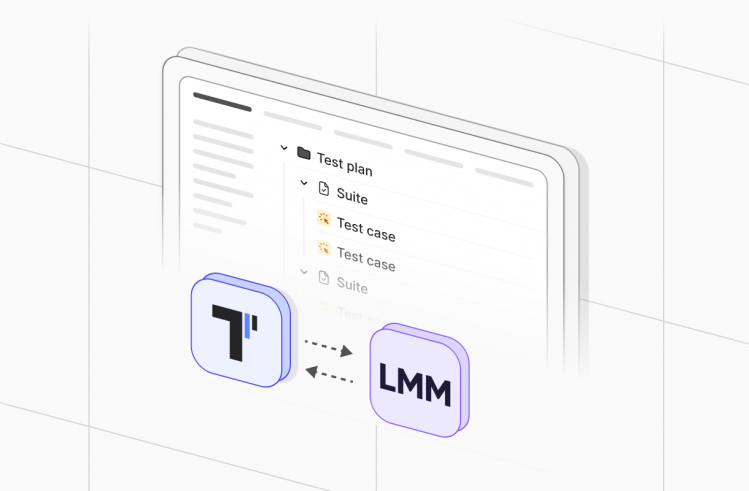
The Testomat.io MCP Server represents a fully operational Model Context Protocol system, enabling AI assistants to link with the Testomat.io test management platform. LLMs like Claude can access test cases, suites, runs and plans through structured tools which convert Testomat.io API into protected AI-executable capabilities for test automation. The Testomat.io MCP Server provides QAs with an extensive collection of tools to do the following:
- Fetching and searching tests, suites, and runs with advanced filters (tags, labels, priority).
- Creating and updating test cases and suites.
- Organizing test hierarchies for structured project management.
- Retrieving execution results for analysis and reporting.
With Testomat.io MCP Server, you can speed up QA operations through its ability to generate test suites with AI help, run automated regression tests, and connect to CI/CD pipelines, which boosts productivity, maintains accuracy, and simplifies QA workflows through AI implementation. While Testomat.io Model Context Protocol simplifies test management workflows, Python can also be considered as the preferred choice for MCP server development because it offers flexible development and supports seamless integration with current systems and tools.
The MCP server can be started using command line arguments or environment variables:
Using Command Line Arguments
# Using short flags
npx @testomatio/mcp -t testomat_YOUR_TOKEN_HERE -p your-project-id

# Using long flags
npx @testomatio/mcp --token testomat_YOUR_TOKEN_HERE --project your-project-id

# With custom base URL
npx @testomatio/mcp --token testomat_YOUR_TOKEN_HERE --project your-project-id --base-url https://your-instance.testomat.io
Using Environment Variables
# Set environment variables
export TESTOMATIO_API_TOKEN=testomat_YOUR_TOKEN_HERE
export TESTOMATIO_BASE_URL=https://app.testomat.io  # Optional, defaults to https://app.testomat.io

# Run with project ID
npx @testomatio/mcp --project your-project-id

# Or run directly with environment variables
TESTOMATIO_API_TOKEN=testomat_YOUR_TOKEN_HERE npx @testomatio/mcp --project your-project-id
Getting Your API Token
- Go to Testomat.io
- Navigate to user tokens https://app.testomat.io/account/access_tokens
- Create and copy General API token (starts with
testomat_)
Getting Your Project ID
Your project ID can be found in the URL when you’re viewing your project:
https://app.testomat.io/projects/YOUR_PROJECT_IDWhen and why you need a Python MCP server
A Python-based MCP server becomes necessary when AI systems progress from basic tasks to handling actual data, business logic, and service interactions.
When You Need a Python MCP Server
You should consider implementing a Python MCP server when:
- Your LLM requires access to real-time or confidential information, including database systems, internal application programming interfaces, and operational performance data.
- Your application depends on tools which users utilize for performing searches, calculations, and system queries.
- Your multiple AI agents are involved, and you need to avoid fragmented logic, reduce errors, and maintain predictable behavior across every agent and model.
- Security, governance, and auditing functions remain essential for your organization operating in enterprise settings and following regulatory requirements.
The implementation of ad-hoc integrations might result in systems which develop instability and become difficult to manage. That is why MCP provides a standardized system which scales to match your growing system requirements.
Why Python Is the Right Choice
Python provides multiple reasons which make it an ideal choice for MCP server implementation.
- It controls the entire AI and ML system framework.
- It provides simple integration capabilities with data pipelines, APIs, and backend services.
- It provides developers with mature frameworks, including FastAPI, which enables them to create powerful asynchronous service applications.
- It operates with standard knowledge, which simplifies both system upkeep and new user integration processes.
MCP Server Architecture in Python
The Model Context Protocol (MCP) is built around the idea of giving LLMs structured, reliable access to external capabilities without giving them direct control over systems. MCP achieves this by defining a small set of core concepts that standardize how models interact with the outside world.
MCP Basics and Core Concepts
With tools, LLM can access individual reusable functions which enable external system interaction and specific task execution. Models use a defined method to access functions in a controlled way instead of using unstructured free-form instructions in prompts. A well-designed MCP tool includes:
- The model requires a specific name and detailed description to select the appropriate capability.
- It requires a strict input schema to verify that all necessary parameters exist with proper data types.
- It needs to generate output data in a consistent pattern because this enables model developers to understand results effectively for future model usage.
Resources
Resources function as read-only environments which enable LLMs to understand tasks and situations better while preventing operational risks from occurring. They neither execute operations nor modify system conditions. Their main function is to deliver dependable background information which enhances the model’s reasoning quality and precision.
The following resources make up the main categories of MCP resources:
- Files and documents which contain policies, reports and manuals and specifications.
- Knowledge bases which include FAQs, together with product documentation and curated domain knowledge.
- Configuration or reference data, which includes system settings and lookup tables, and business rules.
The read-only nature of resources provides users with maximum protection because they cannot be modified or changed. LLMs accept this data without any risk of producing unexpected system responses to establish context, which enables them to generate responses that match organizational standards while being both accurate and consistent.
Prompts
Large Language Models operate under predefined templates known as Prompts, which determine their tool and resource utilization within an MCP server environment. MCP prompts establish best practices through controlled templates, which users can access instead of performing ad-hoc prompt engineering or adding complex instructions to their input data. The implementation of prompts allows:
- Activate tools and resources at a specific time to help the model choose the right functionality.
- Apply specific guidelines which include the correct sequence of tool usage, their required dependencies, and projected results.
- Interpret properly to enable the correct usage of outputs during subsequent reasoning processes.
How MCP servers work with LLMs
The MCP server operates as a managed interface which connects Large Language Models to outside systems. It prevents the model from performing direct API calls, database access and code execution because it maintains separate responsibilities for the LLM and MCP server. The standard process of MCP-driven interaction consists of a defined step-by-step procedure:
- User request. The system activation begins when users enter their queries or instructions into AI-powered interfaces. The request spans from basic inquiries to labor-intensive tasks which need access to data, analytics, and system communication.
- Model reasoning. The LLM processes the received request through predefined MCP prompts, which it uses for analysis. The model follows those prompts to perform its reasoning tasks while maintaining uniform responses in all its dialogues. The system provides you with three main functions: define the task scope and objectives, apply business rules and constraints, determine which tools, resources, and actions need to be implemented.
- MCP request. LLM generates a request for MCP through its structured request process. The model activates a structured MCP request when it decides that external interaction becomes essential. It chooses the capability based on the instructions it gets from the prompts:
- A tool to retrieve/process data.
- A resource to provide read-only access to context information.
- A specific action for its execution.
LLMs also need all requests to follow a defined structure, which serves both purposes of maintaining clear communication and protecting user information.
- Server-side validation and execution. The MCP server receives the request before it performs schema validation according to established criteria. It is essential to note that security controls, permission checks, and execution rules must be met before any logical operations can proceed.
- Structured response. LLMs produce execution results which appear in a structured format that machines can understand. It enables them to process confirmed information, which results in producing accurate answers for the users.
How to build an MCP server in Python
Developers can create MCP servers through modern high-level frameworks, which have made the development process much easier. The recommended industry solution for protocol implementation involves using FastMCP, which provides a Python SDK that simplifies MCP development through its user-friendly interface.
Initialize the Instance
You need to create the central server instance to register tools, resources, and prompts. For example, FastMCP allows you to organize and manage your server’s capabilities, making it ready to handle requests from an LLM.
Define Your Tools
The @mcp.tool() decorator enables you to transform Python functions into callable capabilities, so that LLM can understand exactly what inputs are required and what outputs to expect.
Define Resources and Prompts
With FastMCP, users can access tools, resources, and prompts. The combination of these elements establishes the necessary context and direction while preventing any risks that might occur during execution. You can define a resource by decorating a function with @mcp.resource, providing a unique URI.
Select a Transport Protocol and Run the Server
FastMCP enables users to select between different transport methods, which depend on their current system environment:
- Standard I/O or WebSocket functions as the primary interface for developers who work on their systems during local development and testing phases.
- HTTP serves as the production deployment technology, which supports system expansion and multiple agent system interaction.
Once configured, you run the server through your chosen transport, either locally for testing or on a production host for live usage.
Debug, Observe, and Refine
The process requires both debugging techniques and observability methods to complete requests. The combination of MCP inspectors with standard Python debuggers and tracing frameworks enables you to monitor LLM interactions with your server, which simplifies the process of optimizing system behavior and maintaining system reliability.
Integrating the MCP Server with LLM clients
After building your MCP server, you need to connect it with LLM clients so they can safely leverage tools, resources, and prompts.
- Register MCP capabilities. The LLM needs to understand which tools, resources, and prompts exist, together with their input/output specifications and operational limits.
- Establish communication. The client system needs to generate MCP requests that follow strict schema rules to achieve both predictable and safe results.
- Validate requests. You need to return results in a structured, machine-readable format, which enables the LLM to perform accurate reasoning while avoiding any wrong data interpretations.
- Process responses. You need to provide equal functionality to all clients, monitor system usage for audit purposes, and handle software updates, so that your MCP server can scale properly when you introduce additional models or agents.
- Track and update. The team needs to monitor traffic, solve issues, and update their prompts to enhance model accuracy.
Bottom Line
The process of developing an AI-based model from its initial demonstration stage into a fundamental business solution requires more than improved prompt development. It needs an architecture that safely connects AI models to your systems. A Python MCP server provides this bridge, giving AI the controlled access to tools, data, and actions while keeping sensitive operations secure. If you need more information about the MCP server implementation, do not hesitate to contact our specialists for more details.