AI testing tool
A next-generation platform that unifies manual and automated testing with powerful AI. Create, optimize, and execute complex testing workflows with ease.
Trusted by over 500 forward-thinking companies

Benefits of AI-powered testing tools
Faster delivery
Automate routine tasks and speed up release cycles.
Higher coverage
Find more bugs and edge cases with AI-driven tests.
Smarter decisions
Data-driven insights help you prioritize and mitigate risks.
Reduced maintenance
Keep test suites optimized with built-in AI features.
Collaboration simplified
Align teams with BDD and improve communication flow.
Testomat.io AI-driven features
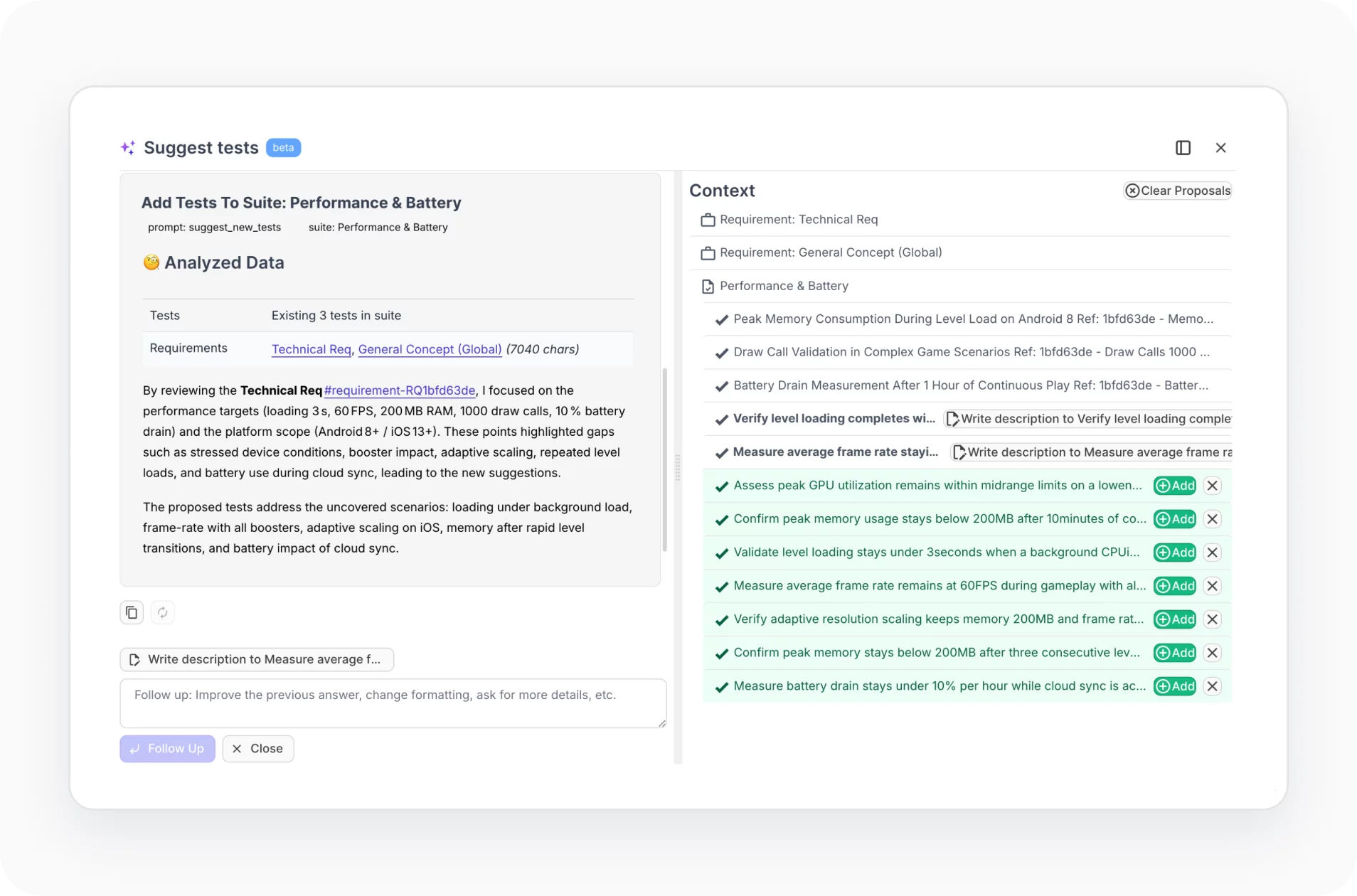
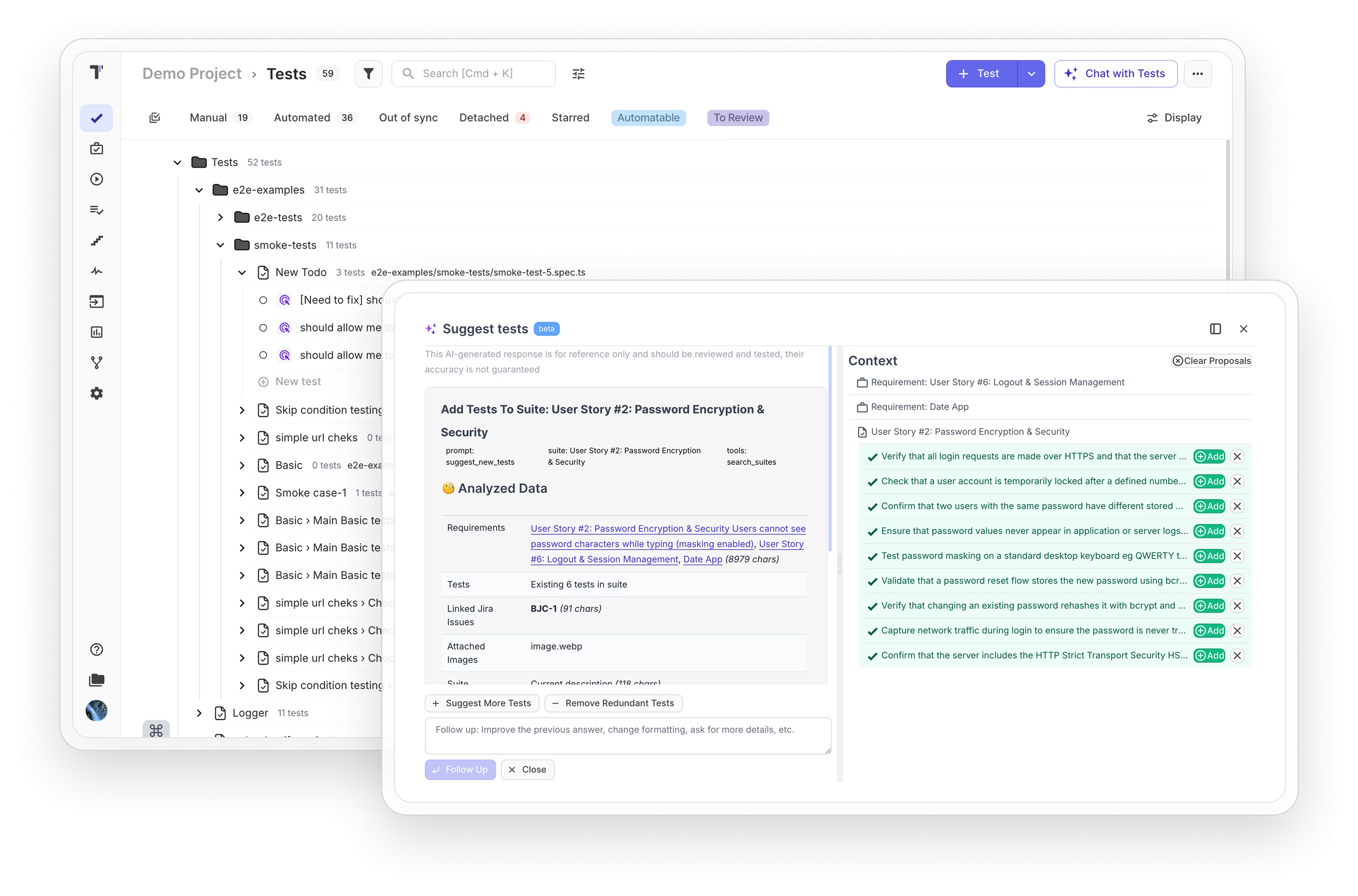
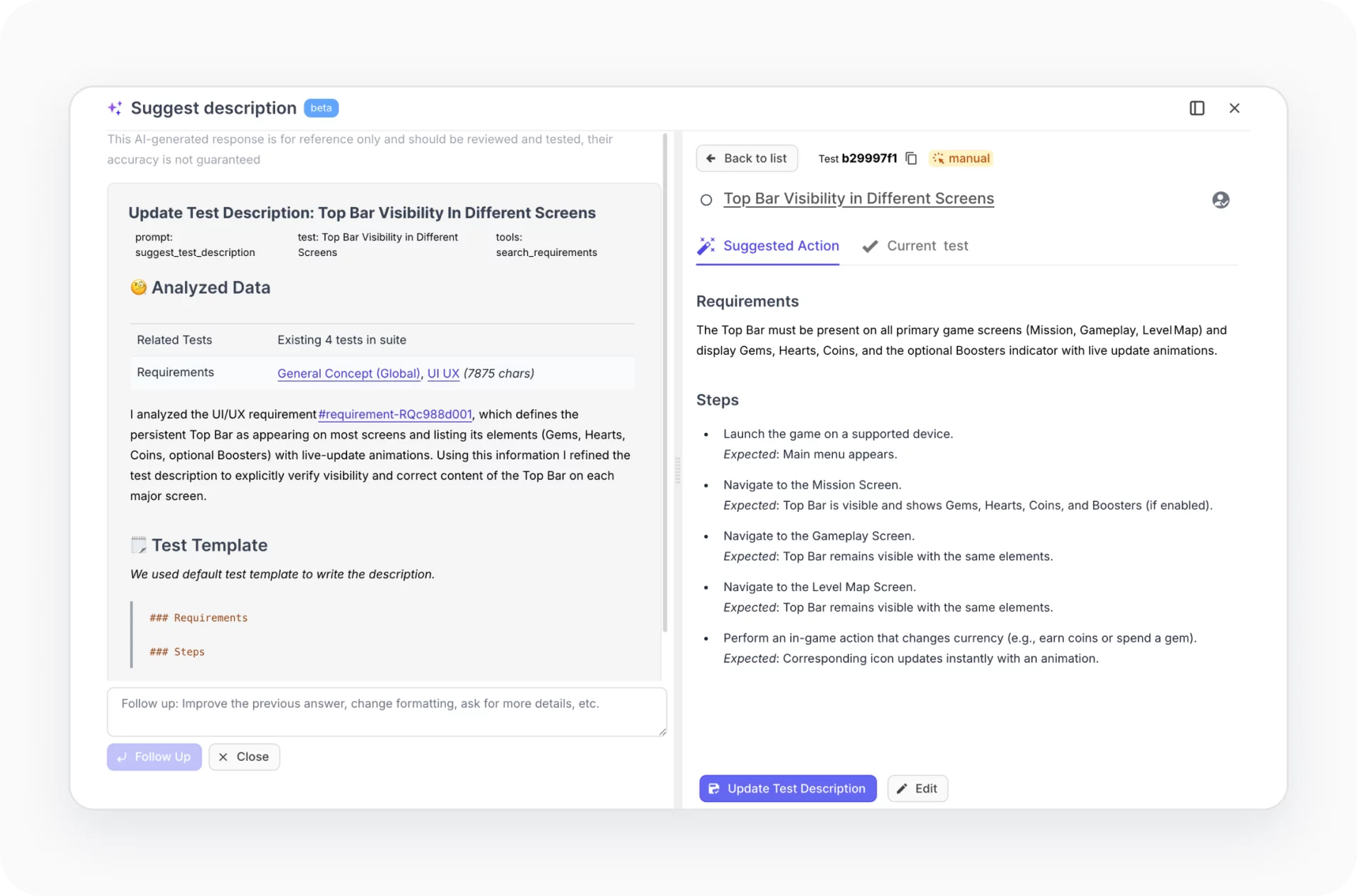
AI test improvements & test suggestions
Let AI review and enhance your tests. Get intelligent suggestions for missing cases, optimizations, and edge scenarios, keeping your test suite robust and up to date.
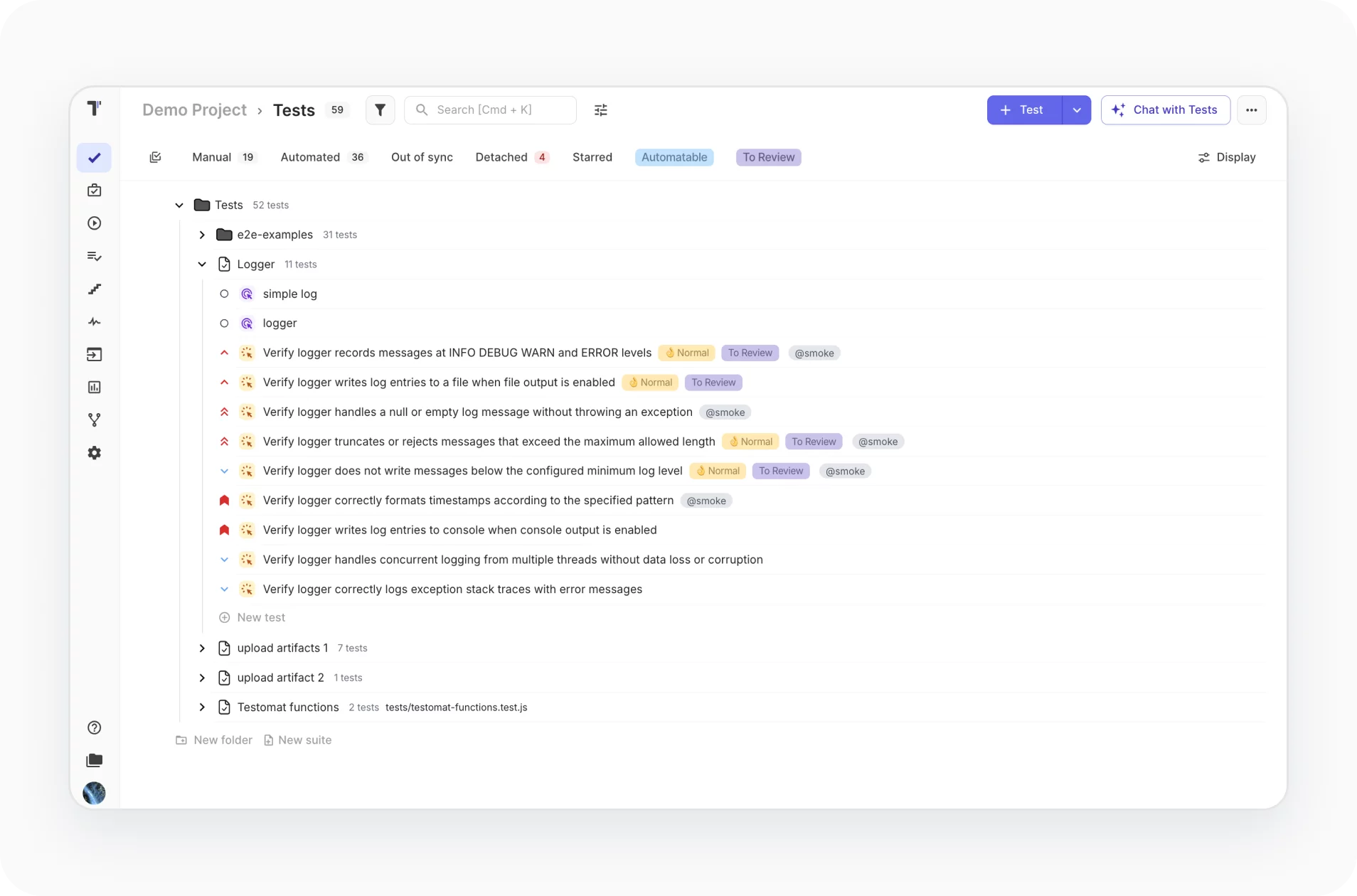
AI test management
Simplify your testing workflow. Organize, prioritize, and maintain tests with AI-driven management that adapts to your project’s needs.
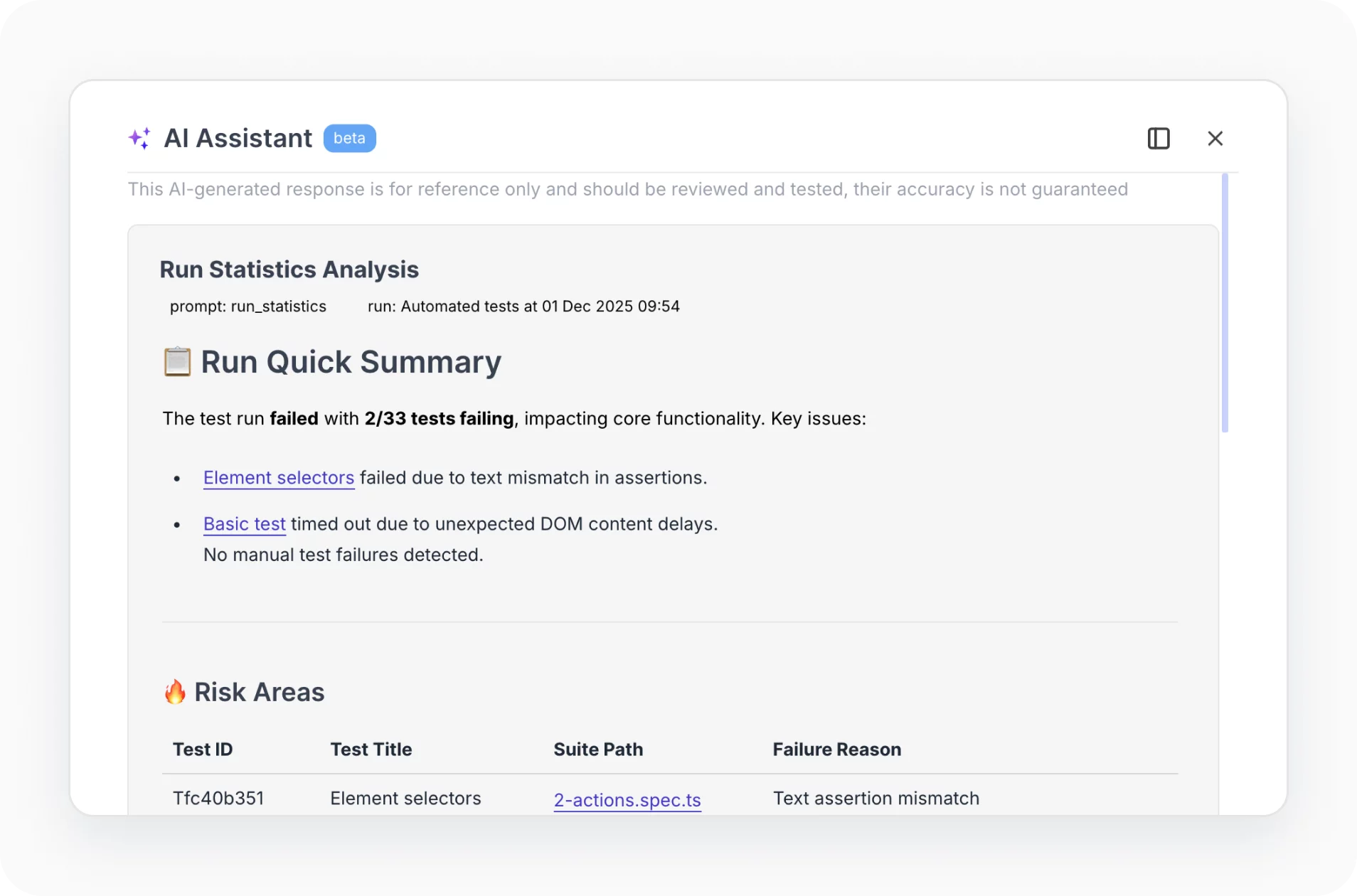
AI test reporting and analytics
Turn data into actionable insights. Track coverage, detect trends, and pinpoint risks faster with AI-powered reporting and analytics. Make every release smarter.
BDD support
Bridge the gap between business and development. Our platform fully supports Behavior-Driven Development, turning plain-language specifications into automated, reliable tests.
How AI can help?
Greater quality and confidence, even with limited time, resources, or growing complexity.
Startups & small teams
Organize testing process smoothly
AI helps structure test cases and workflows without extra overhead.
Faster test creation
Generate tests in minutes, reduce manual setup.
Achieve better results
Focus on high-impact testing and ship faster.
Mid-sized products
Tackle growing regression debt
AI highlights high-risk areas and prevents recurring bugs.
Manage flaky tests effectively
Detect and fix unreliable tests automatically.
Scale quality without scaling team
AI-assisted testing lets your team handle more without burnout.
Enterprises projects
Simplify massive-scale testing
AI ensures tests meet standards across complex setups.
Streamline coordination
Align teams and processes with AI-driven insights.
Optimize risk by 40–80%
AI predicts fragile areas and prioritizes fixes.
What clients says
Recent reviews
“Excellent customer support”
Customer support is always prompt and high-quality. It's also great to see that user feedback is considered when developing new features. The team makes an effort to provide overviews of new features and keeps users informed about the latest updates.
4/5
“The Best TMS for Our QA Team!”
Our 15-person QA team has used Testomat.io daily for over two years. After comparing tools like TestRail, it stood out in both features and pricing. It’s affordable yet powerful. Jenkins integration works seamlessly, even manual testers can run tests easily. The clean UI speeds onboarding, improves collaboration, and saves time. We’ve recommended it widely, and others love it too.
5/5
“Testomat.io makes daily testing so much easier”
I’ve used Testomat.io daily for over two years, and it’s the best TMS I’ve worked with. Compared to tools like TestRail, it offers more features at a better price. Jenkins integration is seamless, even for manual testers. The UI is clean and easy to learn. It speeds up workflows, improves transparency, and makes team collaboration much smoother.
5/5
“Very convenient platform for managing test cases”
The platform is convenient and intuitive to use. I’ve been using it long enough to say it’s very user-friendly. It’s clear that the team is constantly working on and improving the platform.
5/5
“Great tool for creating and managing manual test cases efficiently”
As a Manual QA, I use Testomat.io to create and manage test cases with ease. The interface is intuitive, making onboarding simple. Test plans, runs, and results are well-structured in one place. Tagging helps organize cases efficiently. AI features speed up test creation. It keeps workflows transparent, improves collaboration, and reduces routine work.
5/5
“Testomat.io has been a great tool for managing both automated and manual tests in one place”
I really like how easy it is to integrate with frameworks and CI/CD tools, and the real-time reports with screenshots and analytics save a lot of time. Overall, it makes collaboration in the team much smoother and keeps testing well-organized.
5/5
Coming soon
Advanced analytics expansion
Deeper insights into test runs, coverage, and trends. Clear metrics that help teams make confident decisions faster.
Expanded AI capabilities
Smarter AI across the entire test management workflow. From test analysis to optimization to reduce manual work and improve quality.
Exploratory testing support
Built-in session recording that captures your exploration. Document product behavior, log issues, and share insights instantly.
Integrations with work tools
Seamlessly coordinate business, dev, and QA teams. Upcoming integrations include Trello, Asana, ClickUp, and more.
Frequently asked questions
Is AI usage unlimited or capped?
AI usage in Testomat.io is limited based on your plan. Professional and Enterprise plans include AI features with defined quotas or tokens. Usage beyond these limits may require additional allocation or plan upgrades.
How does the AI know what to suggest?
AI generates suggestions based on your synced test cases and project context. Direct repository access is not strictly required, but syncing code or requirements improves relevance and accuracy.
The first trial period starts automatically with a sign-up. The second trial will start by clicking on the button Request trial.
At the end of the second trial period, advanced features will being disabled and you will be able to use the Free plan for as long as you need or make a subscription upgrade.
The first trial period starts automatically with a sign-up. The second trial will start by clicking on the button Request trial.
At the end of the second trial period, advanced features will being disabled and you will be able to use the Free plan for as long as you need or make a subscription upgrade.
How do I select a Plan suitable to my teams’ needs?
You might have a look at the detailed features description of each plan mentioned above and would make a decision based on the availability of a particular feature in the plan, user and project limits, security preferences according to your testing needs.
Are AI features available only on Enterprise plan or also on Professional plan?
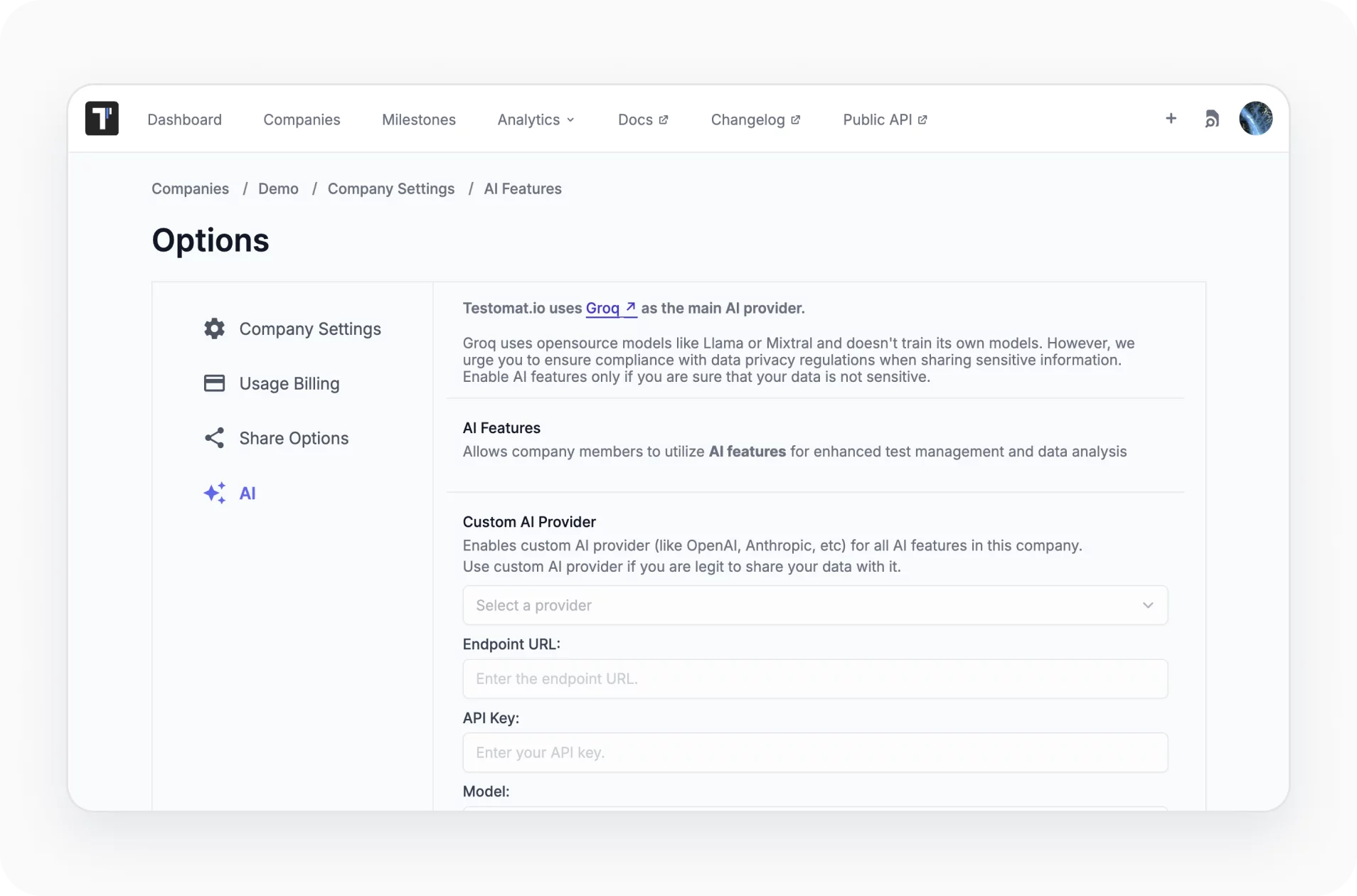
AI features are available in both plans. Professional includes essential AI tools like test generation and analytics. Enterprise builds on this with deeper customization, including custom AI providers and advanced integrations, giving larger teams more control over how AI fits into their workflows.