Your application works fine with 100 users. But what happens when 10,000 show up at once?
That’s the question scalability testing is designed to answer before real users find out the hard way. If you’re building software that needs to grow, scalability testing is one of the most important things you can do before a release.
This guide covers what it is, how it differs from related types of testing, which tools to use, and the best practices that make a scalability test actually useful.
What is scalability testing?
Scalability testing is a type of non-functional testing that evaluates how a software application performs as load increases. It measures whether the system can handle growing demand — more users, more data volume, more concurrent requests — without performance degrading past acceptable limits.
Where functional testing asks “does it work?”, scalability testing asks “does it still work when things get busy?” It’s one of the most important aspects of software testing for any product that expects real growth, because performance issues that only appear under load are nearly invisible during normal development. Testing is essential here precisely because no amount of manual code review catches the bottleneck that only surfaces at 5,000 concurrent sessions.
Scalability testing is a type of performance testing, but it has a specific focus: understanding the application’s performance ceiling and identifying at what point system performance starts to degrade. That makes it distinct from a simple load test, which typically validates behavior at a known expected level of traffic. Scalability testing measures how performance changes across a range of load conditions — that incremental view is what makes it useful for capacity planning and infrastructure decisions.
The importance of scalability testing becomes clear when you consider the cost of getting it wrong. A product launch that sends 50,000 concurrent users to a system designed for 5,000 doesn’t just create a bad user experience — it can take down the entire service. Scalability testing is crucial precisely because it’s one of the few ways to know your system’s real limits before users discover them.
Scalability testing vs load testing vs stress testing
These three terms appear together constantly in software testing literature, and they’re often confused. Here’s how they differ.
| Type | What it tests | Load level | Primary goal |
|---|---|---|---|
| Load testing | Behavior at expected peak load | Normal to anticipated peak | Validate performance under real-world conditions |
| Stress testing | Behavior beyond normal capacity | Above peak, to failure | Find the breaking point and recovery behavior |
| Scalability testing | How performance changes as load increases | Variable, incremental | Identify performance bottlenecks and scaling limits |
| Capacity testing | Maximum throughput before failure | Pushed to absolute limits | Define the ceiling for infrastructure planning |
Load testing verifies that your system handles its expected load. Stress testing pushes past that to see what breaks and how the system recovers. Scalability testing takes an incremental approach — you ramp load up in steps and track how performance metrics change at each level. Capacity testing is closely related to scalability testing, focused specifically on quantifying the maximum load a system can sustain.
In practice, performing scalability testing often incorporates load and stress testing elements. The difference is intent: scalability testing focuses on the shape of performance degradation, not just whether a system passes or fails at a fixed load level. Scalability testing also examines how well the system recovers after peak load drops — behavior that load and stress testing rarely cover in depth. Tools used across all three types often overlap, but the test scenarios, success criteria, and what you do with results differ significantly.
Key performance metrics to track
Effective scalability testing depends on tracking the right performance metrics. Measuring the wrong things — or too many things at once — makes it hard to identify performance bottlenecks clearly. Scalability testing measures system behavior across a range of load levels, so the metrics you track need to be consistent and comparable across every test run.
These are the key performance metrics to monitor during a scalability test:
- Response time is the most user-visible metric. As load increases, track how average and percentile response times change across different load conditions. A system where response time doubles when user load triples has a scalability issue even if it never crashes. The 95th and 99th percentile response times matter more than averages — averages hide the tail latency that degrades user experience for a significant portion of users. Scalability testing assesses both steady-state response time and how quickly it degrades under various load scenarios.
- Throughput measures how many requests the system processes per second. Scalability testing helps you understand at what point throughput stops increasing even as load grows — that’s where the system is saturated.
- CPU and memory utilization tell you which resource is constraining scale. A system where CPU hits 90% at 500 users has a very different problem than one where memory exhaustion causes failures at 2,000 users. Tracking CPU alongside response time helps you distinguish software bottlenecks from infrastructure limits.
- Error rate should stay near zero under normal load. When error rates climb as load increases, that’s a key signal that performance is degrading in ways that affect real users, not just speed.
- Database and I/O wait time often become the limiting factor in data-heavy applications. As data volume grows and concurrent queries multiply, database response times can dominate overall application response time.
Collecting these metrics systematically — and tracking them together across load scenarios — is what separates effective scalability testing from a glorified load test.
How to perform scalability testing
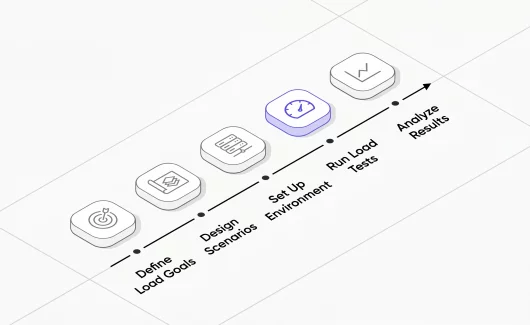
Performing scalability testing well requires a structured approach. Here’s a practical process:
- Define your scalability goals. Before writing a single test script, establish what “good enough” means. What response time is acceptable at 1,000 users? At 10,000? What’s your target throughput? Setting specific performance metrics targets upfront lets you evaluate results objectively rather than just staring at graphs.
- Set up a representative test environment. Your test environment needs to mirror production closely enough that results are meaningful. Testing on an environment with a fraction of production’s resources will produce misleading performance limits. This is one of the most common ways scalability testing produces wrong answers — the environment, not the application, becomes the bottleneck. Performance and scalability results are only as reliable as the environment you test in.
- Define your load scenarios. Scalability testing involves multiple load scenarios: a baseline at normal expected load, a ramp-up test that increases user load incrementally, a sustained high-load test, and a spike test that simulates sudden traffic bursts. Each scenario surfaces different types of scalability issues and tests the software’s ability to maintain performance under different conditions. Good test design techniques help ensure your load scenarios cover realistic user paths, not just synthetic hammering.
- Run tests and collect performance metrics. Execute each load scenario while collecting your defined metrics — response time, CPU, throughput, error rate, database wait time. Automated testing tools handle this continuously and export results for analysis. Tracking these against your software testing quality metrics baseline lets you see whether each release is better or worse than the last.
- Identify performance bottlenecks. Look for the points where metrics start to degrade non-linearly. A response time that stays flat from 100 to 1,000 users then doubles at 1,500 tells you something specific changes around 1,000 users. That’s your investigation target.
- Optimize and retest. Scalability testing is iterative. Once you identify bottlenecks and performance problems, fix them and run the same test scenarios again. Treat it as a cycle in your software development process, not a one-time checkbox.
- Document performance limits. The output of scalability testing isn’t just a pass/fail. A well-structured test report maps your system’s performance envelope — where it performs well, where it starts to degrade, and what the capacity ceiling looks like. That data feeds infrastructure planning and capacity decisions.
Best practices for scalability testing
These best practices apply whether you’re starting your first scalability test or refining an established testing process. Scalability testing is important as a continuous practice, not a one-time event — software scalability can regress with any significant code change, and it’s far cheaper to catch that early. The tools and best practices below reflect what teams doing effective scalability testing have found works at scale.
- Test early. Scalability testing is most valuable when it’s part of your regular software development lifecycle — just like testing in scrum. Performance issues baked deep into architecture are expensive to fix. Catching them early — when the codebase is smaller and options are open — costs far less.
- Use production-like data volume. Many performance issues only appear at realistic data volumes. A database query that runs in 20ms on a table with 10,000 rows may take 4 seconds on a table with 10 million rows. Scalability testing with unrealistically small data sets produces misleading results that don’t predict real-world behavior.
- Isolate variables. When you identify performance degradation, change one thing at a time before retesting. If you optimize the database query, the caching layer, and the connection pool simultaneously, you can’t tell which change made the difference — or whether one of them introduced a new problem.
- Monitor the full stack, not just the application. CPU, memory, network, and disk I/O at the infrastructure level often reveal the real constraint. An application that looks well-optimized in code might be bottlenecked by a misconfigured load balancer or a network interface hitting its throughput limit.
- Automate scalability tests and run them on every major release. Manual scalability testing before major releases is better than nothing, but it misses the regressions introduced between releases. Automating scalability tests as part of continuous testing in your CI/CD pipeline catches performance degradation as soon as it’s introduced — without compromising performance coverage by waiting for a quarterly review cycle. Testing software continuously at realistic load levels is the only reliable way to maintain performance over time.
- Define clear pass/fail criteria before running tests. Without pre-defined thresholds, teams debate whether results are acceptable after seeing them — which creates bias. Define acceptable response time, error rate, and throughput targets upfront, then let the test results speak objectively. Quality gates in your pipeline can enforce these thresholds automatically.
- Account for third-party dependencies. External APIs, payment processors, authentication services — these all have their own performance limits that affect your application’s scalability under load. A system that handles 10,000 concurrent users internally can still fail if a downstream API has a rate limit of 1,000 requests per minute.
Tools for scalability testing
Choosing the right tool for scalability testing depends on your stack, team skills, and budget. Here are the most widely used scalability testing tools:
Apache JMeter
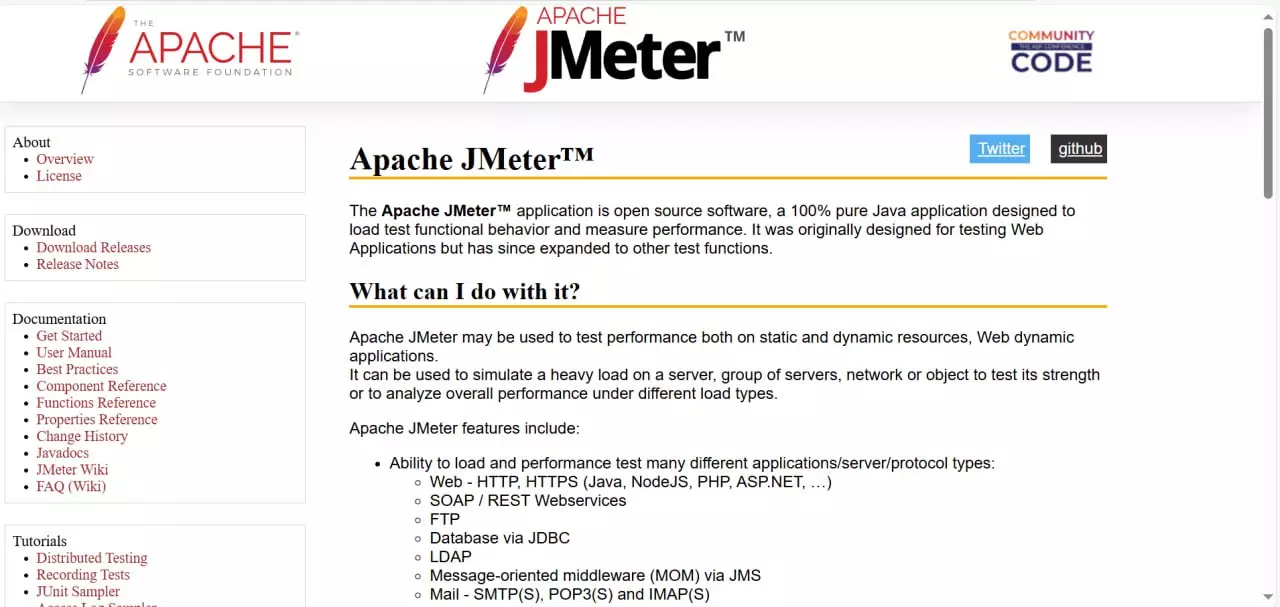
Apache JMeter is the most established open-source load testing tool available. It supports HTTP, HTTPS, JDBC, FTP, and a range of other protocols, making it flexible for testing web services , APIs, and databases. JMeter is well-suited for simulating user load at scale, and its plugin ecosystem covers most load scenarios teams need.
The learning curve is real — JMeter’s interface is dated and test plans can grow complex — but the tool is free, widely documented, and capable of generating significant load for scalability testing. Most teams running Apache JMeter at scale distribute load generation across multiple machines using JMeter’s distributed mode.
k6
k6 is a developer-focused load testing tool from Grafana Labs. Tests are written in JavaScript, which makes them accessible to automation engineers already working in that ecosystem. k6 produces clean performance metrics output, integrates well with CI/CD pipelines, and has a cloud execution option for generating load at scale without managing your own infrastructure.
Gatling
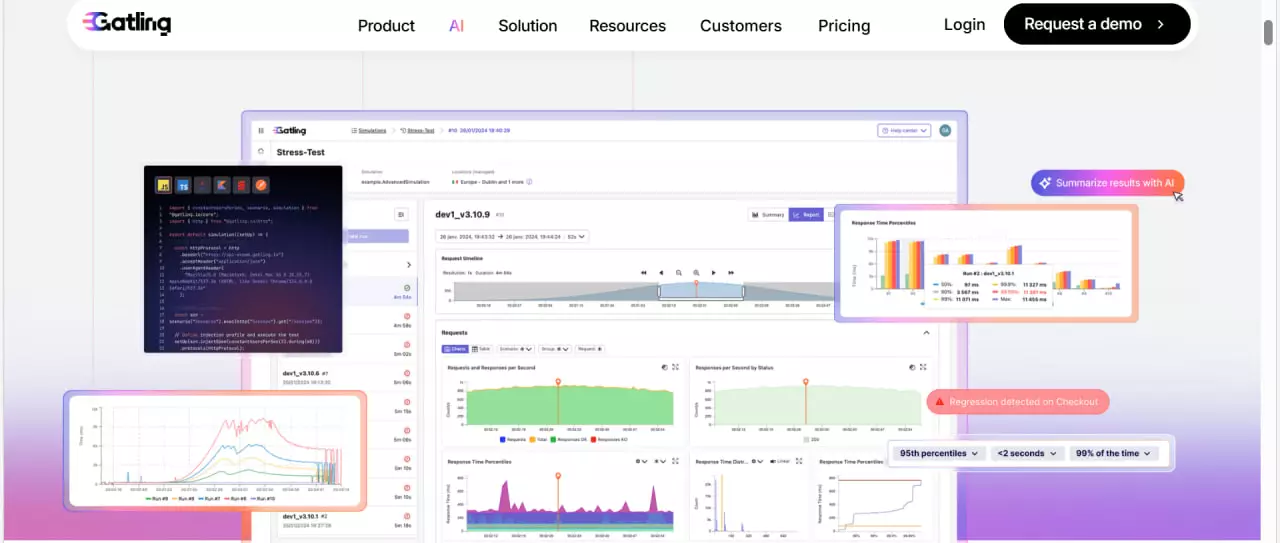
Gatling uses Scala-based DSL for test scripts and is particularly strong for HTTP-heavy applications. It’s popular in enterprise environments and produces detailed HTML reports that make performance bottleneck analysis straightforward.
Locust
Locust is a Python-based load testing tool where load scenarios are written as standard Python code. That makes it accessible to teams with Python backgrounds and easy to extend for custom behavior. Locust runs distributed load generation natively and has a clean real-time web UI for monitoring tests as they run.
Testomat.io + your existing automation framework
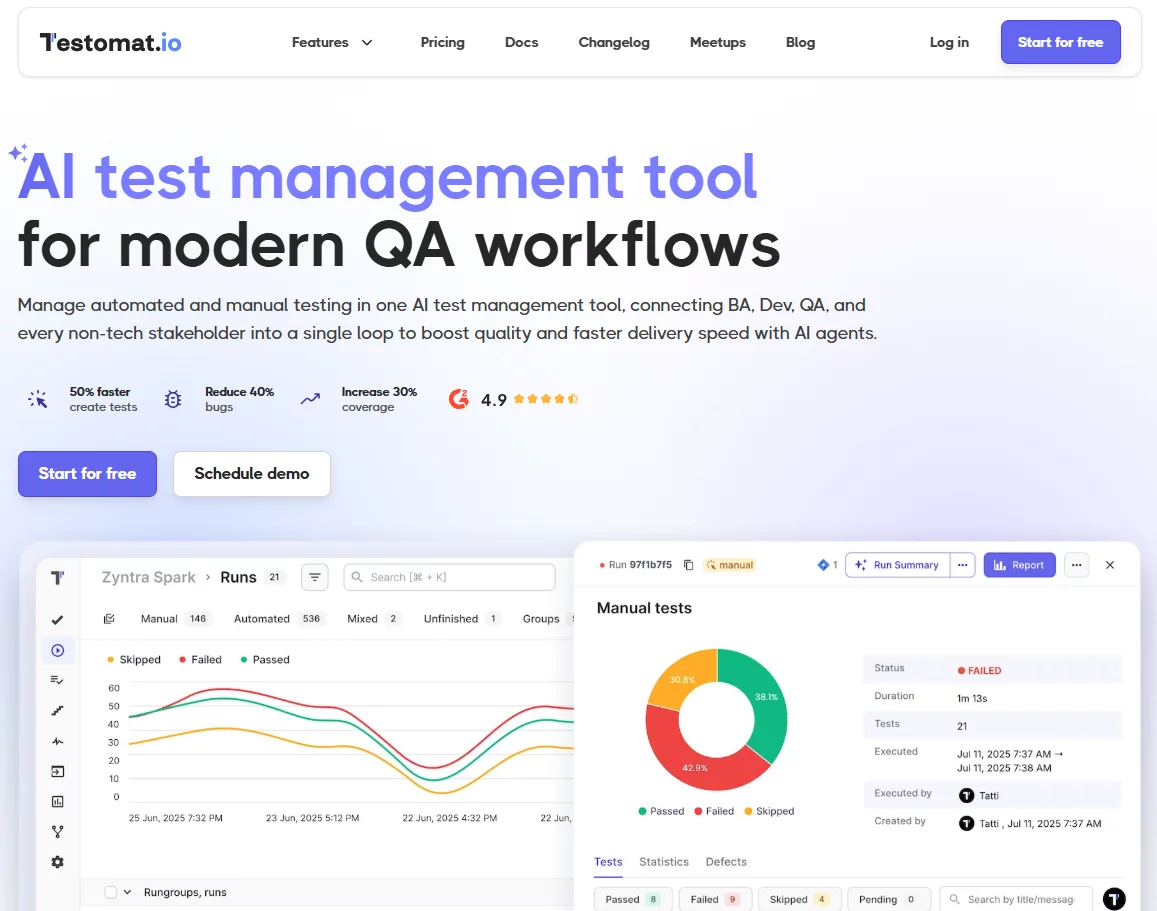
If your team already runs automated tests in Playwright , Cypress, WebdriverIO, or another framework, Testomat.io adds test management, real-time reporting, and performance tracking on top of your existing test infrastructure. You can tag scalability and performance test runs separately, track results over time across releases, and get AI-powered analysis of failures — without replacing your testing tools.
Benefits of scalability testing
Scalability testing ensures your software application can handle real-world growth. Testing provides concrete data on where your system holds up and where it doesn’t — data that replaces guesswork with evidence.
- Scalability testing helps you identify performance bottlenecks before users do. Finding that your database connection pool exhausts at 800 concurrent users during a test is a fixable engineering problem. Finding it during a product launch is a crisis.
- It reduces the cost of performance fixes. Like most software testing, catching issues early in the development process costs less than fixing them in production. Architecture-level scalability issues found during development can take days to fix. The same issues found post-launch can take weeks and carry reputational cost. This is why testing is important as a regular activity, not just a pre-release ritual.
- Scalability testing supports infrastructure planning. Knowing your system’s performance limits with specificity lets operations and DevOps teams provision infrastructure correctly. Without this data, you’re either over-provisioning (wasting money) or under-provisioning (risking outages). Scalability testing offers a factual basis for capacity decisions.
- It protects user experience under load. An application that maintains acceptable response times and error rates under increased load delivers a consistent user experience regardless of traffic spikes. Testing to ensure this consistency is one of the clearest ways scalability testing translates directly into product quality.
Disadvantages of scalability testing
No testing approach is without tradeoffs. The disadvantages of scalability testing are worth understanding:
- It requires a representative test environment. Getting meaningful results requires an environment that mirrors production — which takes effort and cost to provision and maintain. Teams that skip this compromise the validity of their results.
- Upfront costs are real. Writing realistic load scenarios, setting up test infrastructure, and defining good performance metrics takes time. For small applications with limited expected growth, the investment may not be justified.
- Results don’t fully predict production. Real traffic patterns are irregular, unpredictable, and carry data characteristics that synthetic load scenarios can only approximate. Scalability testing gives you a strong signal, not a guarantee.
- Maintenance overhead. As your application evolves, test scripts and load scenarios need updating. An outdated scalability test that doesn’t reflect current application behavior gives false confidence. Teams that want to test the scalability of a system accurately need to treat test maintenance as part of their normal development process, not an optional chore.
- It doesn’t optimize performance by itself. Scalability testing identifies where performance under various load levels degrades — but it doesn’t fix anything. The value comes from acting on what you find. Teams that run scalability tests without a clear process for analyzing and addressing results get data without improvement.
Automating scalability testing in your pipeline
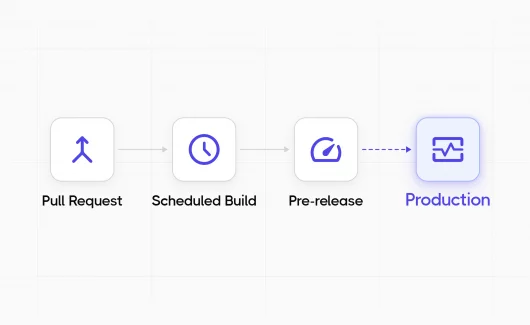
Scalability testing is most valuable when it runs automatically — not just before major releases, but as part of your continuous testing process. Every significant code change is a potential regression for performance as well as functionality.
Automating scalability tests in CI/CD means:
- Performance baselines are captured for every build
- Regressions are caught at the commit level, not weeks later
- Teams get objective data rather than subjective “felt slower” reports
- The testing process scales with the development team
The practical setup: run lightweight smoke tests on every build (a few hundred virtual users, key endpoints), and full scalability test suites on release candidates or weekly scheduled runs. This balances the cost of test execution against the benefit of early detection.
Tools like k6 and Gatling both have first-class CI/CD integration. Apache JMeter can be run headlessly from command line in any pipeline. When you combine any of these with a test management platform like Testomat.io , results are tracked over time across builds — so you can see performance trends, not just point-in-time snapshots. That historical view is often what makes performance degradation visible before it becomes a problem.