




Software testing is a crucial phase in the software development life cycle, during which the newly created software product undergoes an in-depth manual and automated testing of all its components and features. The ultimate goal of testing is to ensure smooth, secure, and bug-free operation of the solution. A meticulous and comprehensive testing of software applications and systems is impossible without robust tools wielded by QA specialists during the testing process.
This article provides a detailed inventory of different types of software testing tools, with examples, and offers advice on selecting tools for your particular needs.
Basic Types of Testing Tools
All tools leveraged in validating software quality in the process of both alpha testing and beta testing are classified according to the type of testing they are called to conduct. Here follow the three most fundamental categories.
Static testing tools
Static testing is done when software code is at rest, not during execution. Typically, static testing is a type of QA checks leveraged at the early stages of software development when you can’t yet validate the entire product’s operation. The elements static testing verifies include structural design, code, database, requirements and specifications, documents, and user manuals. QA teams employ this testing to ensure all standards and guidelines are observed, the source code is complete, as well as to find logical, syntactic, or structural errors.
There are two testing techniques that static testing relies on. Manual testing utilizes such methods as inspections, informal and technical reviews, audits, and walkthroughs. Automated testing of this kind encompasses static analysis and code reviews.
The most popular tools for conducting this type of software testing include:
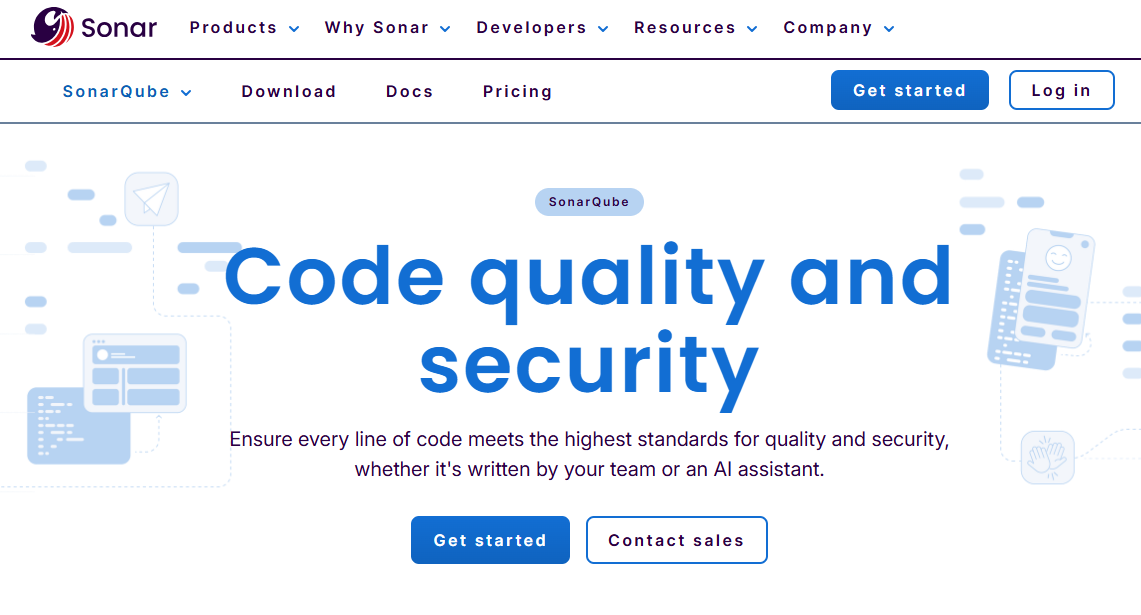
- SonarQube. This open-source platform excels at continuous testing of code quality. It supports a broad range of programming languages to detect bugs, vulnerabilities, and technical debt within code written in them.

SonarQube - SonarLint. It is not a standalone tool but an open-source IDE extension that plays well with widely used development environments (namely Visual Studio, IntelliJ IDEA, and VS Code). In essence, it is a spell checker that identifies code errors and bugs in real-time, helping experts fix quality and security problems as the software development process unfolds.

SonarLint - ESLint. Honed for handling JavaScript code issues, the tool parses code into chunks and automatically fixes deficiencies. In ESLint, you can tailor custom style guides to dovetail with your specific needs.

ESLint - Pylint. As the name hints, this is a dedicated Python tool. It combs through Python code, pinpoints errors, enforces language-specific standards (primarily PEP 8), and highlights areas requiring refactoring and containing signs of potential design troubles known as code smells.

Pylint
Dynamic testing tools
Dynamic software testing is the process that is the exact opposite of static testing. Dynamic testing evaluates the software’s behavior while the system is running. Its purpose is to validate that the software meets business and technical requirements. Dynamic testing can be applied at any development process stage by providing input to the software system and registering its output.
Dynamic testing strategies are divided into white-box testing and black-box testing. In the former, developers know the test inputs and outputs in advance, whereas in the latter, QA engineers are unaware of the solution’s underlying code and want to find out whether the software produces the expected output.
Both types of dynamic testing can be done in manual and automated modes. Manual dynamic testing is most effective when human oversight is vital (for checking critical features and performing exploratory testing, monkey testing, or usability testing). Automated dynamic testing involves testing tools and is at its best when leveraged for executing repetitive and complex tasks within regression tests or for conducting performance testing and load testing.
Among tools to execute checks of this software testing type, four names stand out:
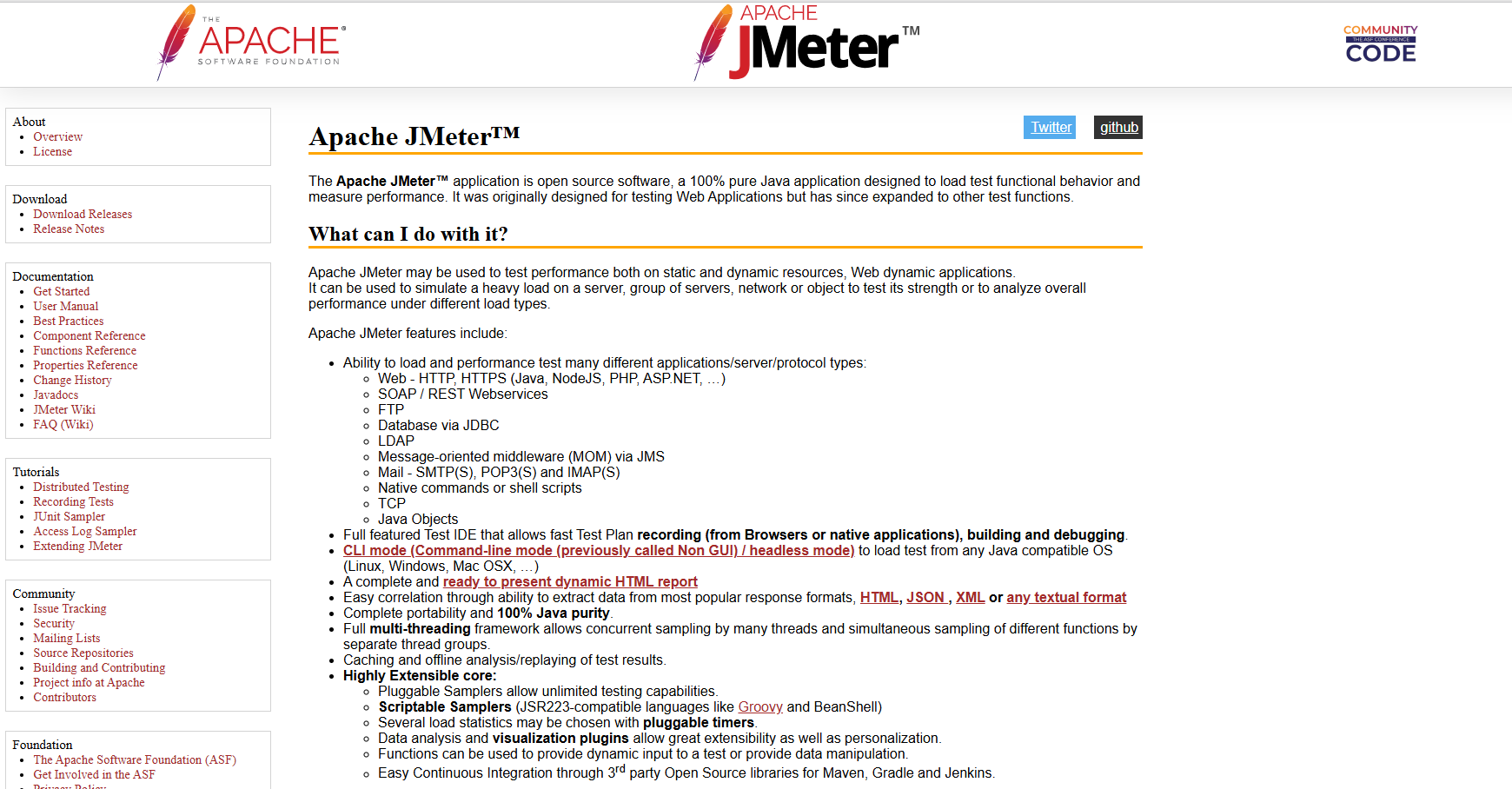
- Apache JMeter. This open-source tool is highly instrumental for performance, load, and functional testing (e.g., smoke testing) of web applications that generate dynamic content (JSP, AJAX, or Servlets). It can simulate large user loads, support various protocols, analyze performance indices, and integrate seamlessly with CI/CD pipelines.

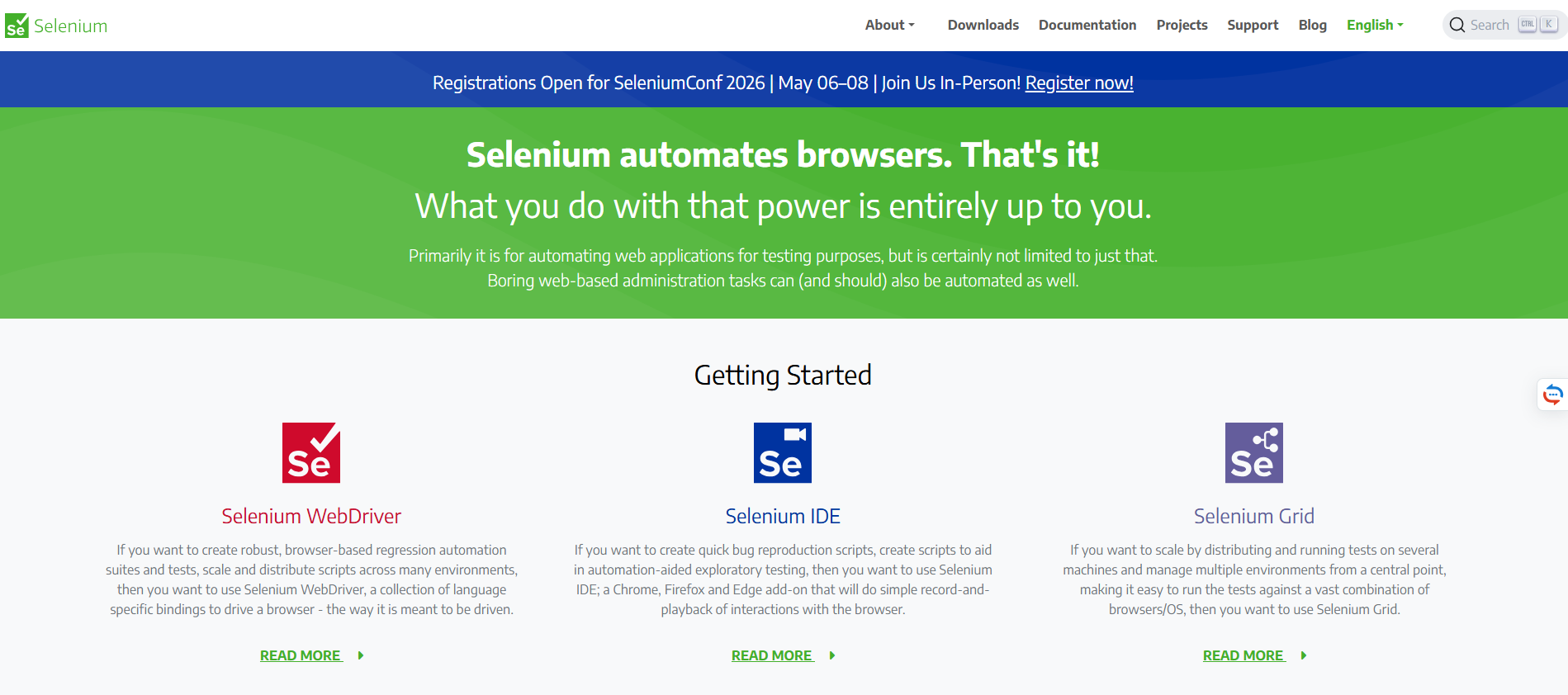
Apache - Selenium. It is a comprehensive platform that contains an IDE with a record-and-playback capability, a web driver for interacting with web browsers, and a grid for distributed testing. Another Selenium’s forte is its support of multiple programming languages and easy integration with third-party frameworks.

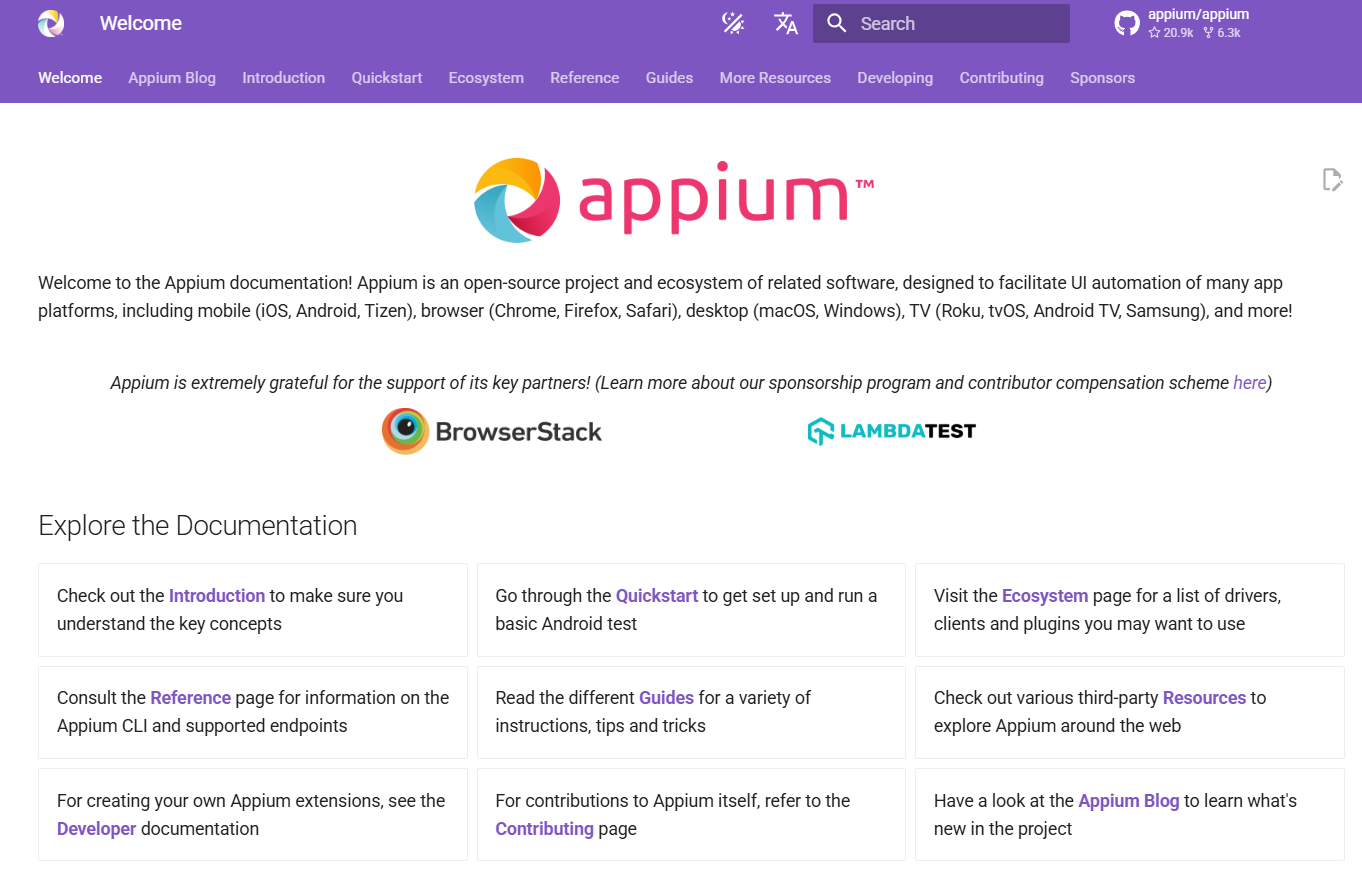
Selenium - Appium. Unlike the previously mentioned tools, Appium focuses on testing native and hybrid mobile apps across multiple platforms. Using it, you can create automated tests in Java, Ruby, and Python and check such mobile aspects as device synchronization, gesture support, and context switching.

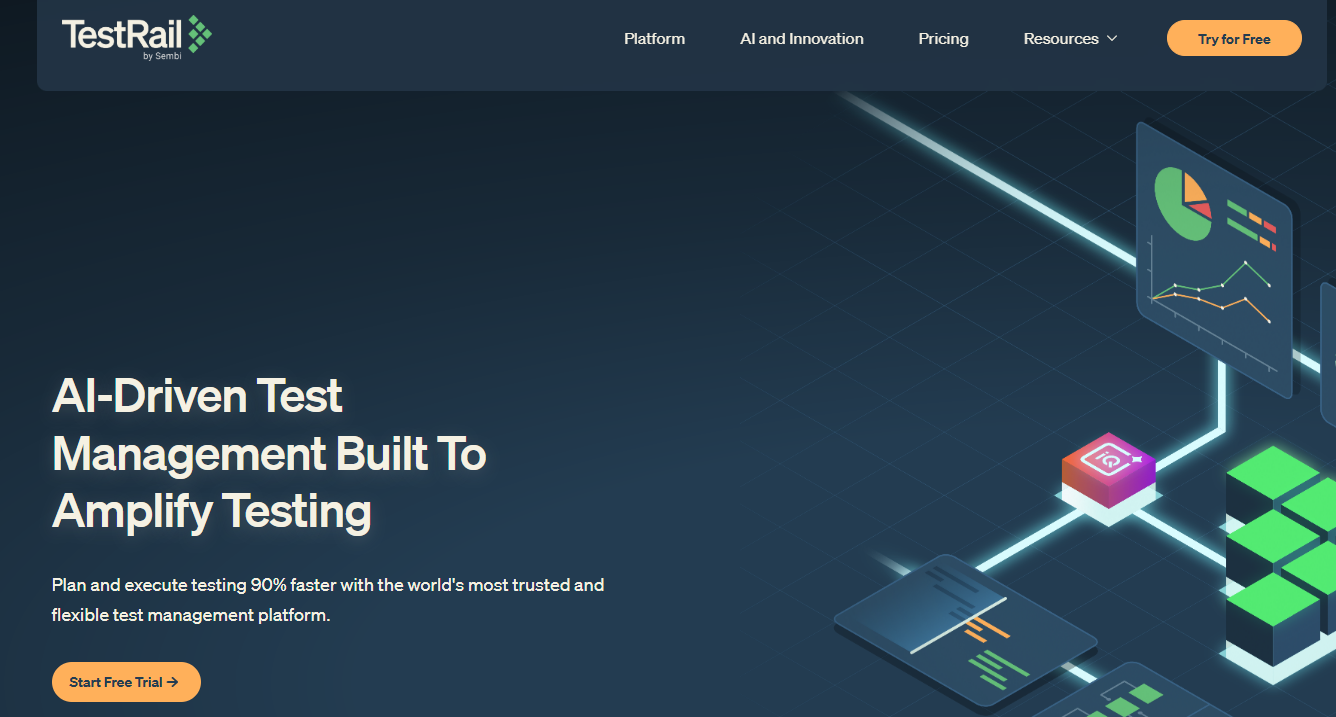
Appium - TestRail. While not a proper test execution tool, TestRail is a second-to-none test case management solution that can be employed for tracking and organizing tests, as well as for generating execution reports.

TestRail
AI testing tools
Artificial intelligence has taken the software testing realm by storm. AI-powered tools not only generate and design self-healing test cases but also monitor test automation, predict defects, perform visual validation, and streamline debugging. Thanks to AI technologies, testing proceeds faster, test coverage increases, and the QA team’s efficiency soars.
What AI-fueled testing tools set the pace in the industry?
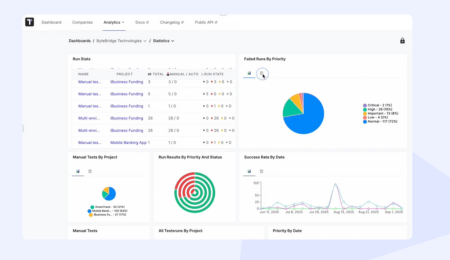
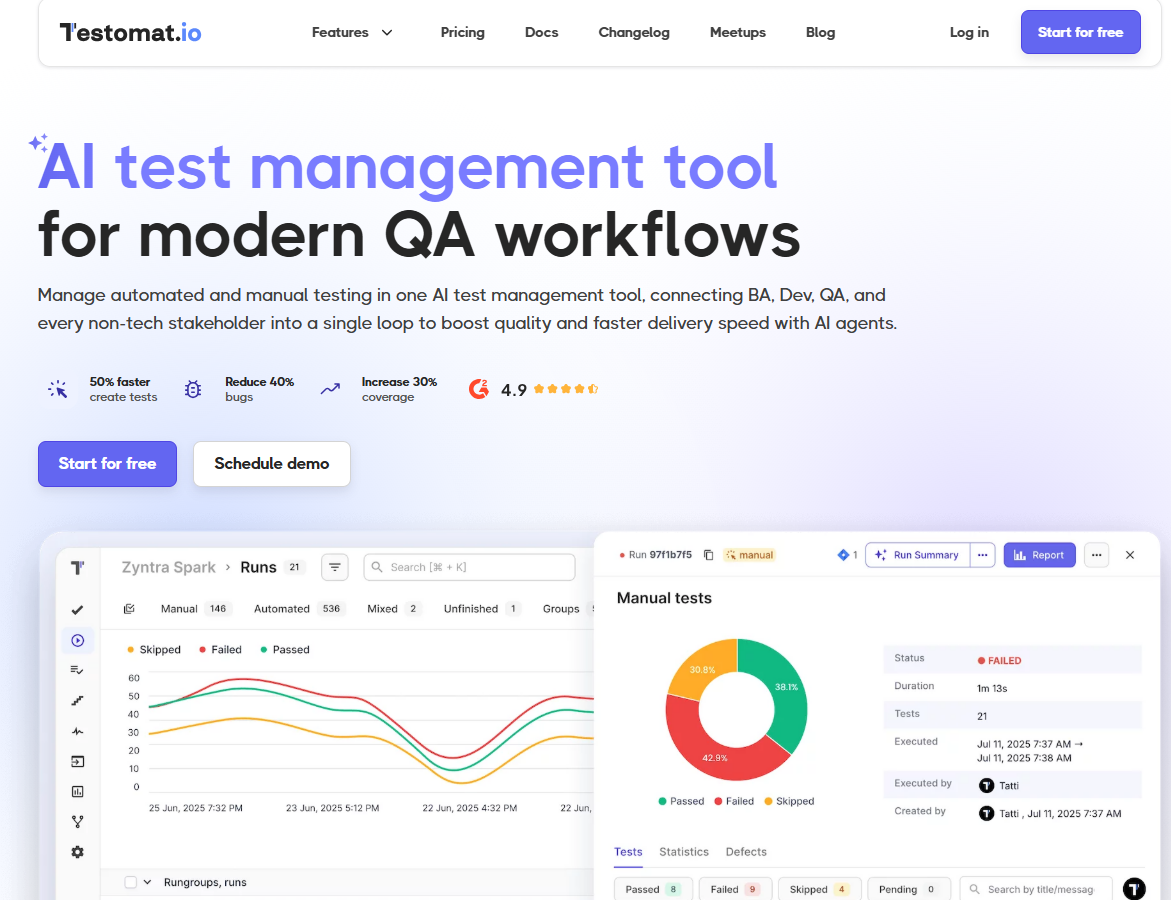
- Testomat.io. This platform enables end-to-end testing of different software. Its embedded AI testing tool generates test cases and BDD scenarios, detects unused and duplicated tests, and clusterizes failures. Moreover, the custom AI provider lets you select a test management model that suits a project’s needs to a tee, while an AI-driven bot assistant is a perfect tool for navigating documentation and finding the required information. Once you onboard Testomat.io’s AI test management tool, you will be able to control all manual and automated tests from a one-stop shop, connecting developers, business analysts, and QA personnel into a joint team that will significantly accelerate product delivery and ensure that the software has top-notch quality.

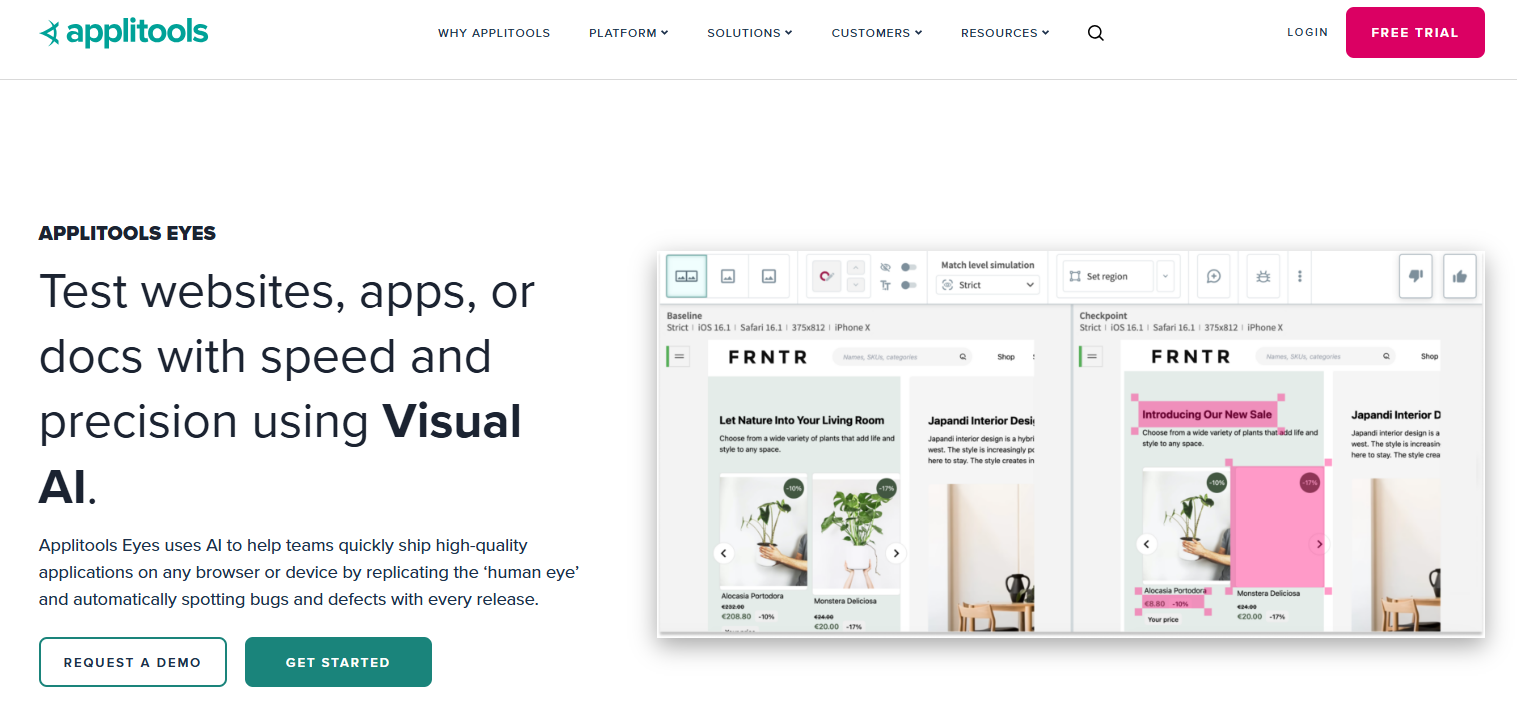
Testomat.io - Applitools Eyes. This tool for testing helps automate UI checks. It compares screenshots of a web, desktop, or mobile app with a baseline to expose visual discrepancies. Applitools Eye plays well with design software and enables parallel testing of solutions’ front ends.

Applitools - Mabl. This is the case when AI is used to test AI in apps of different kinds. The undeniable fortes of Mabl include its low-code interface, generative AI script creation, and AI-fueled auto-healing.

Mabl - Testim. You can leverage it to build tests both with code and codelessly, with instant identification of duplicate steps and detection of element locations. Testim’s unique capability allows QA teams to check Salesforce apps, among other applications of various types.

Testim
10 More Types of Software Testing Tools
The tools mentioned below are narrow-focused, specializing in validating specific components or aspects of the software under scrutiny.
1. Test management tools
They are utilized to collect and store information about the different types of testing a solution undergoes. Thanks to them, testers can plan their activities, track test execution, and generate reports containing testing results. These tools are mission-critical for successful cross-team collaboration.
The most popular examples of test management tools include:
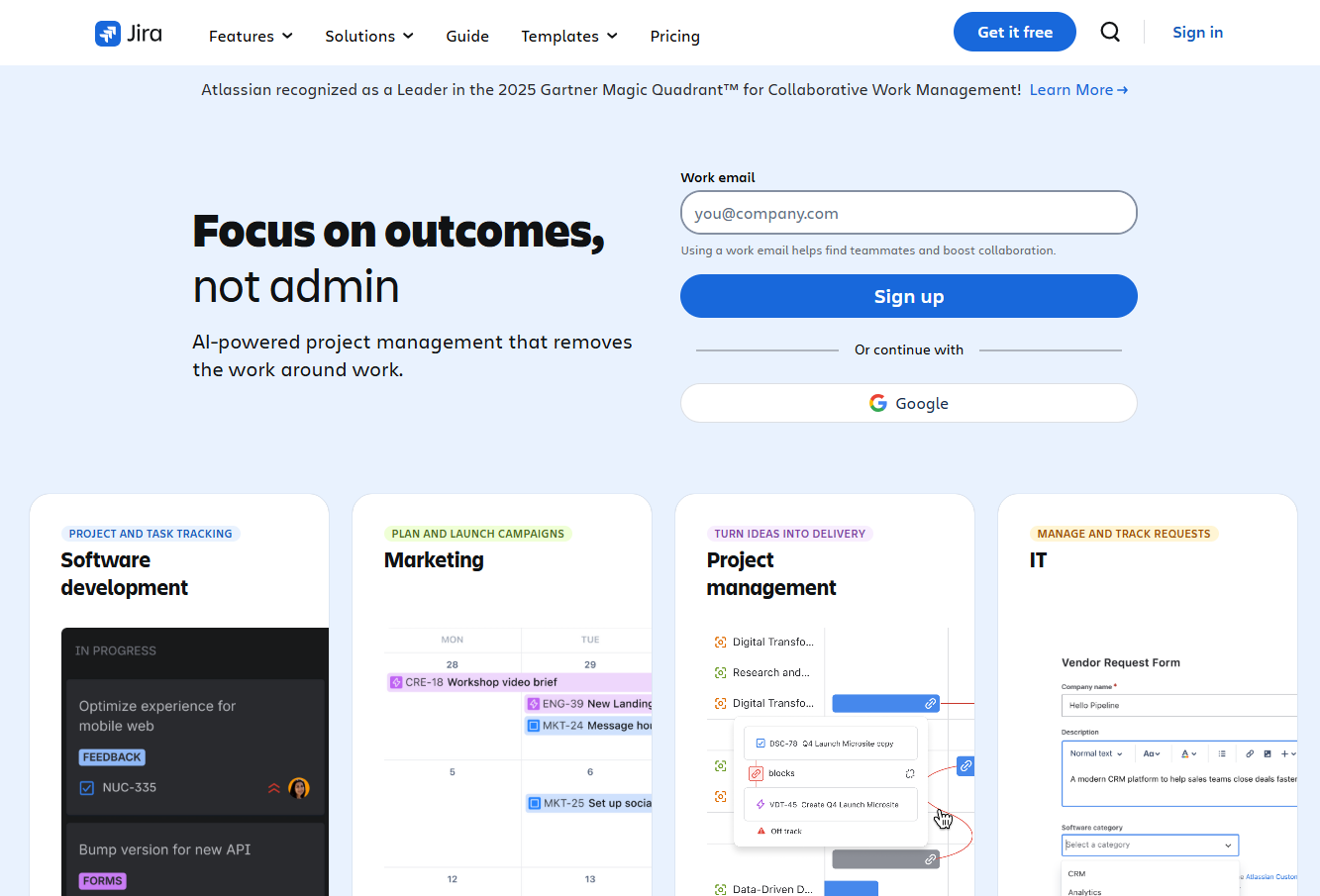
- JIRA. Having a broader employment as a project management tool, JIRA can be utilized for test management as well. To leverage it in this use case, you should install specialized apps and add-ons for test engineering and execution, result tracking, and report generation, linking them directly to the JIRA interface.

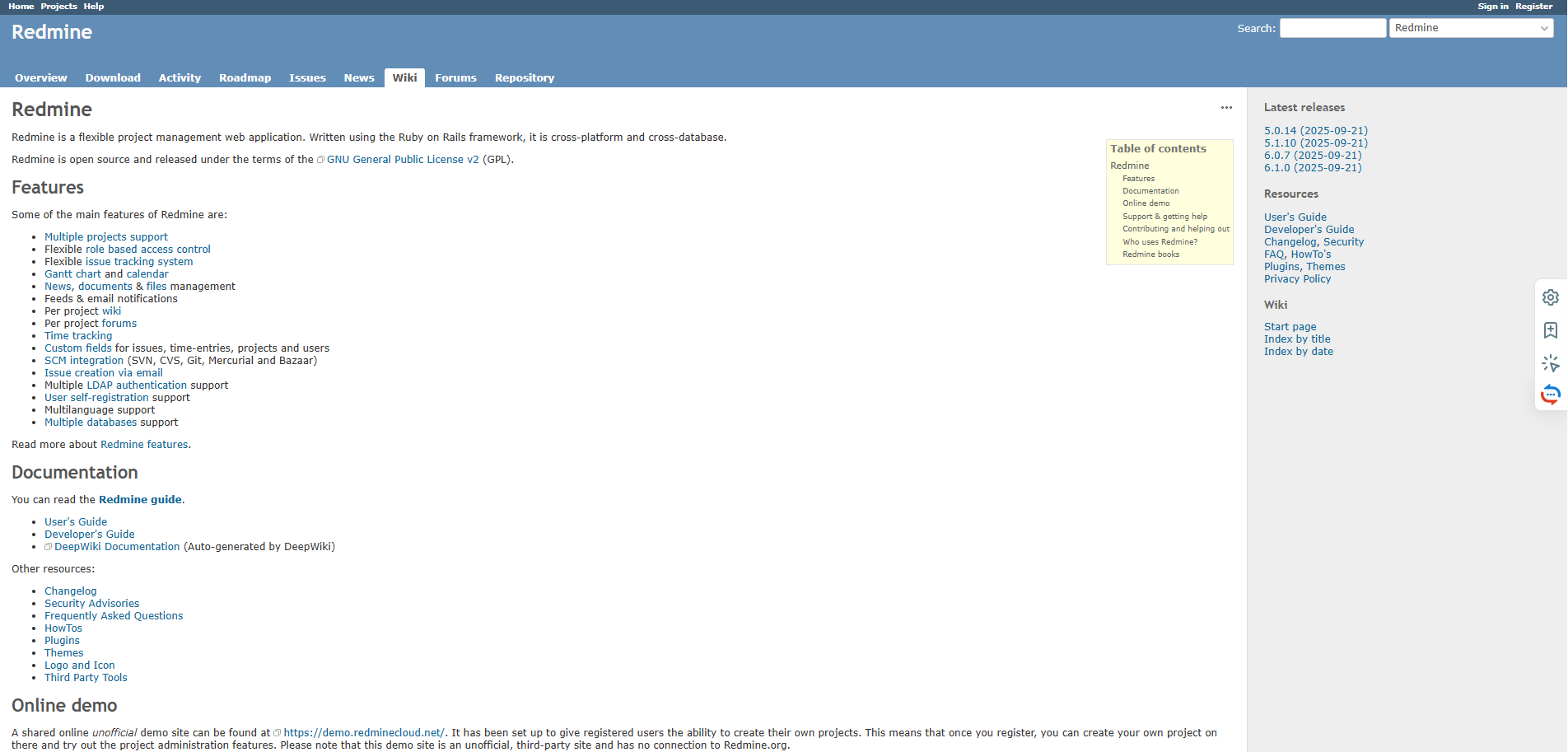
JIRA - Redmine. To enjoy the full potential of Redmine as a test management tool, it is necessary to onboard specialized plugins (e.g., Redcase and Redmineflux). When used in a complex, the ecosystem enables issue and test execution tracking, project organization, test suite creation, and granular reporting.

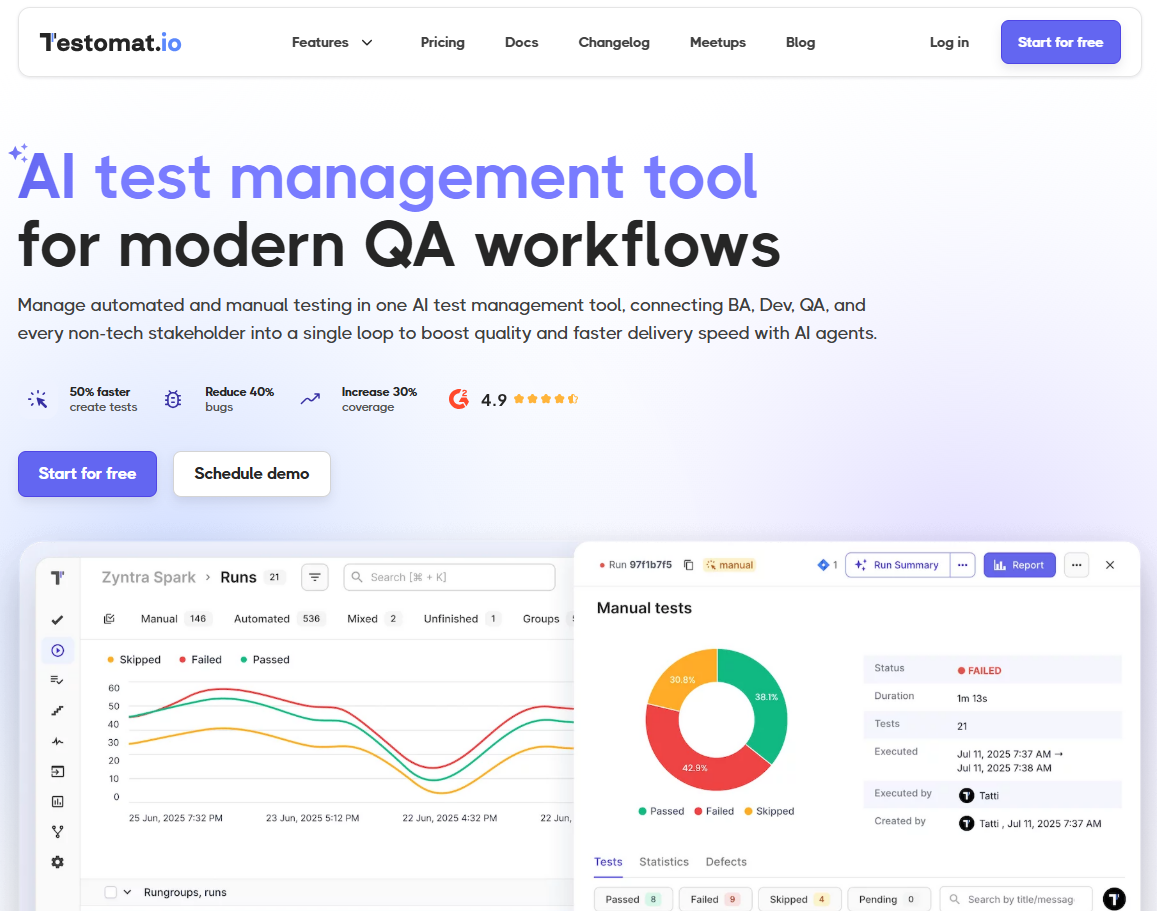
Redmine - Testomat.io. The tool excels at full-cycle test management within the software development lifecycle, from inviting team members, distributing roles, and versioning, through test design, planning, and parametrization, to multi-environment test execution and real-time reporting, augmented with a bulk editing capability. Plus, Testomat.io integrates seamlessly within CI/CD pipelines and has an in-built Gherkin editor.

Testomat.io
2. Automated testing tools
Quite predictably, these platforms focus on organizing, executing, and tracking the results of various testing types in an automated mode. Such a testing method enhances the speed and efficiency of the procedure, minimizes human error, increases test coverage and reusability, ensures early bug detection, facilitates continuous testing, and guarantees flexibility and scalability of tests.
The best tools in this niche are:
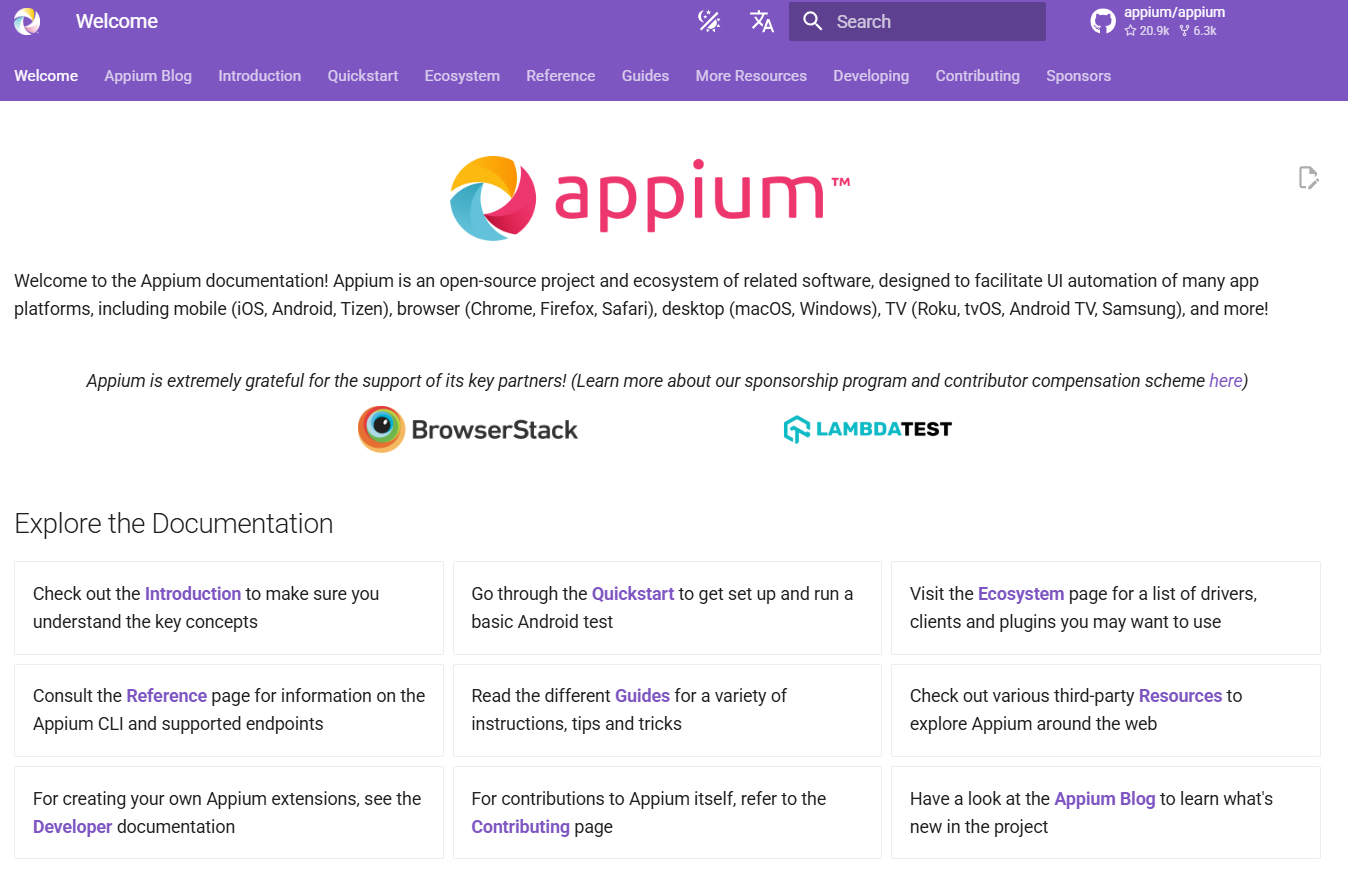
- Appium. The primary focus of this free tool is automation of mobile app testing. It is praised for its cross-platform compatibility, support of multiple programming languages, and foolproof CI/CD integration.

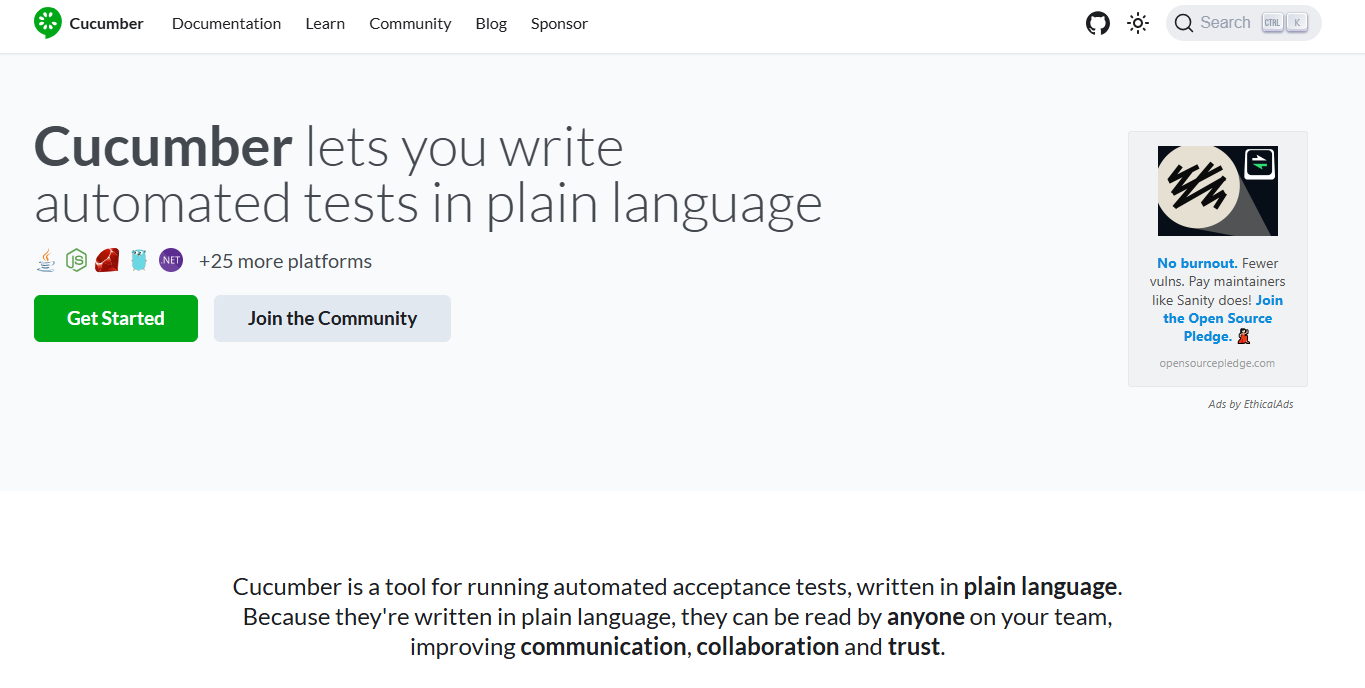
Appium - Cucumber. It is perfect for non-technical users, as it enables them to automatically test software by writing scenarios in plain language (aka Gherkin syntax) within the BDD framework.

Cucumber - Selenium. It is an entire suite of open-source tools honed for automated testing of web applications. Testing scripts written in Selenium interact with web elements by simulating user actions and confirm that the software functions well across multiple platforms and browsers.

Selenium

3. Performance testing tools
Performance testing is a type of QA procedure used to evaluate non-functional aspects of the software (speed, stability, responsiveness, and scalability) when it is subject to specific workloads. The adequate performance of the software is one of its vital UX parameters, as a sluggish app that takes ages to open or crashes frequently causes user frustration and is likely to be abandoned within the first 10 seconds, damaging brand reputation and competitive edge.
The two behemoths that excel at this type of non-functional testing are:
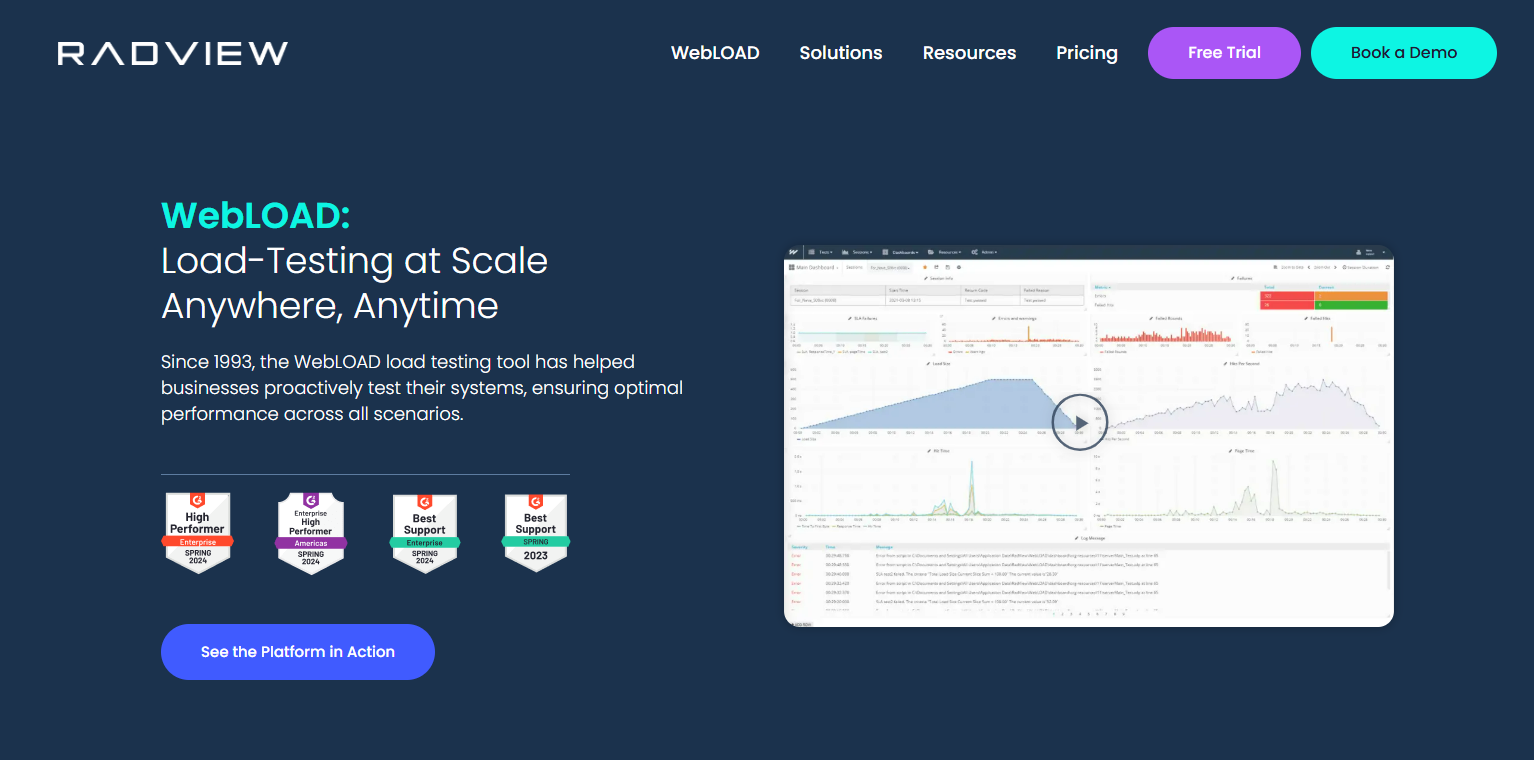
- WebLOAD. This is an enterprise-level tool for testing web and mobile apps, as well as APIs, under a wide range of load conditions. It simulates multiple concurrent user requests to pinpoint performance bottlenecks and presents the results in detailed dashboards.

WebLOAD - Apache JMeter. Unlike WebLOAD, this tool is free, which explains its wide usage for measuring such basic performance indices as throughput, response time, resource utilization, error rates, and more, which are registered via different types of performance checks (stress testing, load testing, spike testing, soak testing, breakpoint testing, etc.).
4. Cross-browser testing tools
Considered to be a pivotal element of compatibility testing, cross-browser testing verifies that the software’s UI functions correctly and looks consistent across multiple browsers, devices, and operating systems that interpret code differently.
Effective cross-browser testing is performed with the help of the following tools.
- Selenium Grid. It is a unit within the Selenium suite that runs automated tests across numerous machines and different browsers. To accelerate the process, the tool conducts parallel execution of such testing checks.
- HeadSpin. With HeadSpin, cross-browser testing involves testing on a ramified network of real browsers and devices located in data centers around the globe, rather than relying on simulations. Besides, it integrates AI-powered performance-monitoring tools and supports remote debugging.

HeadSpin

5. Unit testing tools
Unit tests make sure that each unit (which can be a module or a functionality) of the software works according to expectations. This testing focuses on checking each software component in isolation.
Most testers resort to one of the following tools to conduct this testing type.
- JUnit. It is an open-source framework honed for Java-based solutions, with a broad range of assertion methods, test runners, annotations, and suites containing parametrized tests.

JUnit - PHPUnit. As you might guess, the tool focuses on PHP units, where tests are organized within PHP classes. Moreover, it integrates with CakePHP, Laravel, Symfony, and other PHP frameworks, which can serve as sources of additional testing helpers./

PHPUnit - Jest. It works especially well for validating units within React and React Native apps. Jest’s most prominent characteristics are its range of built-in features (a test runner, an assertion library, mocking capabilities, etc.), integrated code coverage, rich APIs, watch mode, and zero-config setup.
6. Integration testing tools
As a rule, unit testing and integration testing go hand in hand, resulting in full system testing. Integration testing ensures a cohesive operation of the solution, where all its components, third-party services, and APIs work in harmony.
The list of go-to tools for this type of testing includes:
- Citrus. This Java-based framework is ideal for validating interactions between components of the software that communicate via HTTP, FTP, Kafka, TCP/IP, and other messaging protocols. Moreover, it can be used to verify headers, attachments, and message content in JSON, XML, YAML, and other languages and formats.

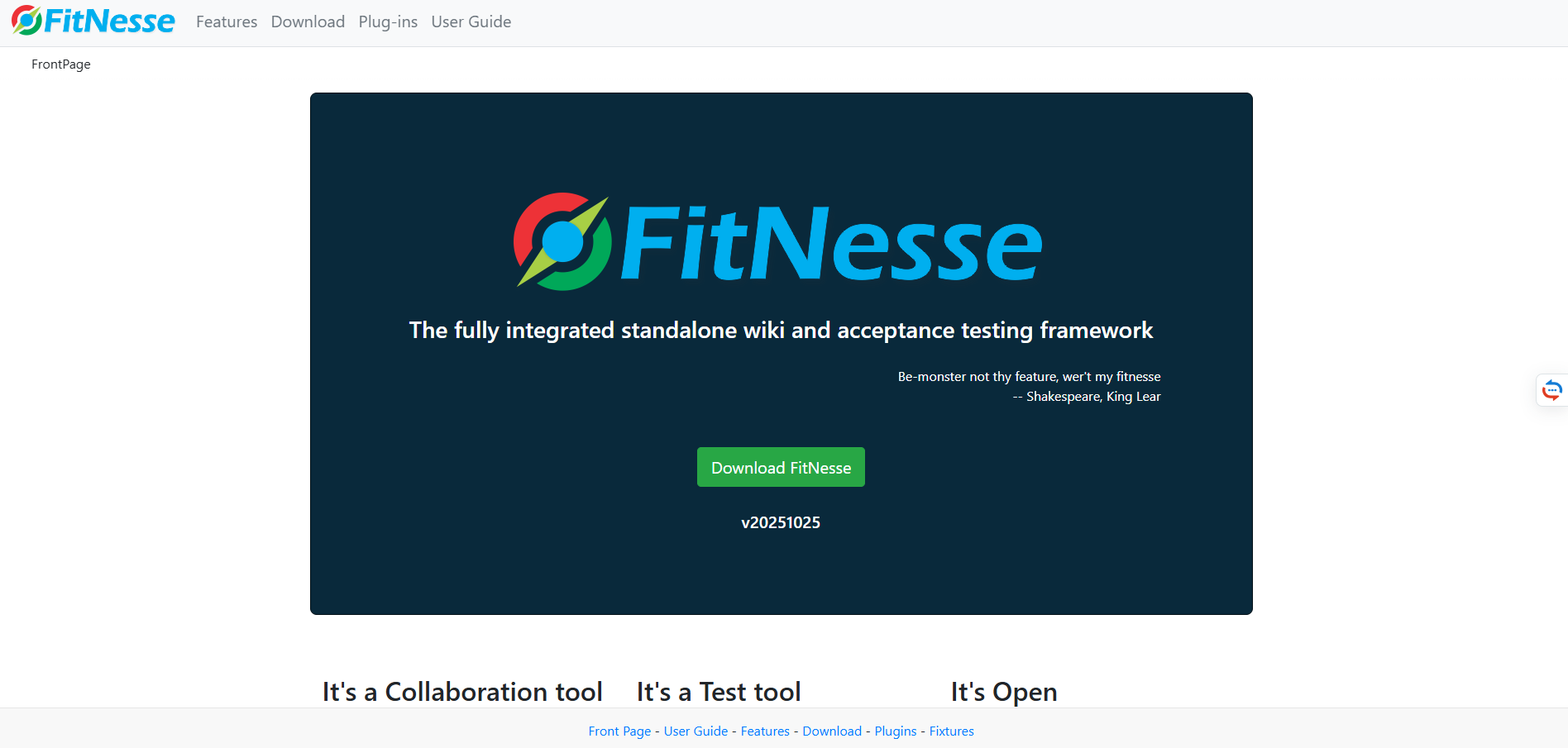
Citrus - FitNesse. The tool’s foolproof test environment, executable specifications, and wiki-style interface that enables collaboration among multiple stakeholders make it a perfect instrument not only for integration testing but also for acceptance testing in test-driven and behavior-driven development.

FitNesse
7. Mobile testing tools
Mobile testing is the process of addressing both universal mobile compatibility challenges (such as device and operating system fragmentation or network variability) and more specific bottlenecks (for instance, UI/UX inconsistencies, performance discrepancies, or hardware-specific limitations, such as sensor functionality or battery drainage).
The best tools to perform such tests are:
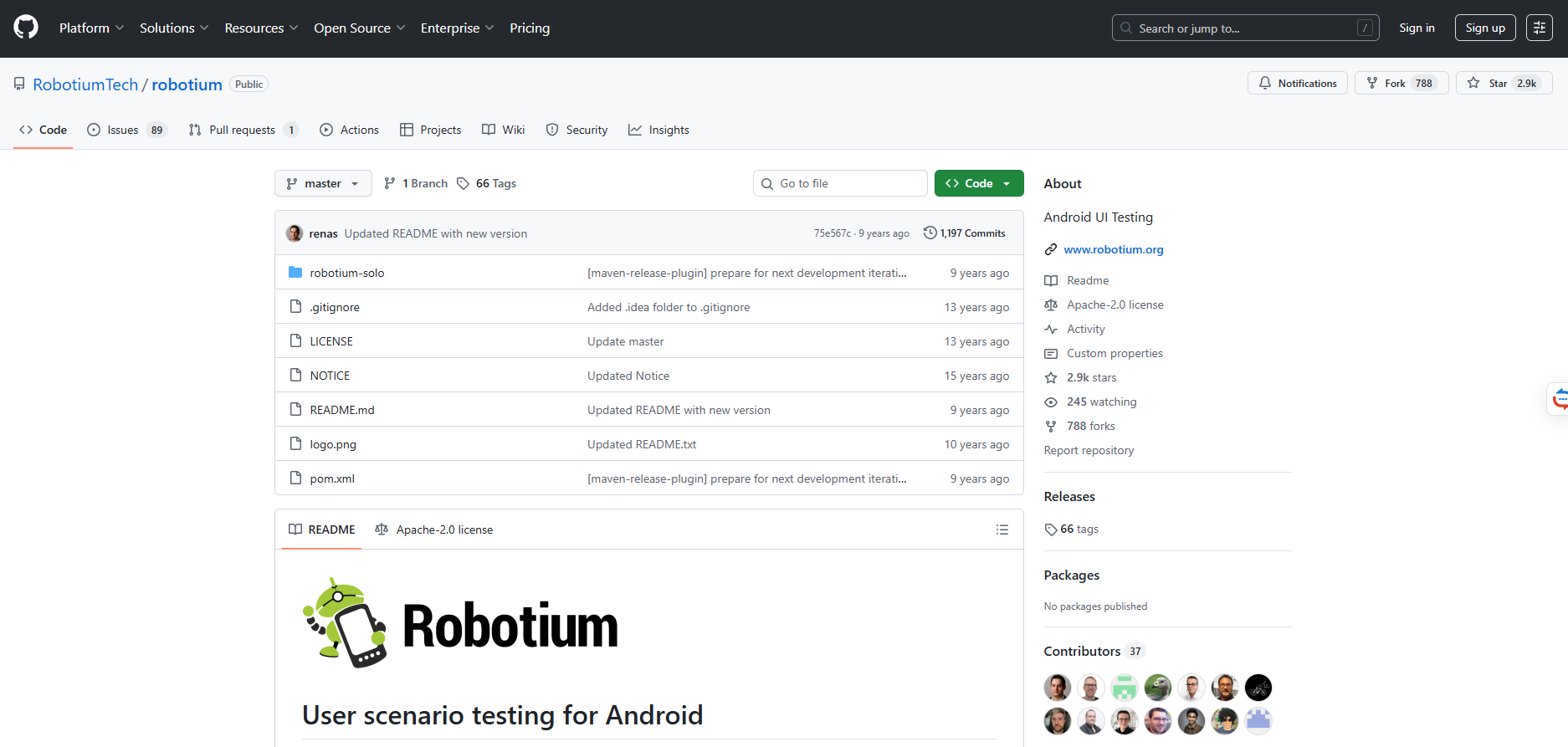
- Robotium. This open-source framework is designed to automate black-box testing of Java-based native and hybrid Android apps on emulators and physical devices. Its intuitive API streamlines test case creation for system, functional, and user acceptance testing.

Robotium - Test IO. It is a platform enabling collaboration with global testers who use real devices. Thanks to it, you can perform usability, exploratory, functional, and sanity testing of mobile apps on Android- and iOS-powered gizmos and receive detailed bug reports containing logs and screenshots.

Test.io

8. GUI testing tools
This type of testing evaluates the functionality and intuitiveness of an app’s interface that have a direct impact on user experience. If there are any unresponsive buttons or visual inconsistencies, GUI testing will pinpoint them, improving UX, helping retain users, and maintaining brand reputation.
What tools are your number-one choice here?
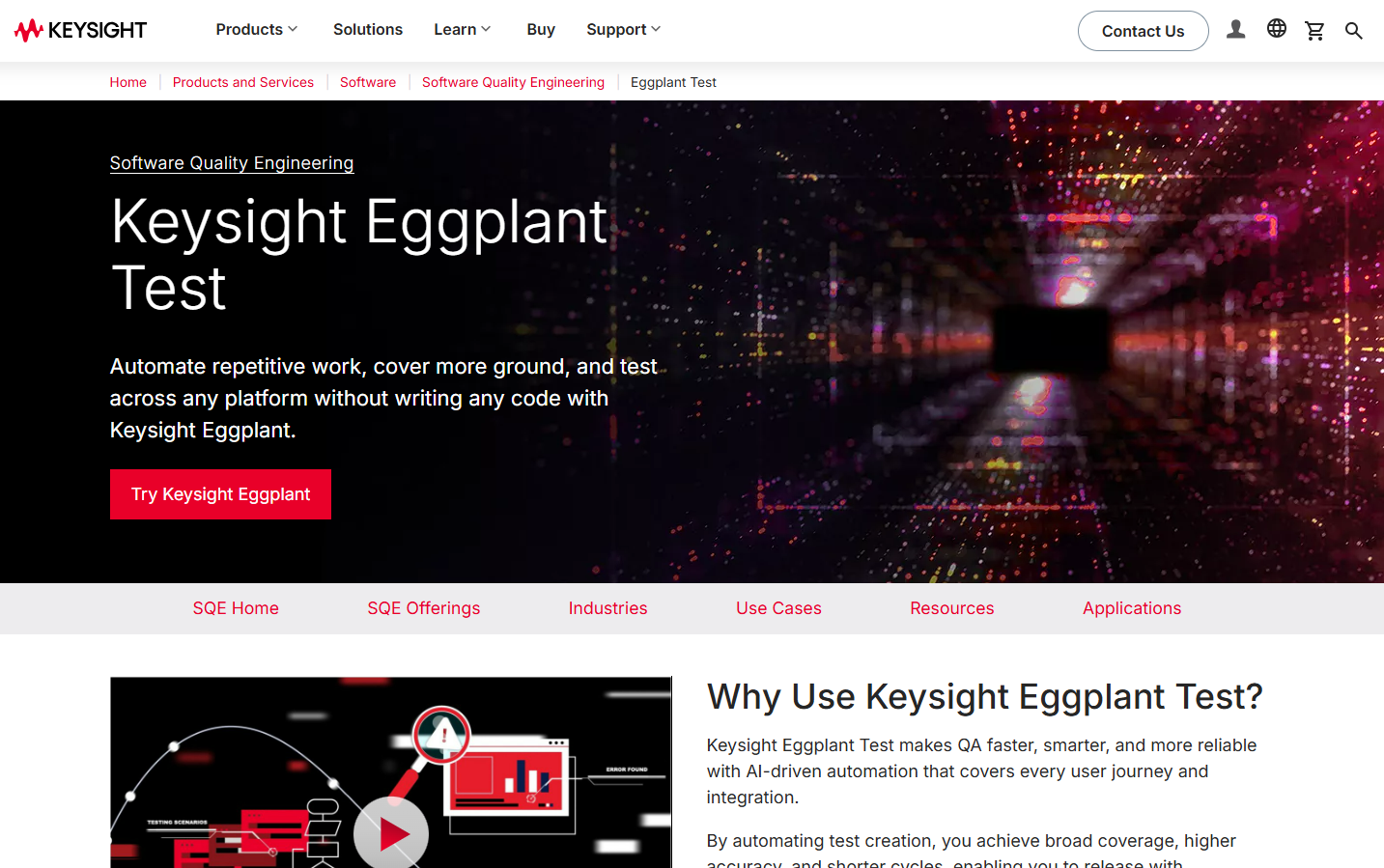
- EggPlant. The platform’s image-based testing approach, technology-agnostic nature, strong user experience focus, and AI-powered features ensure the software’s interface is clear, uncluttered, responsive, and intuitive.

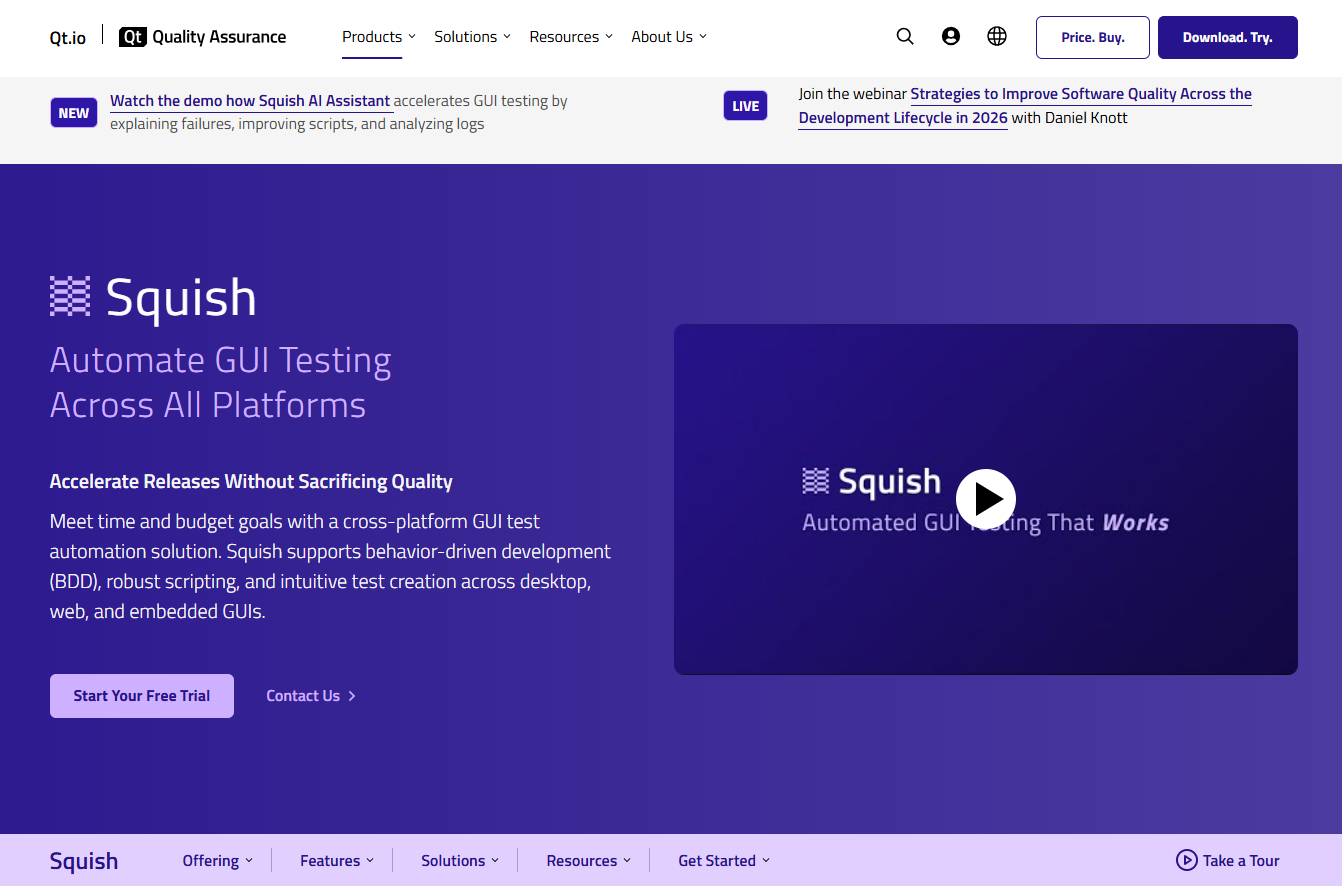
EggPlant - Squish. Since the tool has cross-platform compatibility, a dedicated IDE for test execution, and a versatile language and UI toolkit support, it can be employed in multi-device and multi-application testing scenarios to perform usability, performance, regression, compatibility, and accessibility testing of a solution’s UI.

Squish
9. Bug tracking tools
During different types of testing in software QA process, testers detect numerous bugs. Bug-tracking tools are used to monitor and log all identified problems within a centralized platform. Its synchronization with other development tools enhances collaboration, boosts transparency, and provides bug prioritization. Besides, such tools automate workflow tasks and offer assessment metrics instrumental for QA improvement.
Household names among bug trackers are:
- Trello. This project management platform can be configured for bug tracking by creating a dedicated board and using cards for each bug. And if you integrate third-party tools like Pageproofer or Hipporello, you can automate various tasks and capture detailed information on bugs.

Trello - GitHub Issues. The tool belonging to the GitHub ecosystem can be integrated into the development workflow, enabling software engineers to manage code and bugs in one place. Using it, experts can categorize issues through the system of labels, assign team members to fix them, and gather feedback in the comments section.

GitHub
10. Security testing tools
Security testing is a software testing procedure designed to identify weaknesses and vulnerabilities in a solution before wrongdoers exploit them during operation. Thanks to it, data protection and confidentiality, as well as system integrity and regulatory compliance, are ensured.
Tools to be leveraged in security testing include:
- NetSparker. Now known under its new name Invicti, this language- and platform-agnostic enterprise-tier SaaS tool performs automated, proof-based scanning of code to spot SQL injections, cross-site scriptings (XSS), and other vulnerabilities. For maximum efficiency, it can be integrated into CI/CD pipelines.

NetSparker - Vega. Having essentially the same focus as Netsparker, Vega, by contrast, is an open-source desktop application that runs on Windows, Linux, and macOS. It is perfect for small teams and individual penetration testers.

Vega
As you can see, there are a slew of tools you can use in your QA routine. How to find a tool suitable for your use case?
Selecting the Right Testing Tool: Factors to Regard
Some core considerations apply to choosing any technology an organization onboards for its purposes:
- Project requirements (goal, size, complexity, timeline, urgency of completion).
- Budget (how much money you are ready to allocate for the tool)
- Ease of use (how steep the tool’s learning curve is)
- Team skill level (what competencies your current personnel have)
Then, there are some technical aspects of the tool that you should take into account:
- Browser and platform compatibility
- Potential for integration with CI/CD
- Scalability
- Analytics and reporting capabilities
Finally, you should assess the solution’s:
- Maintenance and reliability
- Community support
Key Takeaways
Software testing is a testing routine called to ensure the correct and bug-free functioning of a software solution in accordance with business and technical requirements. This QA procedure is conducted with the help of various testing tools, which are classified by the utilized approach and the application aspect to be validated.
To choose the most suitable testing tool, you should consider the project’s scope and complexity, available budget, the technical expertise of the testers who will use it, and the tool’s compatibility, scalability, community support, and reliability. It is wise to opt for a comprehensive testing platform that is instrumental in end-to-end testing of a software product.