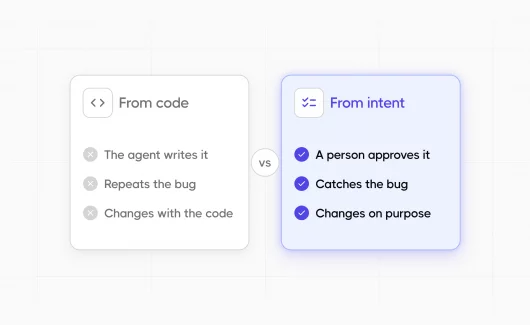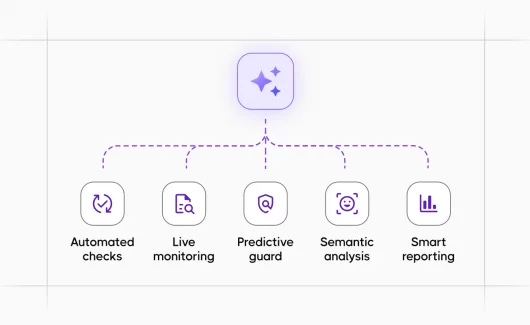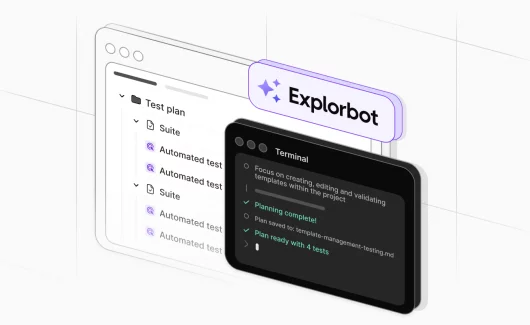
For years, we treated automated tests as a regression safety net. That is what they are good at. The problem is simple: a test only walks the path you wrote for it. Hardcoded. Repeatable. Blind to anything outside the script. A test can pass on a screen where a real user is hopelessly lost, because the test only ever does the steps it was told to do. Technically, it works. Practically, it tells you very little about how the product actually feels to use.
New functionality has the opposite problem. There is no automation at all. A QA engineer has to invent the scenarios, write the Playwright code, debug the selectors, and verify the outcomes by hand. Coding agents like Cursor or Copilot help with the typing, but the loop from “what should we test” to “this is signed off” still needs a person driving it end to end. Both gaps bothered me enough to build something, and that something turned into automated exploratory testing that runs on its own.
Why I Built Explorbot
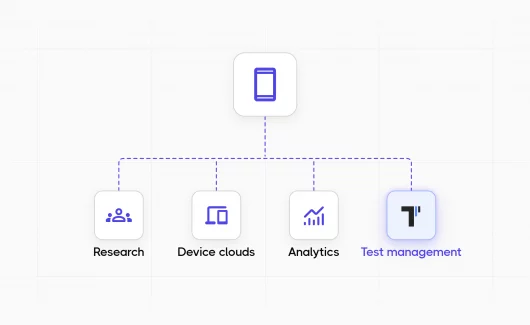
I work as an engineer in the QA space. I created my own testing frameworks, Codeception (PHP) and CodeceptJS, and joined Testomat.io, a test management system. I have built a lot of tools around testing, but none of them actually tested an application by itself.

In conversations with people from non-technical backgrounds I kept hearing the same question: why can’t we have a product that just tests my app for me? I always had a technical excuse ready. Once the AI era kicked in, that excuse stopped holding up. So I thought, why not try?
That is how Explorbot started, a self-driven test automation framework that tests an application on its own. At first I was just curious. How far could it go on a real web interface? What obstacles would it hit? What bugs would it find? What began as a pet project is now baked into our internal process, and it is the clearest example of exploratory test automation I have built.
Can Exploratory Testing Be Automated?
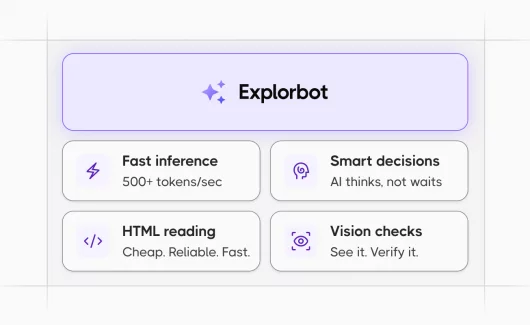
Can exploratory testing be automated? Yes. Exploratory testing can be automated when an AI agent reads a live interface, infers the domain, and decides its own next actions, rather than replaying a fixed script. That is exactly what Explorbot does, and it is what separates exploratory testing automation from a traditional recorded test.
Classic exploratory testing depends on a curious human wandering through the product. Automated exploratory testing keeps that curiosity but hands the wandering to an agent that never gets tired, runs for hours, and logs every step it takes.
How Explorbot Works
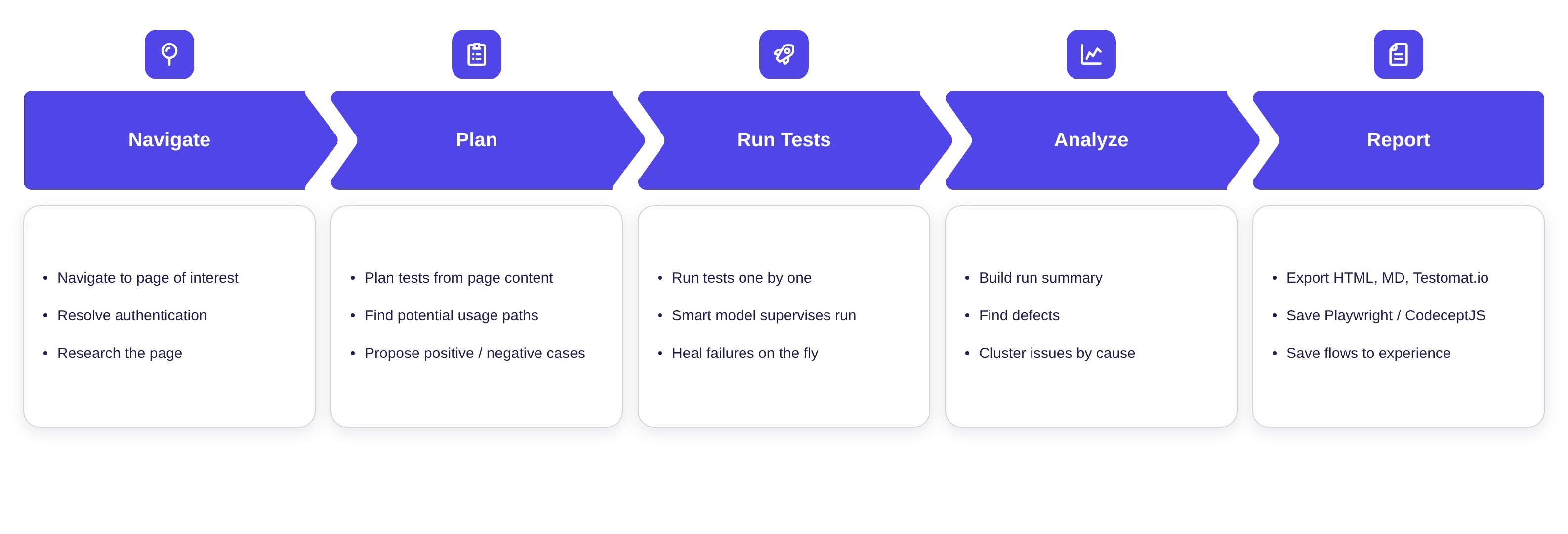
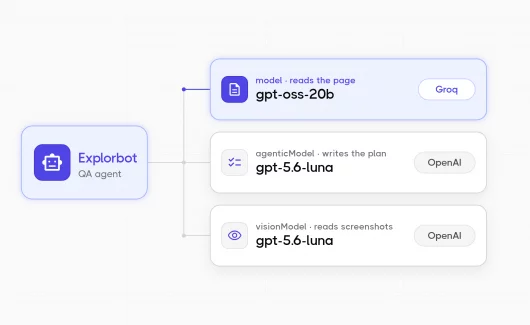
I built Explorbot as a general web testing agent, so I did not hardcode any of our system specifics into its prompts. I could have attached our documentation or source code, but I did not. I was curious what it could discover on its own.
So how does Explorbot know what to test? The same way your users know how to use your app. It reads the UI, figures out the domain, looks at the elements on the page, and picks plausible paths. It starts with the actions that change state, CRUD operations, toggling filters, switching views, and once the main page is exercised, it follows into the sub-pages it discovered along the way. Given enough time on a deep hierarchy, it walks the whole thing.
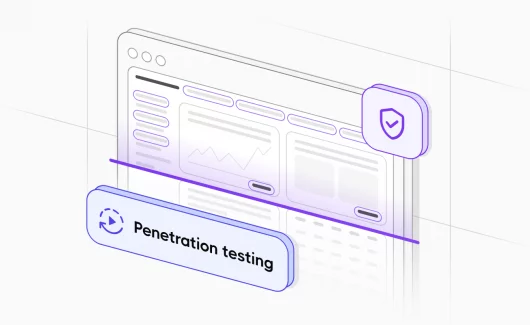
Explorbot also runs in multiple testing styles, so automated exploratory testing here covers more than the happy path. It will try SQL and JS injection in your inputs. It will type characters and combinations you did not expect to see in a form. It checks the edges, not just the centre. If you have never deliberately tested those flows, Explorbot will, and you will know what happens.
Pace and Cost
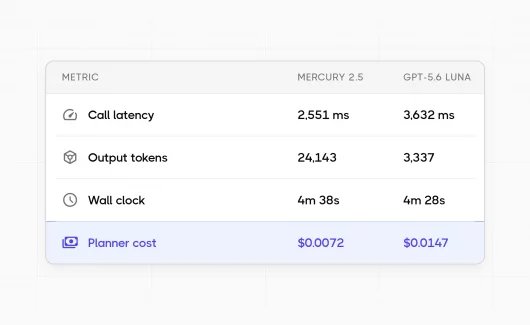
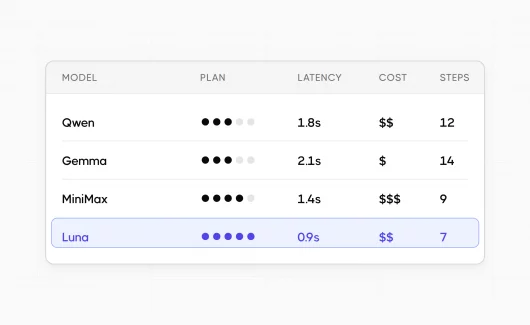
In our runs, Explorbot produces 30 to 50 meaningful tests per hour. We have logged 2-hour continuous sessions in 4 parallel threads. It is strict about outcomes, and every test goes through verification before it is reported as passed.
The cost is roughly $1 per hour in AI tokens through OpenRouter. At five hours a working day, that is about $110 a month. Explorbot itself is free. The figure above is the bare cost of the AI calls, nothing more. For automated exploratory testing tools, that price-to-coverage ratio is hard to match with manual effort.
Where It Fits Next to Your Existing Tests
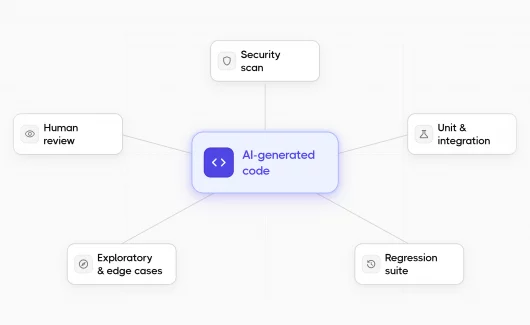
Explorbot is not a replacement for your regression suite, and it is not a replacement for your QA team. It fills the blind spots, areas with low coverage, new functionality, the screens nobody has had time to revisit. It produces evidence of what worked and what did not, plus a summary of each run, so your QA team can review the results and decide what to act on. Sometimes that means signing the test off, sometimes it means trying the flow manually, sometimes it means raising a defect.
This is where exploratory test automation earns its place: it does not compete with your scripted regression testing , it covers the ground those scripts never reach.
How Explorbot Works in Testomat.io
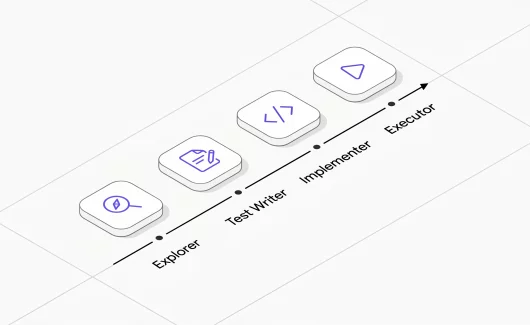
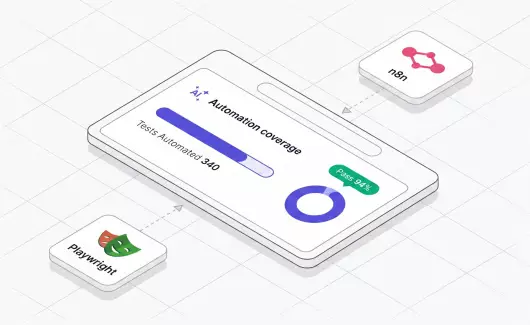
The flows Explorbot completes successfully are saved automatically as Playwright or CodeceptJS test files. Behaviour the bot discovers today can join your regression suite tomorrow. Tomorrow’s regression coverage comes from today’s exploration.
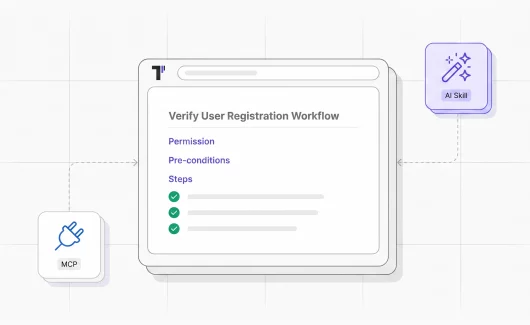
Because the output is real test files, exploratory testing automation feeds straight into your existing pipeline. You can bring those files into Testomat.io through the import automated tests workflow, keep them beside your manual cases, and run them in CI/CD like any other suite. If you manage Playwright already, the Playwright test management integration picks these up without extra setup.
Free and Open Source
Explorbot is free and open source. It is not hidden behind our cloud and it does not require a Testomat.io subscription. You install it like any other tool and run it on your own infrastructure, your own CI, or your laptop.
We keep it open because no two websites on the internet are alike. The only way Explorbot gets better in new environments is to be tried in them. We want to see it run on as many real applications as possible, and we want feedback from the teams that run it.
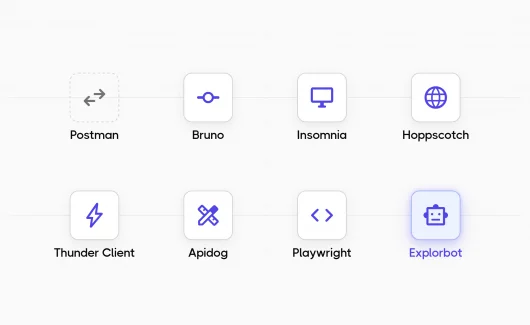
Think of Explorbot as Playwright with AI on top. Wherever Playwright can be installed, Explorbot can be installed too, locally, on any CI, on your own infrastructure. Among the automated exploratory testing tools appearing now, that portability is the point: it goes wherever your tests already live.
Where This Leaves Us
Testing used to be a choice between two bad options. Write rigid scripts that only catch regressions on the paths you already knew about. Or pay someone to click around for a few hours and hope they wandered into the right screens.
Explorbot is a third option. It explores the way a curious human would, runs for as long as you let it, and hands back real test files at the end. It will not replace the QA engineer reviewing the results, and it will not replace the regression suite catching known bugs. It covers the ground nobody had time to cover, the new feature released last Friday, the admin page nobody touches, the form field that breaks on a specific Unicode character.
If you are curious what it finds in your own app, the install is two commands and the first run is free. The worst case is you spend an evening watching an AI poke at your product and learn something you did not know.
AI is reshaping testing along with the rest of software. Automated exploratory testing already works. The question is whether you start using it now or wait until everyone else has. For the wider context, see our exploratory testing full guide and this roundup of top exploratory testing tools , plus where the field is heading in autonomous testing.