





Agile workflow
Connect business teams, developers, and QA engineers in one test management space to plan, execute, and track work together.
Trusted by over 500 forward-thinking companies
















Benefits of Agile workflow

Whole-team collaboration
Business and engineering are on the same page.

Living documentation
Tests stay updated as real-time docs.

Seamless Jira workflow
Link tests to stories inside Jira.

Shared BDD language
Everyone reads scenarios in plain Gherkin.

Faster sprint delivery
Release more features per sprint.
Testomat.io features for Agile workflow

Team management
Give every team member the right access and visibility, so your whole team can test together without the need for extra coordination.
- Project dashboard.
- Manage users and roles.
- Features and scenarios history.
- Assignments.

Team collaboration
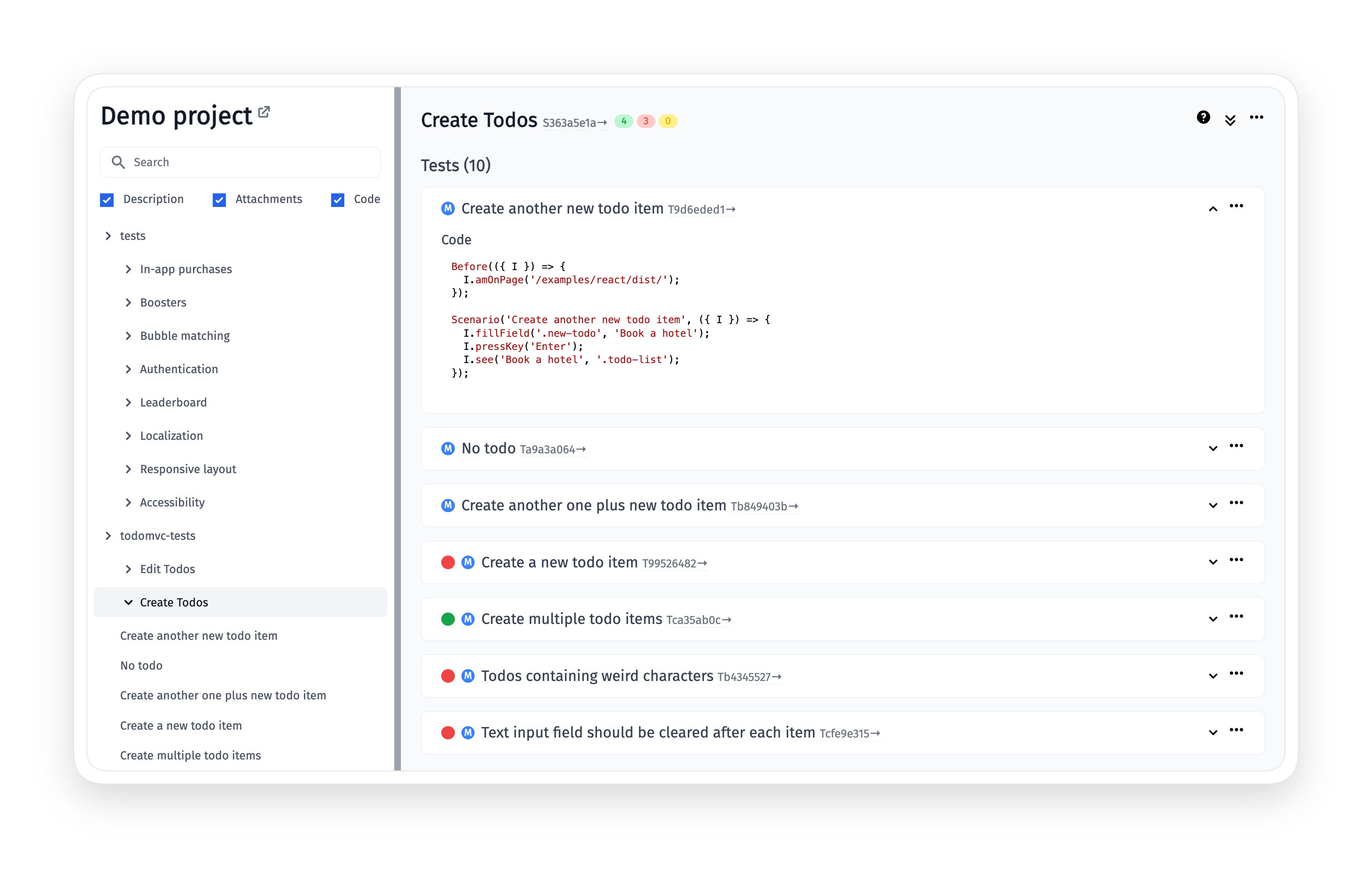
Give your Agile team one shared space across the whole testing flow, from Three Amigos sessions to living docs, so every role stays aligned.
- Jira & Confluence integration.
- CI/CD execution.
- User story linked to test cases.
- Living docs.

All features for Agile workflow
BDD authoring & Gherkin
Gherkin syntax support
Gherkin editor with validation
Feature file editing mode
Intelligent steps autocompletion
Steps filtering by type and frequency
Cucumber support
AI & BDD conversion
Transform project to BDD with AI
AI-generated BDD scenarios
One-click migration from any TMS
Convert classic tests to Gherkin
Import automated BDD tests
Team & role management
Project dashboard for planning
Manage users and roles
Teams across multiple projects
Test assignments with email alerts
Manager role capabilities
Access, versioning & alerts
Read-only users access
Branching and versioning
Features and scenarios history
Slack integration notifications
User stories coverage
Collaboration & living docs
Living docs
Confluence integration
Jira integration
User story linked to test cases
Bulk edit
CI/CD execution
Non-technical execution
Test execution by non-tech persons
BA and PO create and edit from Jira
Edit BDD feature files from Jira
Reproduce bugs directly from Jira
User story tests execution with run reports
How Agile workflow can help?
Remove communication gaps and keep every team aligned around the same test artefacts every sprint.
Startups & small teams

Start collaborating immediately
Invite the whole team in minutes.

Skip duplicate documentation
Living docs replace static spec files.

Adopt BDD without overhead
Plain Gherkin keeps everyone on track.
Mid-sized products

Connect QA with Jira
Tests and defects sync bidirectionally with issues.

Scale ownership with assignments
Distribute tests automatically across team members.

Reuse Gherkin steps
Central steps database speeds up authoring.
Enterprise projects
Govern roles across teams
Configure granular access for many stakeholders.
Integrate every PM tool
Jira, Azure DevOps, Linear, and more.
Track changes with full history
Side-by-side diffs across features and scenarios.
What clients says
Recent reviews

“Excellent customer support”
Customer support is always prompt and high-quality. It's also great to see that user feedback is considered when developing new features. The team makes an effort to provide overviews of new features and keeps users informed about the latest updates.
4/5

“The Best TMS for Our QA Team!”
Our 15-person QA team has used Testomat.io daily for over two years. After comparing tools like TestRail, it stood out in both features and pricing. It’s affordable yet powerful. Jenkins integration works seamlessly, even manual testers can run tests easily. The clean UI speeds onboarding, improves collaboration, and saves time. We’ve recommended it widely, and others love it too.
5/5

“Testomat.io makes daily testing so much easier”
I’ve used Testomat.io daily for over two years, and it’s the best TMS I’ve worked with. Compared to tools like TestRail, it offers more features at a better price. Jenkins integration is seamless, even for manual testers. The UI is clean and easy to learn. It speeds up workflows, improves transparency, and makes team collaboration much smoother.
5/5

“Very convenient platform for managing test cases”
The platform is convenient and intuitive to use. I’ve been using it long enough to say it’s very user-friendly. It’s clear that the team is constantly working on and improving the platform.
5/5

“Great tool for creating and managing manual test cases efficiently”
As a Manual QA, I use Testomat.io to create and manage test cases with ease. The interface is intuitive, making onboarding simple. Test plans, runs, and results are well-structured in one place. Tagging helps organize cases efficiently. AI features speed up test creation. It keeps workflows transparent, improves collaboration, and reduces routine work.
5/5

“Testomat.io has been a great tool for managing both automated and manual tests in one place”
I really like how easy it is to integrate with frameworks and CI/CD tools, and the real-time reports with screenshots and analytics save a lot of time. Overall, it makes collaboration in the team much smoother and keeps testing well-organized.
5/5
Frequently asked questions
Can non-technical team members work inside the test management space?


Yes. Product managers and other stakeholders can edit and run test cases directly from the Testomat.io interface or from Jira through the plugin. Read-only stakeholder access is free and does not consume a paid seat.
Which project management tools are supported beyond Jira?
Native connectors cover Jira, GitHub Issues, Azure DevOps, Linear, ClickUp, YouTrack, Shortcut, and Confluence. Each connector supports linking tests to issues and auto-creating defects from failed runs with full testing context.
How do living docs stay in sync with the actual tests?
Living docs are generated directly from your project test cases. Any change made to a test or scenario is reflected in the public documentation in real time, so the team always sees the current state of the product behaviour.
Is BDD adoption realistic if our team writes classical test cases today?
Yes. The Transform Project to BDD agent converts existing classical test cases to Gherkin in one click. Titles become Scenarios and preconditions become Given steps. Expected results turn into Then steps automatically. No manual rewriting is required.
How does Jira integration handle test execution and defects?
Tests and runs are visible inside the linked Jira issue. QA can execute a scenario from Jira and file a defect with auto-generated reproduction steps. The bug ties back to both the test case and the user story without anyone leaving the Jira UI.
