





Jira statistics
Trusted by over 500 forward-thinking companies
















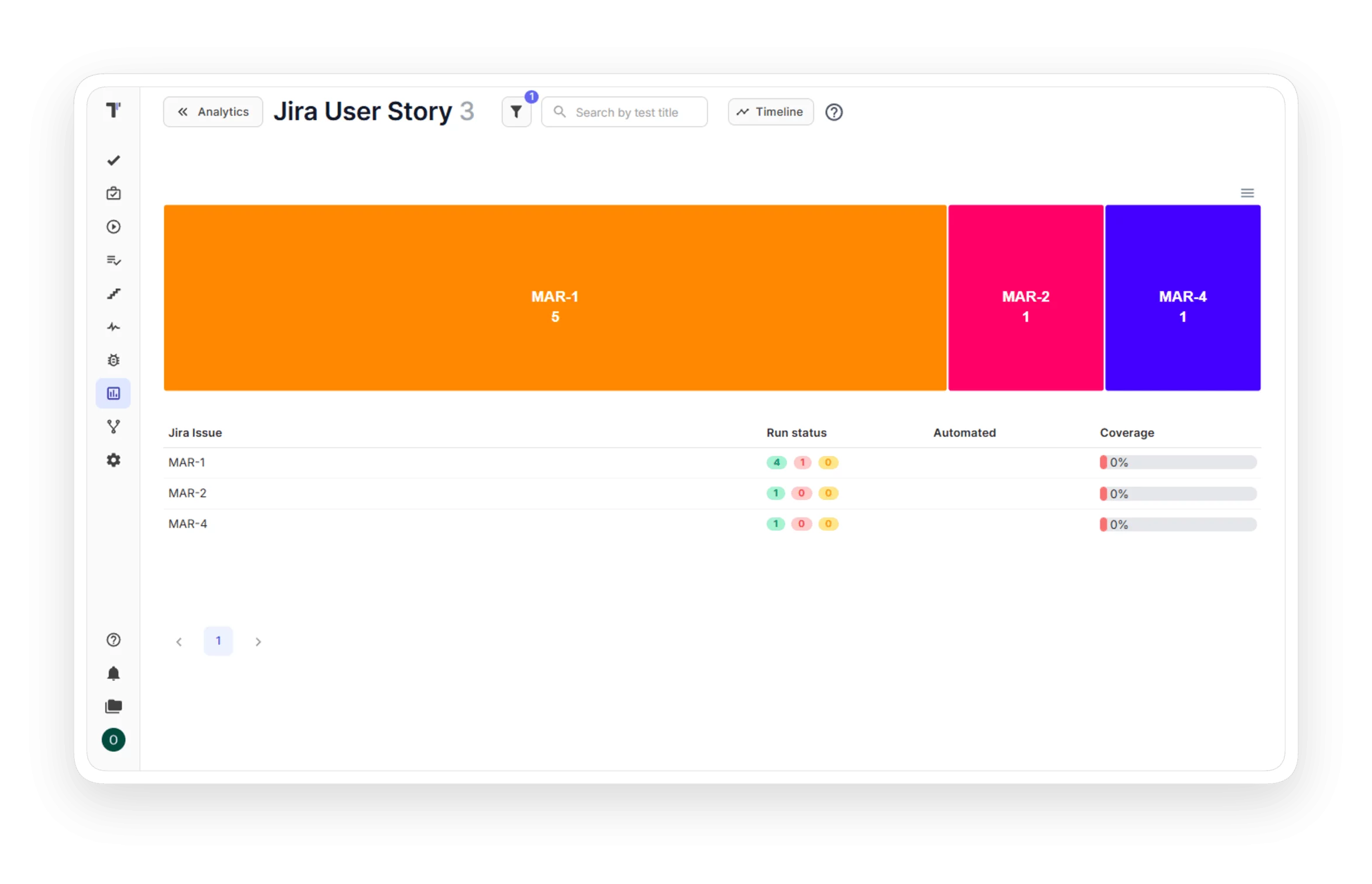
How Jira statistics works in Testomat.io


How Jira statistics can help?


Testomat.io features for Jira statistics
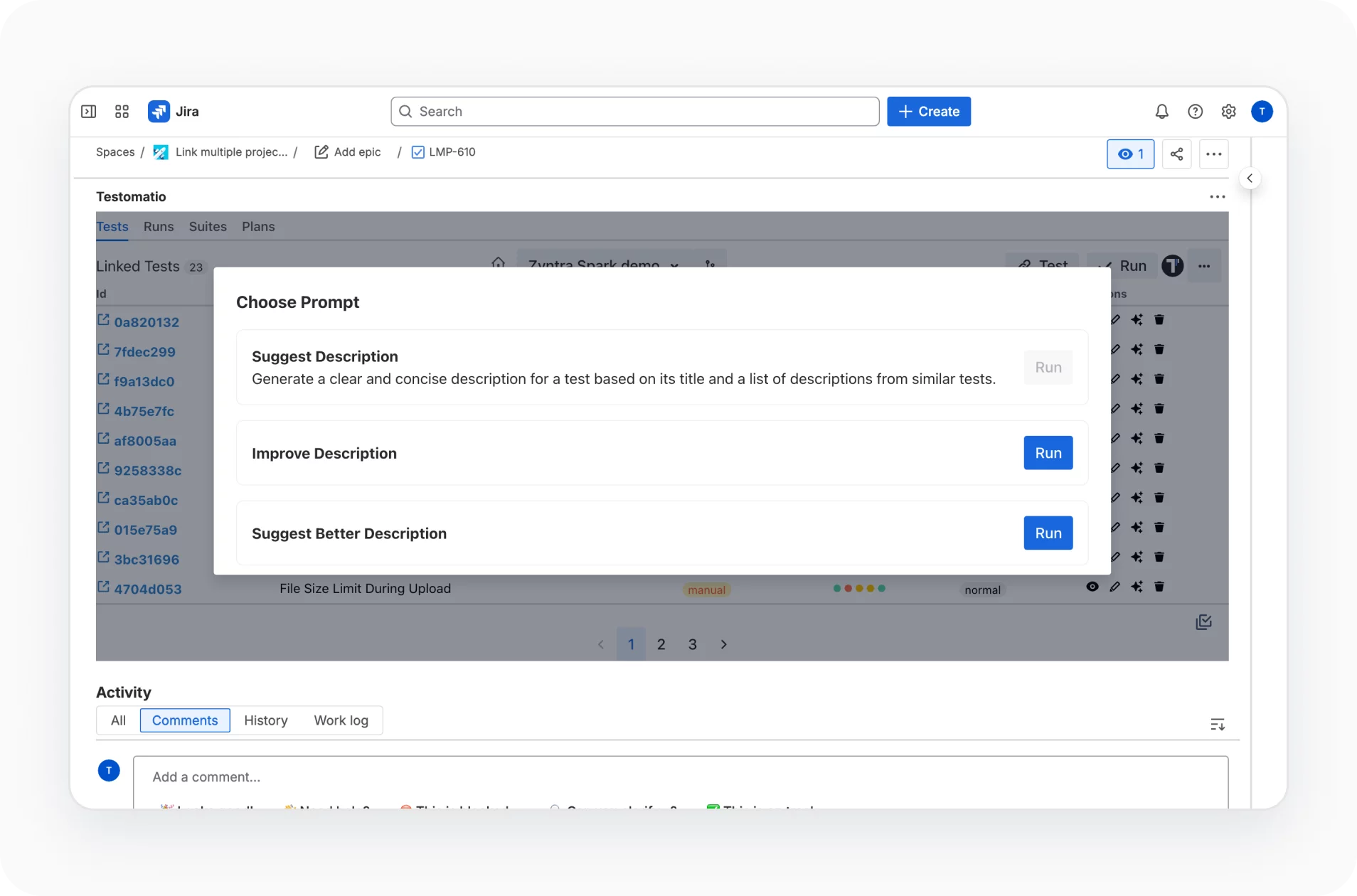
AI-powered capabilities natively embedded into the Jira Plugin enhance your workflow, foster collaboration and increase productivity.
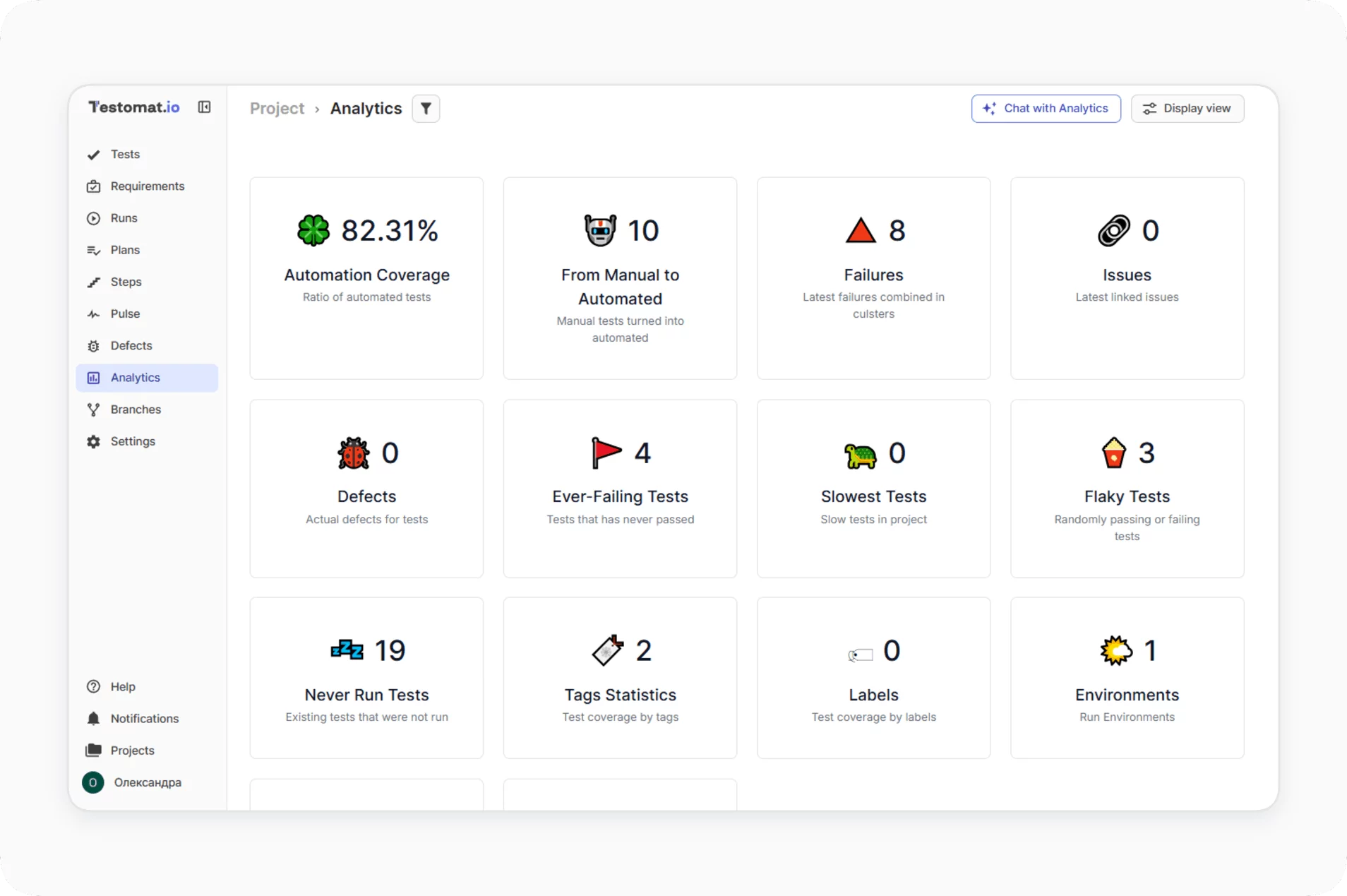
Jira Statistics is part of the Analytics dashboard in Testomat.io. Track defects, automation coverage, requirements traceability, and flaky or slow tests in one place.
Watch tests pass, fail, or skip live during a run, and see the widget update as each run completes.

Run automated and manual tests at the same time, track execution status, and keep all tests and reports in one place, feeding data into the widget.

Run all or specific automated tests once CI/CD is configured, from the dashboard or the Jira plugin. Pipelines work on GitLab, GitHub, Azure DevOps, Jenkins, Bamboo, and CircleCI.

Assign automated tests to your cases, then send results to Jira so coverage shows in the statistics widget.

Get coverage reports for requirements, linked to tests and defects, so you can check which requirements are covered by which tests.

Why teams choose Testomat.io Jira statistics


Recent reviews






Frequently asked questions
What does the Jira Statistics widget show?


Which plan includes it?
Does it read data from several Jira projects?
Can I filter the statistics?
Can one test belong to multiple user stories?
Can I export the data?
