





Test execution
Trusted by over 500 forward-thinking companies
















Benefits of test execution


Testomat.io test execution features
Test plan allows you to follow your testing strategy. Add tests regardless of their status, combine them into logical groups depending on the context, and start running without switching between windows.

Execute the same test cases across several browsers, operating systems, devices or stages defined once in project settings, with each group’s environments shown on the New Run screen. You confirm the same tests pass on every platform from one set, and build a matrix of groups without checking your work twice.

Stakeholders do not need accounts to check test results. Share instant access to results in real-time. Public reports won’t contain security-sensitive information.

Run all or specific automated tests once CI\CD is configured. Run it on every commit from your CI\CD pipeline GitLab and GitHub integration, and Jenkins, Bamboo, CircleCI.
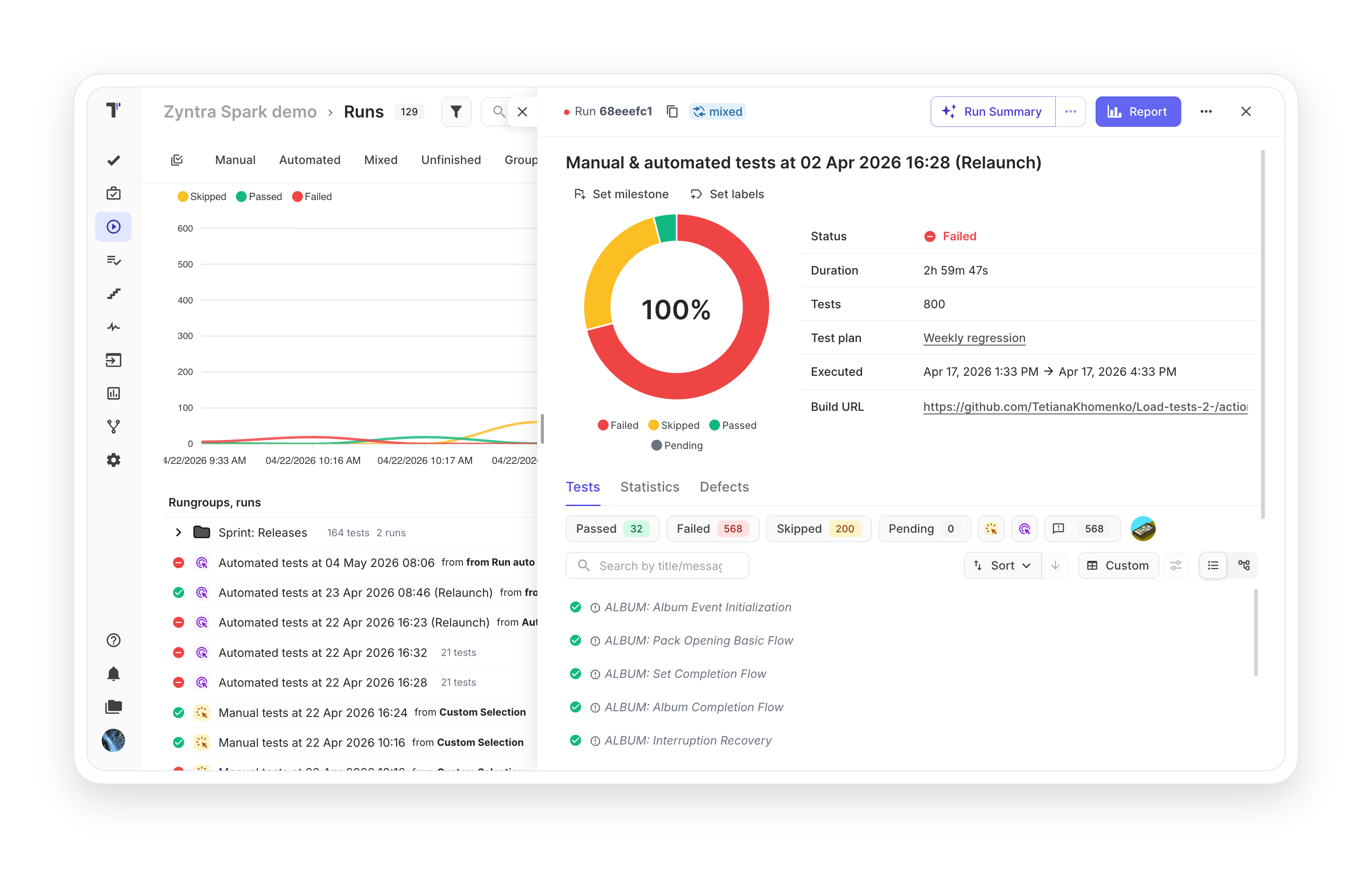
Run groups can help you organize test results by context, depending on your needs. It can be grouped by sprint, releases, or functional decomposition. Define your way how to structure test results.

Perfect test execution flexibility through logical grouping, tailored to meet the specific requirements of your project, whether executing locally, remotely or within CI/CD pipelines. Saving all manual and automated test runs centralized with the ability to merge results for streamlined test management.

No need to do extra actions to rerun manual or automated tests. You can modify existed test runs with updated results or you can re-execute only failed automated tests in CI/CD with a click on a button.

Choose needed tests and execute them by marking as passed or failed. You are free to write the description, attach artifacts. Also, possible to create a list of these tests to check in the test plan and assign users.

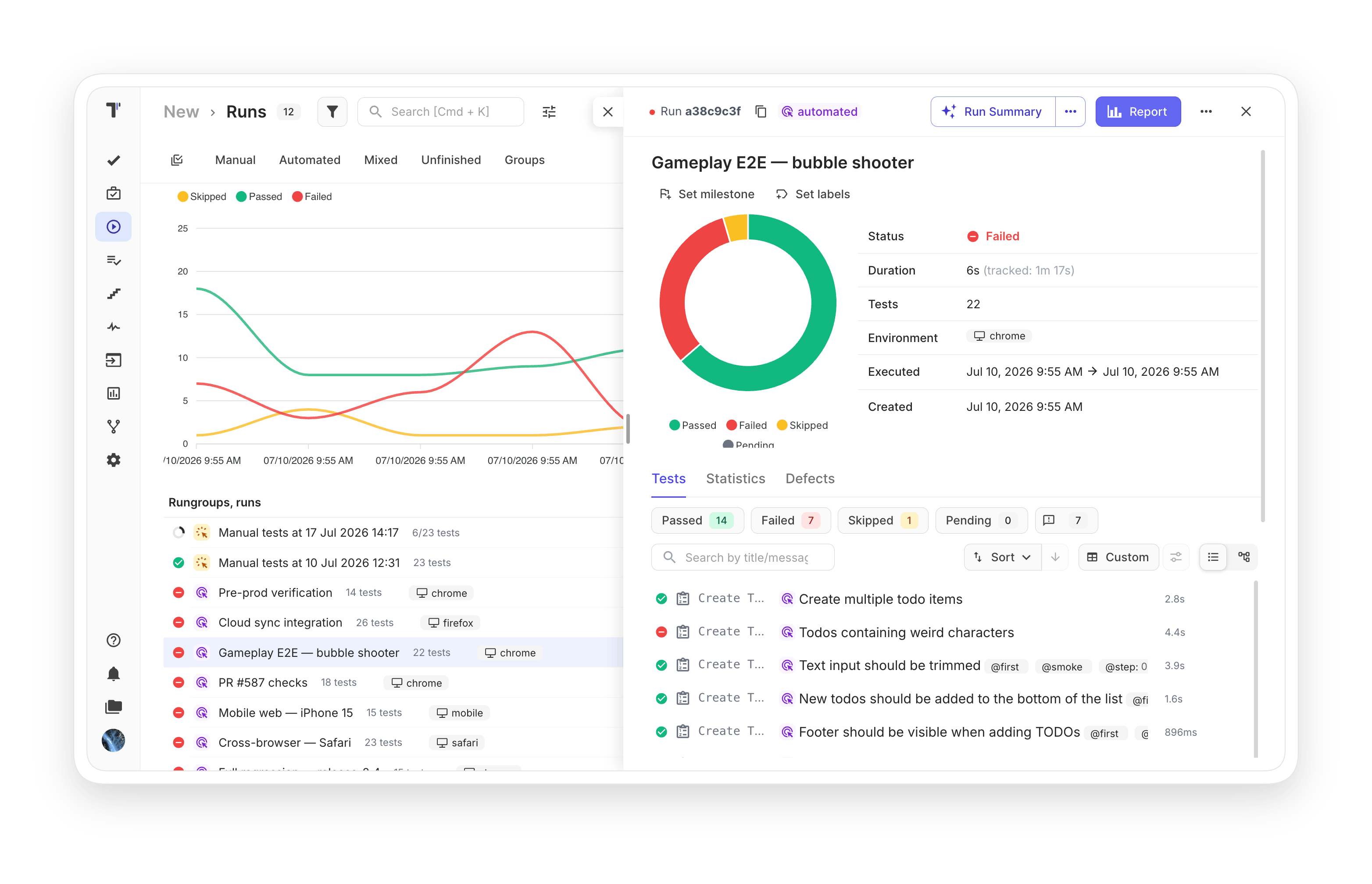
Receive automated test results immediately. Designed reporter send information in real-time. Possible access to test report results once even 1 test is executed.

Test management provides a deeper understanding of your testing framework and tests. Analytics helps to detect errors fast, boosting the QA team’s efficiency and productivity.

Create a task in Jira, GitHub, or Azure when a test run fails right from the test management app in one click. Track test results and monitor defect fixes without switching between systems

Сombine both automated and manual tests in one quality assurance flow on CI. Track results in one Report, to see the full picture and save time.

Run a manual test and note the results not only of the test as a whole but also of each step individually. Go back to the unpassed steps after completing Test Run, check them, and create defects to fix them later.

Launch a test run for the defined suite from the test project page. Test management tool will analyze run, and suggest manual, automated or mixed test plan to you, depending on tests that are placed in this suite.

Pause a manual run from its menu, and it keeps every recorded result and its elapsed time under a paused badge until you start it again. Nothing resets between sessions, and the recorded duration stays accurate.

Filter a manual run to the results that have no assignee, on both the execution screen and the report page, alongside the run’s other filters. You see at once what still needs an owner, instead of only one person’s workload.

How test execution can help?


Recent reviews






Frequently asked questions
What is test execution in Testomat.io?


Can I run manual and automated tests together?
Where can I run my tests?
How do I rerun failed tests?
Can stakeholders see results without an account?
