Selenium has been the default browser automation tool for over a decade. And for good reason: it’s open-source, it supports every major programming language, and it runs tests across Chrome, Firefox, Safari, and Edge without much ceremony. Selenium WebDriver handles script execution, Selenium IDE gives beginners a record-and-playback interface, and Selenium Grid distributes test runs across machines and browsers.
But “default” and “best” aren’t the same thing. More QA teams are moving away from Selenium every year because other tools got genuinely better at things Selenium handles poorly. If you’re evaluating alternatives, here’s what’s actually worth considering.
Why Teams Leave Selenium
The reasons aren’t dramatic. Selenium doesn’t crash teams. It just creates friction.
Setting up Selenium requires browser drivers, version alignment between those drivers and the browser, and a fair amount of boilerplate just to open a page. For a senior engineer comfortable in Java or Python, that’s a manageable afternoon. For a QA team with mixed technical skill, it’s a blocker. The structural problems are harder to work around:
- No built-in reporting. You need third-party plugins to get anything meaningful out of test runs.
- No native image comparison. A separate tool like Sikuli is required.
- No mobile support. Selenium doesn’t test native mobile or mobile web apps.
- High maintenance overhead. Selenium test scripts break often as web apps change.
- Verbose setup. Writing even a basic test requires more boilerplate than most modern alternatives.
None of these are dealbreakers in isolation. Together, they explain why teams keep asking what’s beyond Selenium.
The 6 Selenium Alternatives Worth Knowing
1. Playwright
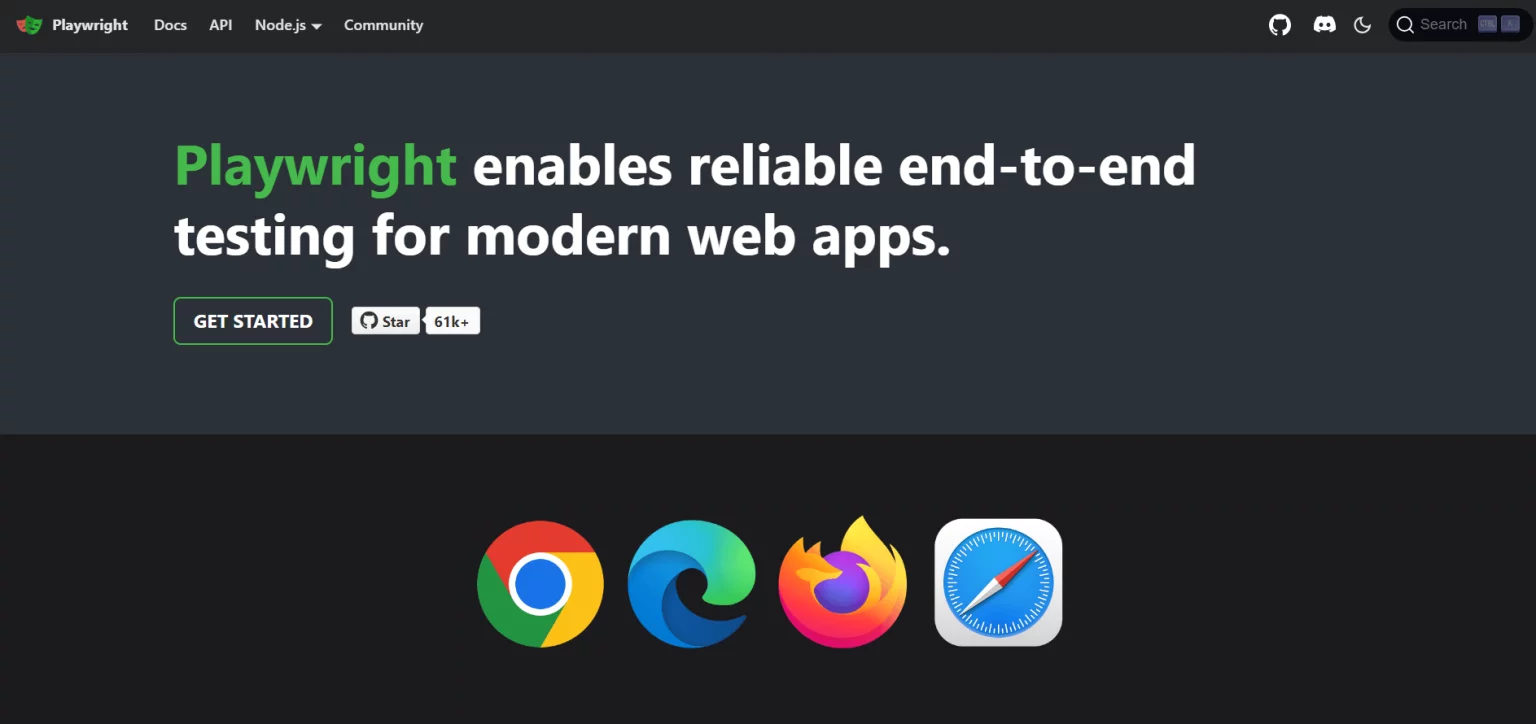
Microsoft’s Playwright has become the most serious competitor to Selenium for web automation. It supports Chromium, Firefox, and WebKit through a single API, runs tests in parallel across multiple browsers, and handles modern JavaScript-heavy applications much better than Selenium does, things like Shadow DOM, iframes, and dynamic content that Selenium struggles with.
Playwright scripts run in the same process as the browser, which means less flakiness and faster execution compared to Selenium’s WebDriver approach.
Key features:
- Auto-wait for elements (no manual sleep() calls)
- Built-in parallel test execution
- Network interception and request mocking
- Screenshots, video capture, and trace viewer out of the box
- Chromium, Firefox, and WebKit support
Languages supported: Java, Python, C#, JavaScript/TypeScript
License: Apache 2.0The Python Playwright tutorial on Testomat’s blog is a solid starting point if your team works in Python. For JavaScript teams, the comparison between Playwright vs Selenium gets into the mechanics of what changed and why.
2. Cypress
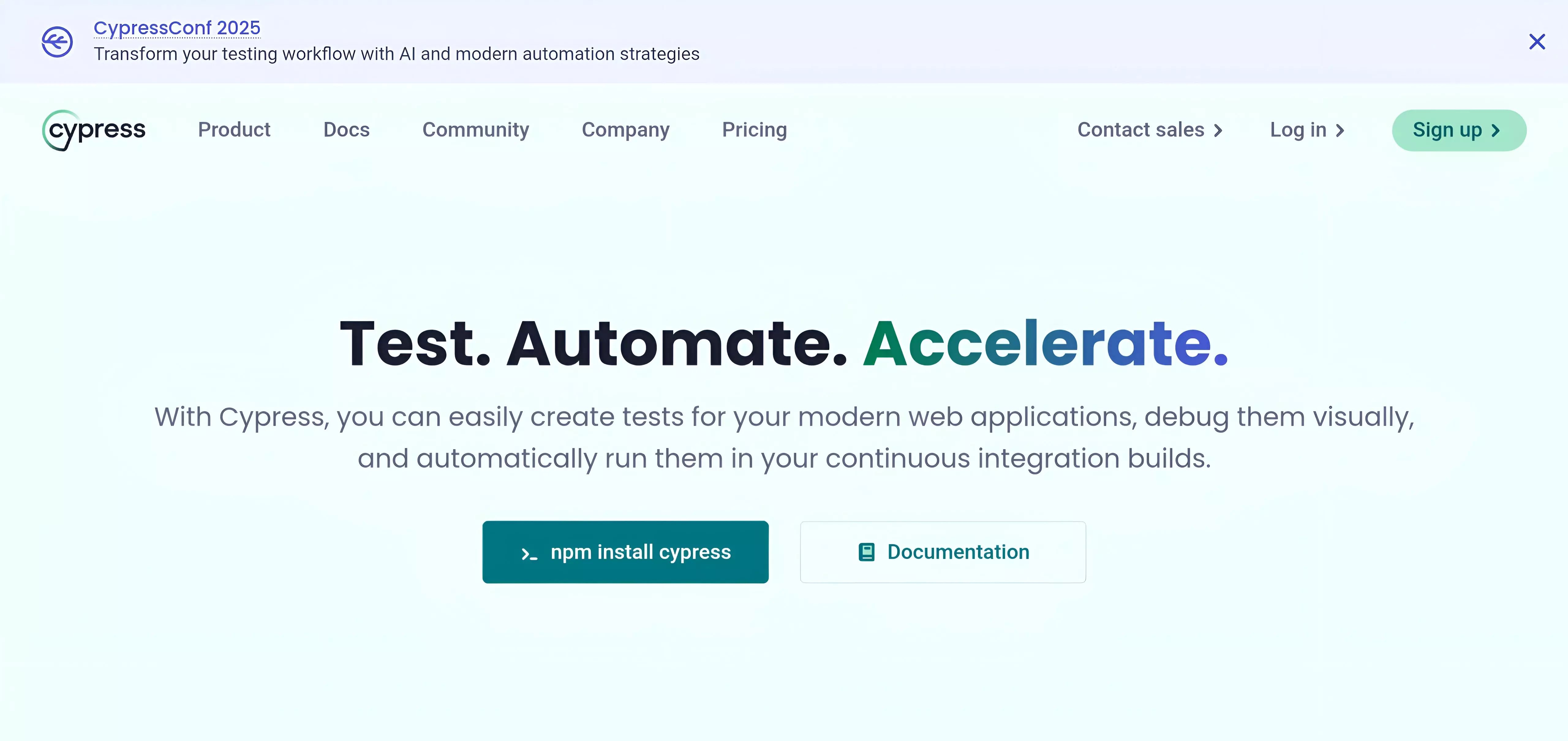
Cypress is aimed squarely at JavaScript developers. It runs inside the browser rather than alongside it, which gives it real-time access to every DOM event and network request. Tests execute fast and debugging is straightforward, you get visual time-travel through the test steps, not just a pass/fail log.
Key features:
- Real-time reload as tests run
- Time-travel debugging with snapshots
- Automatic waiting and retry-ability
- Built-in network stubbing and spying
- Visual test runner with step-by-step replay
Languages supported: JavaScript/TypeScript only
License: Open-source (MIT); paid Cypress Cloud for CI featuresThe tradeoff: Cypress only supports Chrome-based browsers and Firefox. Safari is out, and cross-browser testing at scale requires the paid Cypress Cloud product. The Cypress Dashboard vs Cypress Cloud breakdown covers the commercial side honestly if you’re evaluating the cost.
3. WebdriverIO
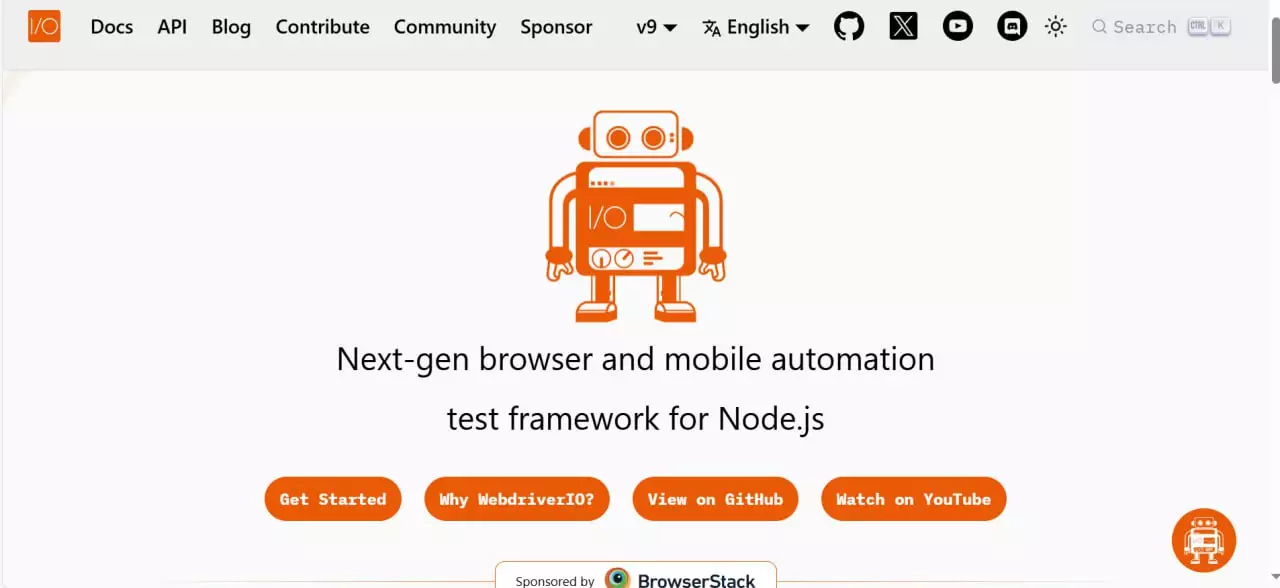
WebdriverIO is built on the WebDriver protocol, same underlying mechanism as Selenium, but with a cleaner API and a strong plugin ecosystem. It runs on Node.js and supports JavaScript and TypeScript. Unlike Cypress, it handles cross-browser testing and native mobile app testing, making it practical for teams with both web and mobile requirements.
Key features:
- Cross-browser and native mobile testing in one framework
- Rich plugin and service ecosystem
- Sync and async execution modes
- Works with Appium for mobile automation
- Maintained by the OpenJS Foundation (vendor-neutral)
Languages supported: JavaScript/TypeScript
License: MITThe Cypress vs WebdriverIO comparison is worth reading if you’re choosing between JavaScript-based tools.
4. Puppeteer
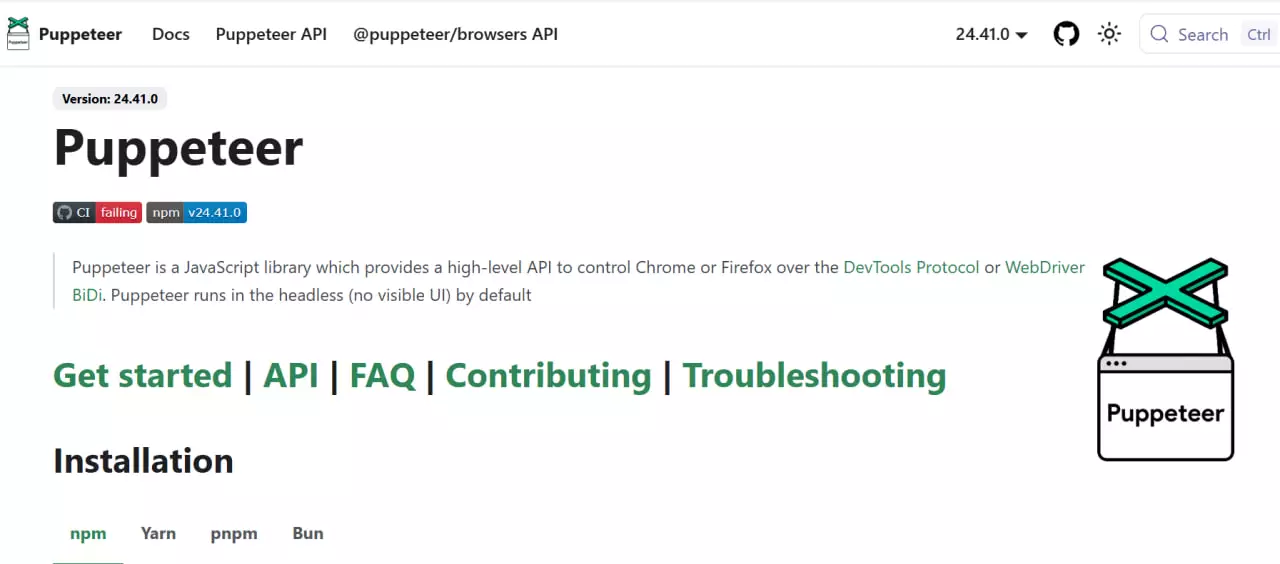
Puppeteer is a Node.js library maintained by the Chrome DevTools team. It controls headless Chrome or Chromium directly through the DevTools Protocol, which gives it low-level access to browser internals, useful for performance profiling, web scraping, and generating screenshots or PDFs.
Key features:
- Full Chrome DevTools Protocol access
- Headless and headful Chrome/Chromium control
- Page screenshots and PDF generation
- Performance timeline recording
- Web scraping with JavaScript rendering
Languages supported: JavaScript/TypeScript, Python (via Pyppeteer)
License: Apache 2.0Puppeteer doesn’t have built-in test assertions, reporting, or parallel execution out of the box. Teams use it for automation tasks where fine-grained Chrome control matters more than a complete testing setup.
5. Cucumber
Cucumber handles something the others don’t: it separates test scenarios from implementation using Gherkin, a plain-language scripting format readable by non-engineers. Business analysts can write and review test scenarios. Developers implement the step definitions. QA links the two.
Key features:
- Gherkin syntax (Given/When/Then) readable by non-technical stakeholders
- BDD-first approach connecting requirements to test execution
- Reusable step definitions across test scenarios
- Living documentation generated from scenarios
- Integrates with JUnit, TestNG, and other runners
Languages supported: Java, JavaScript, Ruby, and more
License: MITThat collaboration model is the point. BDD test cases written in Gherkin become documentation that all stakeholders can read and validate.
6. NightwatchJS
Nightwatch is a Node.js-based framework built on the WebDriver protocol and maintained by BrowserStack. It covers end-to-end testing, component testing, visual regression, accessibility testing, API testing, unit testing, and native mobile app testing — all from a single tool.
Key features:
- End-to-end, component, visual, and API testing in one framework
- Native mobile app testing support
- Page object pattern built in
- Readable test scripts with minimal boilerplate
- Chrome, Firefox, Edge, and Safari support
Languages supported: JavaScript/TypeScript
License: MITFor teams that want to stop maintaining separate frameworks for different test types, that consolidation is the main appeal.
Side-by-Side Comparison
| Feature | Selenium | Playwright | Cypress | WebdriverIO | Puppeteer | Cucumber | NightwatchJS |
| Language support | Java, Python, C#, JS, Ruby | Java, Python, C#, JS | JS only | JS/TS | JS, Python | Java, JS, Ruby | JS/TS |
| Browser support | Chrome, Firefox, Safari, Edge | Chromium, Firefox, WebKit | Chrome, Firefox | All major | Chrome/Chromium | Depends on runner | Chrome, Firefox, Edge, Safari |
| Mobile testing | ❌ | ✅ | ❌ | ✅ | ❌ | ❌ | ✅ |
| Parallel execution | Via Selenium Grid | Built-in | Via Cypress Cloud (paid) | Built-in | Via runner | Via runner | Built-in |
| Built-in reporting | ❌ | Basic | Basic | Basic | ❌ | Basic | Basic |
| BDD/Gherkin support | Via Cucumber | Via Cucumber | Via plugins | Via Cucumber | ❌ | ✅ Native | Via plugins |
| Setup complexity | High | Low | Low | Medium | Low | Medium | Low |
| API testing | ❌ | ✅ | ✅ | ✅ | ❌ | ❌ | ✅ |
| Open-source | ✅ | ✅ | ✅ (paid Cloud) | ✅ | ✅ | ✅ | ✅ |
| License | Apache 2.0 | Apache 2.0 | MIT | MIT | Apache 2.0 | MIT | MIT |
How to Choose the Right Selenium Alternative
The right tool depends on your specific situation, and the variables that matter are narrower than most comparison articles suggest.
Start with language
| Your team writes | Best fit |
| Python | Playwright |
| Java | Playwright or Selenium 4 |
| JavaScript/TypeScript (frontend-focused) | Cypress |
| JavaScript/TypeScript (full-stack or mobile) | WebdriverIO or NightwatchJS |
| Multiple languages | Playwright |
| Non-technical stakeholders writing scenarios | Cucumber |
Then check mobile requirements
Selenium, Cypress, and Puppeteer don’t support native mobile app testing. WebdriverIO, Playwright, and NightwatchJS do. If mobile testing is anywhere on your roadmap, this filters the choice early.
Factor in CI/CD and reporting
All of these tools have GitHub Actions and Jenkins support in theory. In practice, the automation framework handles script execution — but you still need a layer that aggregates results across runs, tracks flaky tests, and gives non-technical stakeholders visibility into what’s passing and failing.
That’s where Testomat.io fits. It connects directly to Playwright, Cypress, WebdriverIO, and other frameworks, turning raw test output into a shared dashboard with flaky test detection, automation coverage metrics, and real-time run results. You pick the automation tool. Testomat.io handles the management layer.
👉 Start a free trial of Testomat.io — no credit card required, works with your existing test setup.
Don’t underestimate reporting
None of the frameworks above give you production-grade reporting out of the box. Teams that skip this early end up chasing free test management software six months later when spreadsheets break down. Build the reporting layer before it becomes urgent.
Selenium 4 Is Still in the Picture
Before writing Selenium off entirely, it’s worth knowing that Selenium 4 addressed some of the most common complaints:
- Native support for the Chrome DevTools Protocol (the same protocol Playwright and Puppeteer use)
- Relative locators for finding elements based on visual position
- Improved Selenium Grid with Docker support and better observability
- W3C WebDriver compliance across all major browsers
Teams maintaining existing Selenium test suites may find that upgrading to Selenium 4 is less disruptive than a full migration to a different framework.
That said, Selenium 4 doesn’t change the underlying maintenance burden or the lack of built-in reporting. For teams starting from scratch, the alternatives above still offer a faster path to a stable test suite.
What Migrating Actually Looks Like
Moving away from Selenium is rarely a full rewrite. Most teams run both frameworks in parallel during a transition period, replacing Selenium test scripts file by file.
A few things that make the process manageable:
- Playwright has direct API equivalents for most Selenium operations. The migration is mechanical for straightforward scripts.
- Cucumber users keep their Gherkin scenarios intact — only the step definitions change.
- WebdriverIO shares enough WebDriver concepts with Selenium that engineers familiar with Selenium adjust quickly.
The piece most teams underestimate is test management. Individual scripts aren’t the problem. Organizing hundreds of test cases, tracking which ones are automated vs. manual, identifying which tests keep failing across environments, and giving non-technical stakeholders visibility into what’s being tested. A test management system that natively connects to your test automation output solves that separately from whichever framework you choose.
Final Take
Playwright is the strongest choice for most new projects today, particularly for JavaScript or Python teams running cross-browser tests in CI. Cypress is faster to get running for JavaScript-only projects where Safari coverage isn’t needed. WebdriverIO is the most flexible for teams needing both web and mobile automation in one framework. Cucumber fits teams where business stakeholders need to write and review test scenarios directly.
Selenium is still a reasonable choice if you have an existing test suite, use a language Playwright or Cypress don’t support well, or need the broad ecosystem Selenium’s decade-plus of adoption provides.
The reasons to leave Selenium are real. So is the cost of migration. Run both sides of that calculation honestly before committing to a switch.
Ready to manage your test automation at scale? Testomat.io works with Playwright, Cypress, WebdriverIO, Cucumber, and more, giving your whole team visibility into test results, coverage, and quality trends without changing how your automation runs. Try it free →