





Automated tests synchronization
Benefits of automated tests synchronization


Testomat.io automated tests synchronization features

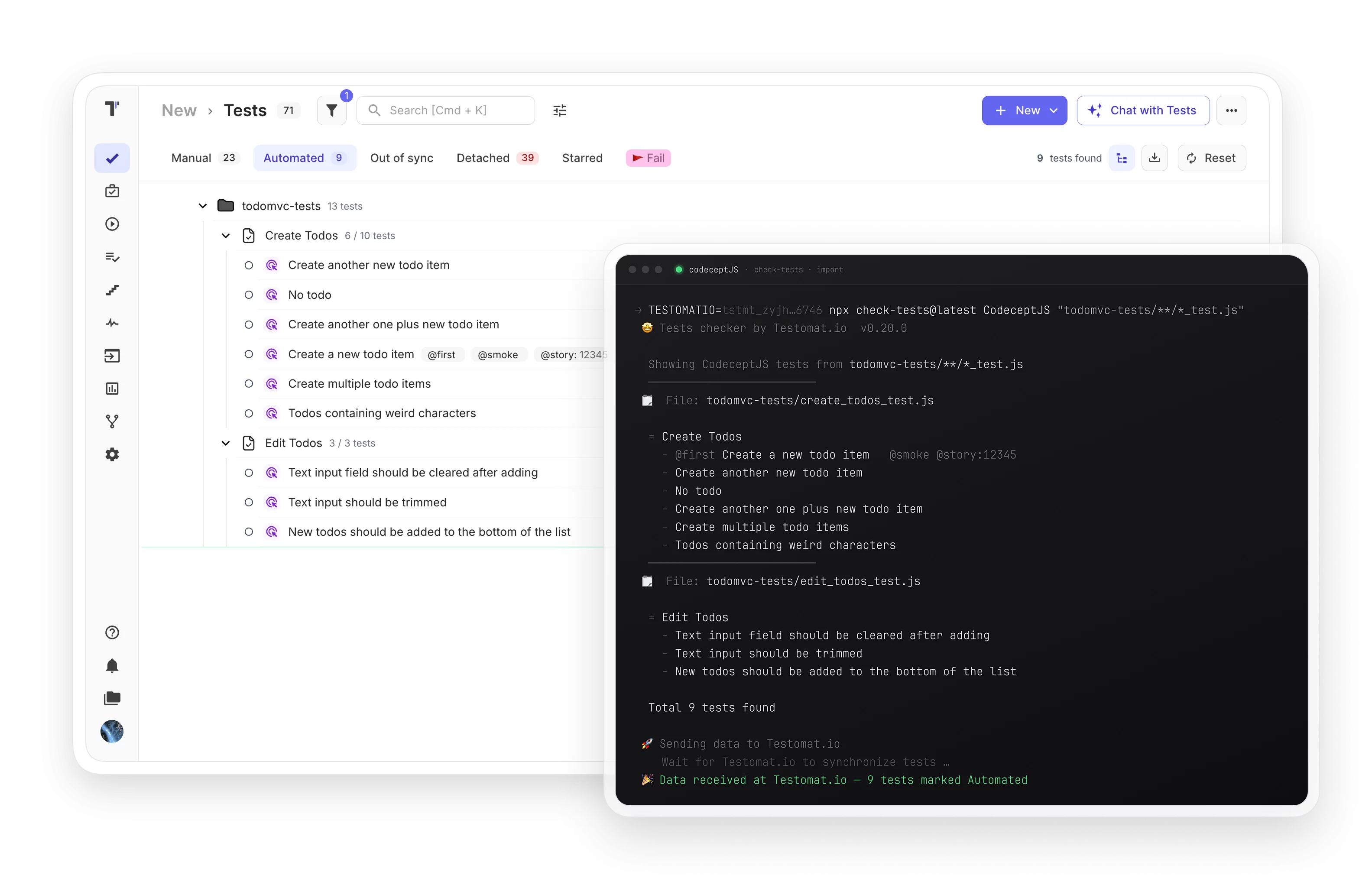
Use the importer to update all your tests in one click, review the differences, and merge changes directly into your code repository using test IDs.

Work with isolated branches just like Git. Import tests into a specific branch using a branch parameter, keeping feature-level work separate until you are ready to merge.

Fully embed test management into your environment. Create and trigger tests, read and share results, and automate reporting, all programmatically via API.

See test status (passed, failed, skipped) and automation coverage percentage for any user story directly from Jira’s Coverage Page, without leaving your issue tracker.

No need to manually tag scripts with IDs. The importer assigns and syncs IDs automatically. Update all tests in one click, check diffs, and push changes to the repo.

Quickly identify tests that have drifted between your codebase and Testomat.io. Collect all manual and automated tests together for a complete, unified view.

If a test was present in a previous import but missing from the next, it is automatically flagged as detached. This lets you compare what is in Testomat.io against what is in your codebase, without losing historical records.

Every test step is added to the database automatically on each sync. Steps are immediately available for reuse when building new test cases, no duplication and no manual entry.

Import Gherkin scenarios in a few clicks and work with them at the feature level. All BDD steps are loaded to the test management tool automatically on import.

When reporting for tests running in parallel, you can find the best approach for your reporting flow.

Automatic detection and termination of stuck or unresponsive test runs, with configurable custom timeouts (minimum 30 minutes)

How automated tests synchronization can help?


Recent reviews






Frequently asked questions
How does Testomat.io sync tests from my code?


Which testing frameworks are supported out of the box?
Does sync work in both directions, from code to Testomat.io and back?
