





QA efficiency
Trusted by over 500 forward-thinking companies
















Benefits of QA efficiency


Testomat.io QA efficiency features
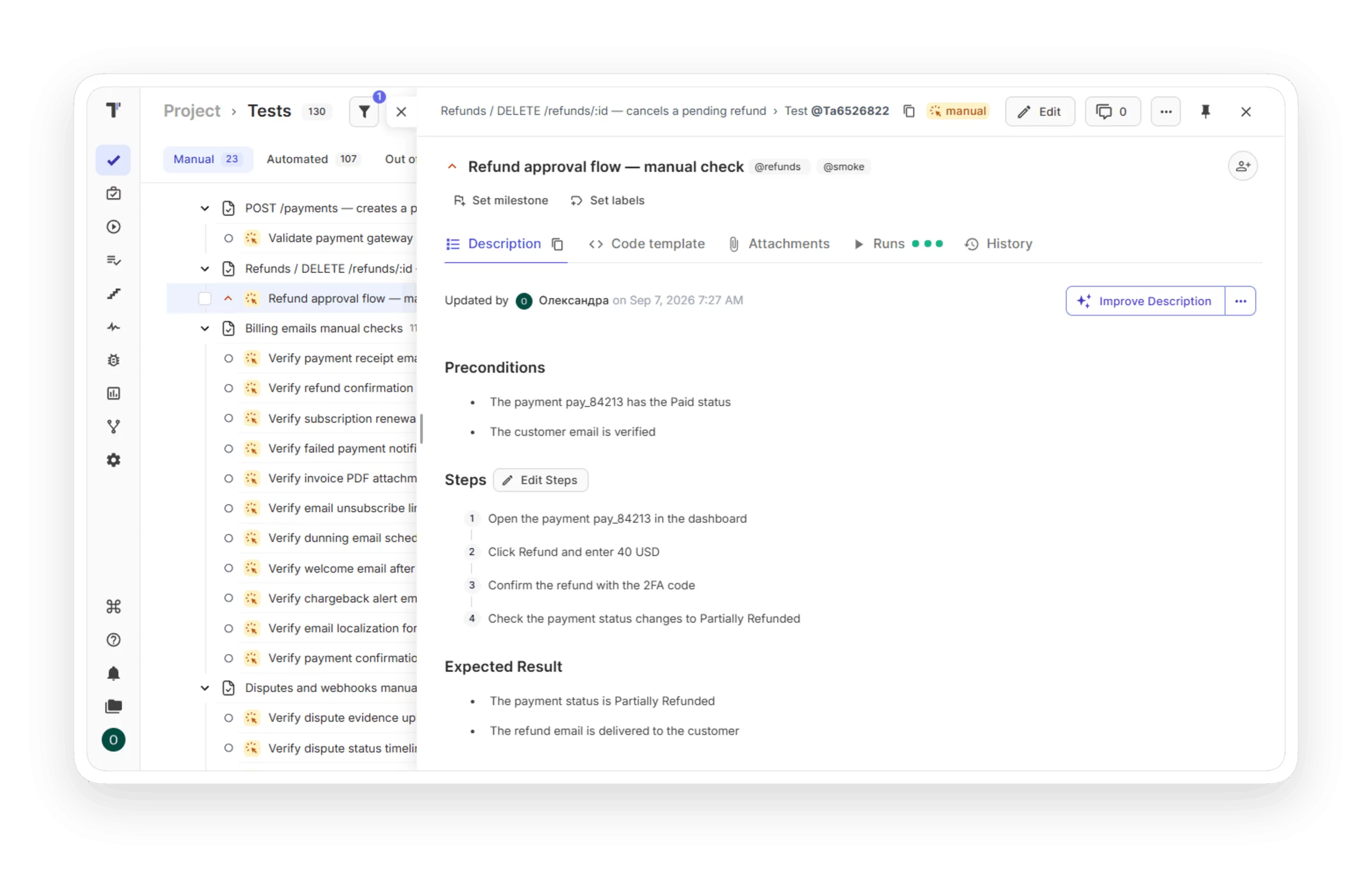
The editor suggests saved steps while you type. You reuse a step instead of writing it again. Tests get written faster with the same wording in the whole project.

The reporter sends each result to the run report as the test finishes. You see the first failures during the pipeline. The fix starts earlier.

Suite bulk edit opens all tests of a suite on a single screen. You change many titles and descriptions in a single edit. A requirement update takes minutes instead of a test-by-test review.

The editor accepts a pasted screenshot or a dropped file, and you can draw on it. Testers see the expected screen next to the step. Manual runs produce fewer mistakes.

A parameter table turns each row into a test iteration. You keep a single test case for all data sets. The suite stays small, and a flow change happens in a single place.

The importer writes Testomat.io IDs into your source code with –update-ids. Each automated test maps to its test case by ID. Renamed tests keep their history and reports.

The BDD editor saves scenario steps to the Steps Database on save. You get autocomplete for the next scenario. Automation engineers implement fewer new step definitions.

A default template applies to every new test, with required labels and custom fields. Every test starts in the agreed format. Reviews spend less time on structure.

A snippet stores a text block or a set of steps for insertion into a test. You keep preconditions and common step sequences in a single place. A flow change means a single snippet edit.

Archiving hides a finished project from the dashboard and keeps it readable. You restore it from the Archive page when the client returns. The dashboard shows active work only.

Global search is a powerful search engine enabling you to search test cases or test suites in any project in a second just type the name of the test case.

Testomat.io exports tests and suites to XLSX with steps and expected results as extra columns. Reviewers edit the file and you import it back. Clients and auditors get test cases in a familiar format.

The Projects dashboard clones a project with its tests and structure. A new client starts from a ready test base. The team designs new tests instead of recreating old ones.

How QA efficiency can help?


Recent reviews






Frequently asked questions
How does Testomat.io speed up test case creation?


Can AI create test cases for me?
Do I have to wait for the full run to finish to see results?
Can manual and automated tests live in the same project?
How do I move my existing tests into Testomat.io?
